PowerWave Operator’s Manual 3-19
MAPPING DIRECTION
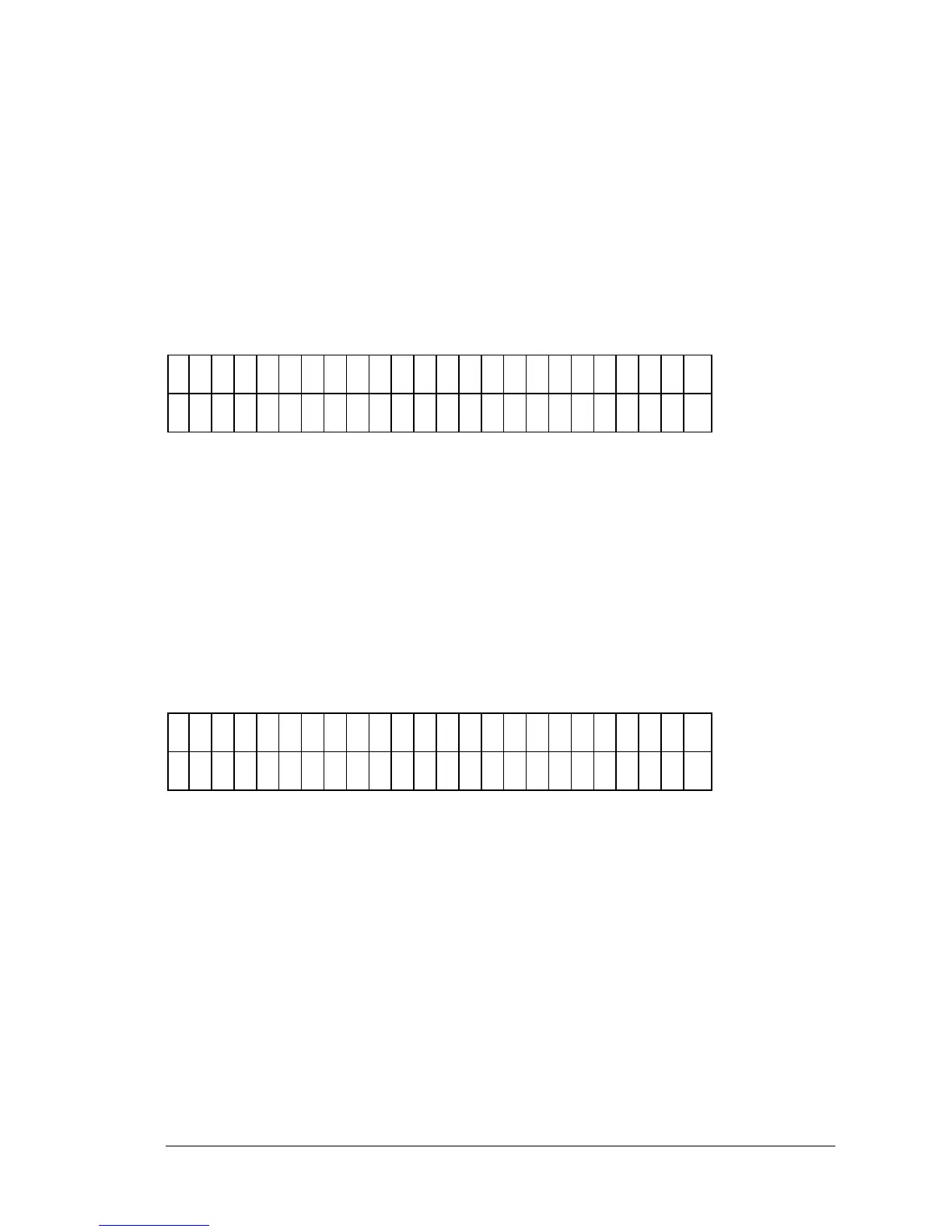
This option (Figure 3-24) allows the user to select how the wells are mapped
on the plate. The well types can be listed in column format (down) or in row
format (across). Any previously defined Mapping Direction appears on the
top line of the display; the available options appear on the second line (see
Figure 3-25A).
M
A
P
P
I N
G
D
I R
E
C
T
I O
N
?
D
O
W
N
D
O
W
N
A
C
R
O
S
S
Figure 3-24: Mapping Direction Entry screen
• Press SOFT KEY 1 to map DOWN the column.
• Press SOFT KEY 2 to map ACROSS the row.
REPLICATION DIRECTION
This option (Figure 3-25) allows the user to specify how replicates are
mapped on the plate. Any previously defined Replication Direction appears
on the top line of the display and available options on the second.
R
E
P
D
I R
E
C
T
I O
N
?
A
C
R
O
S
S
D
O
W
N
A
C
R
O
S
S
Figure 3-25: Mapping the Direction of the Replicates



 To Next Page