Setup
24
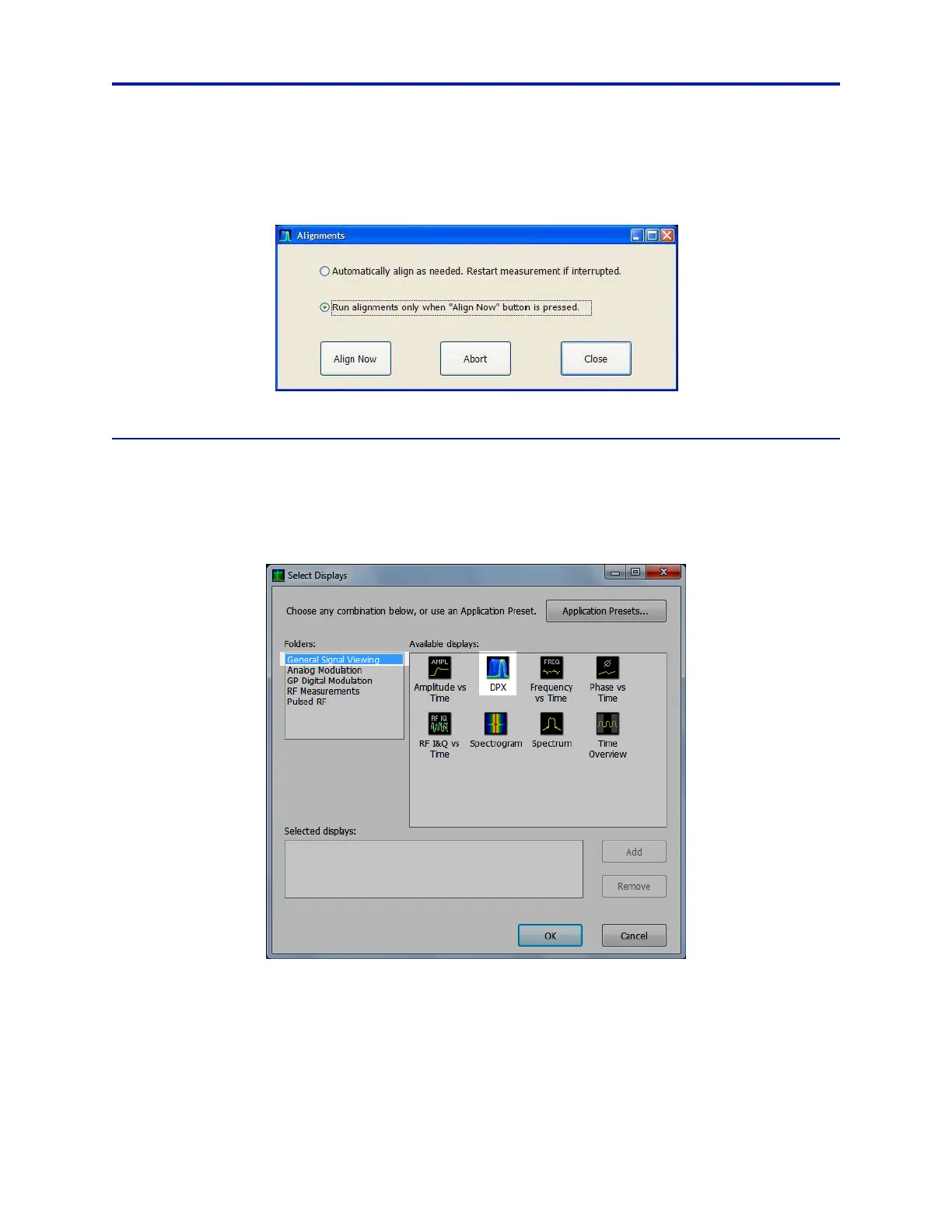
2. Select the Run alignments only when “Align Now” button is pressed option.
3. Select Align Now to perform alignment.
Figure 19 Alignments Dialog Box
Enable DPX Display
The DPX display must be enabled to record data from the RSA. It is recommended that only the DPX display is
enabled during recording to minimize processing conflict. To enable the DPX display:
1. Press the Displays button on the front of the RSA.
Figure 20 Tektronix Select Displays Dialog Box
2. Verify that General Signal Viewing is selected under Folders.
3. Double-click DPX under Available Displays.



 To Next Page