82
Chapter 9 Firmware Configuration Updates
The firmware updates described in this section are intended to support advanced features/options. These
procedures are meant as additional options to those described in Chapter 4 "Using IQC5000 with IQC Control" on
page 37.
Advanced RAID Configuration Modes
The IQC5000 supports enabling certain Features and/or Options using the Advanced option of the Firmware
Installer.
Single and Dual RAID Mode
Single RAID Mode —(default configuration) Dual Channel oper
ation with up to 150 MS/s sample rates.
Dual RAID Mode —System must be configured for Dual RAID mode to support Dual Channe
l operation greater
than 150 MS/s sample rates.
Firmware Upgrade
1. Before installing the new firmware, offload any recordings that
should be saved. After formatting the RAIDs in
the new RAID mode, all data will be lost.
2. Run the installer IQC5000_se
t
up_vW.X.Y.ZZZ.exe.
3. The firmware update message box will display:
a. Enter the IP address of your IQC5000
in the IP
Address text box and click the Connect button.
Alternatively, if the device has previously been added as a tab in
IQC Control select the device from
the list at the bottom of the window.
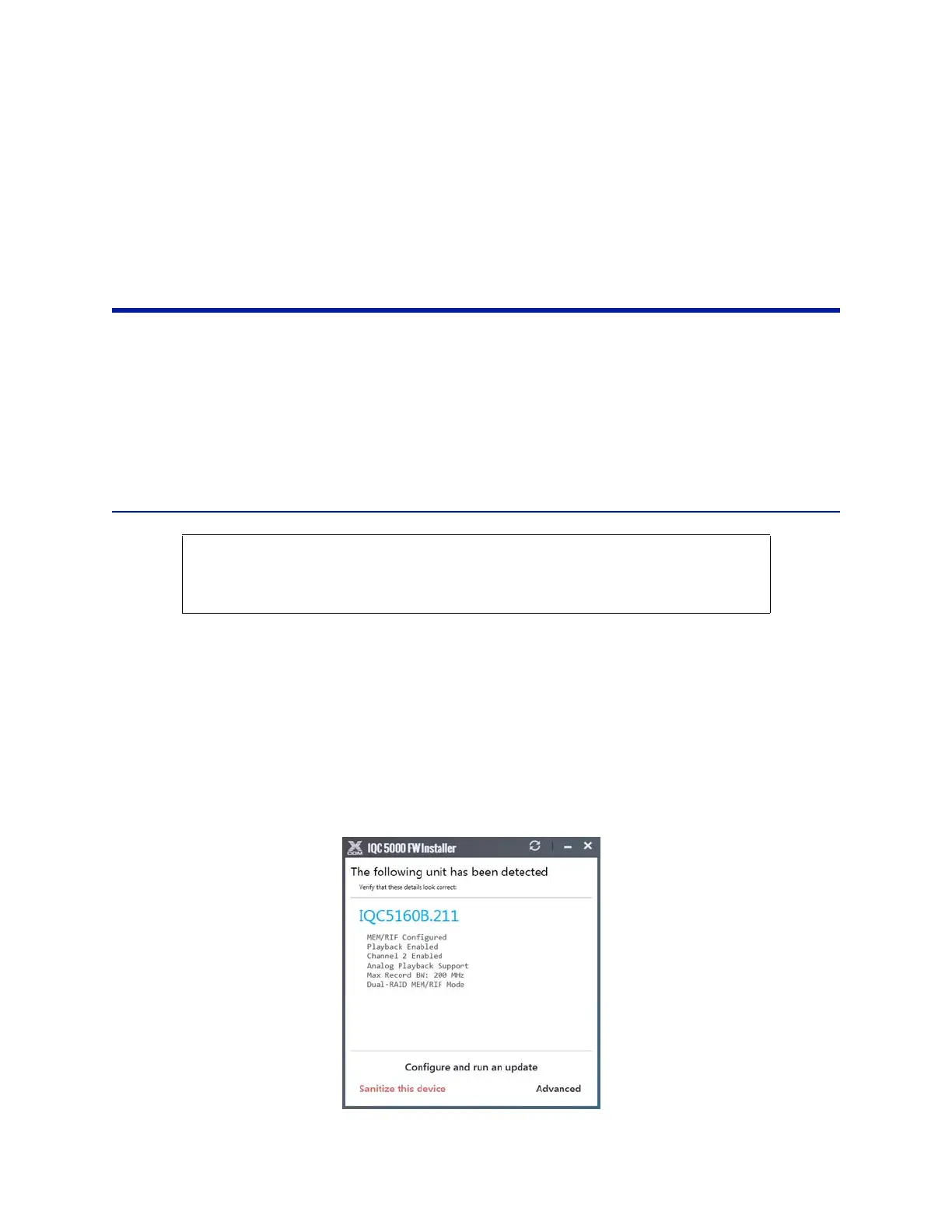
4. Once the IQC5000 unit has been det
ected, select Advanced in the lower right corner of the dialog box. See
Figure 67.
Figure 67 IQC Firmware, Advanced Selection
CAUTION
Formating RAIDs will erase existing data. Offload external storage unit or internal SSD RAID
module recordings prior to performing this procedure.



 To Next Page