Firmware Configuration Updates
84
Dual RAID Formatting
Note: This section applies to Dual RAID mode only.
1. After the firmware is installed and the IQC-MEM(RIF) and IQC5000 hav
e been power cycled, connect to the sys-
tem in IQC Control.
2. (RIF Only) Select Wake Up to wake the RIF.
3. Select the System tab on IQC Control.
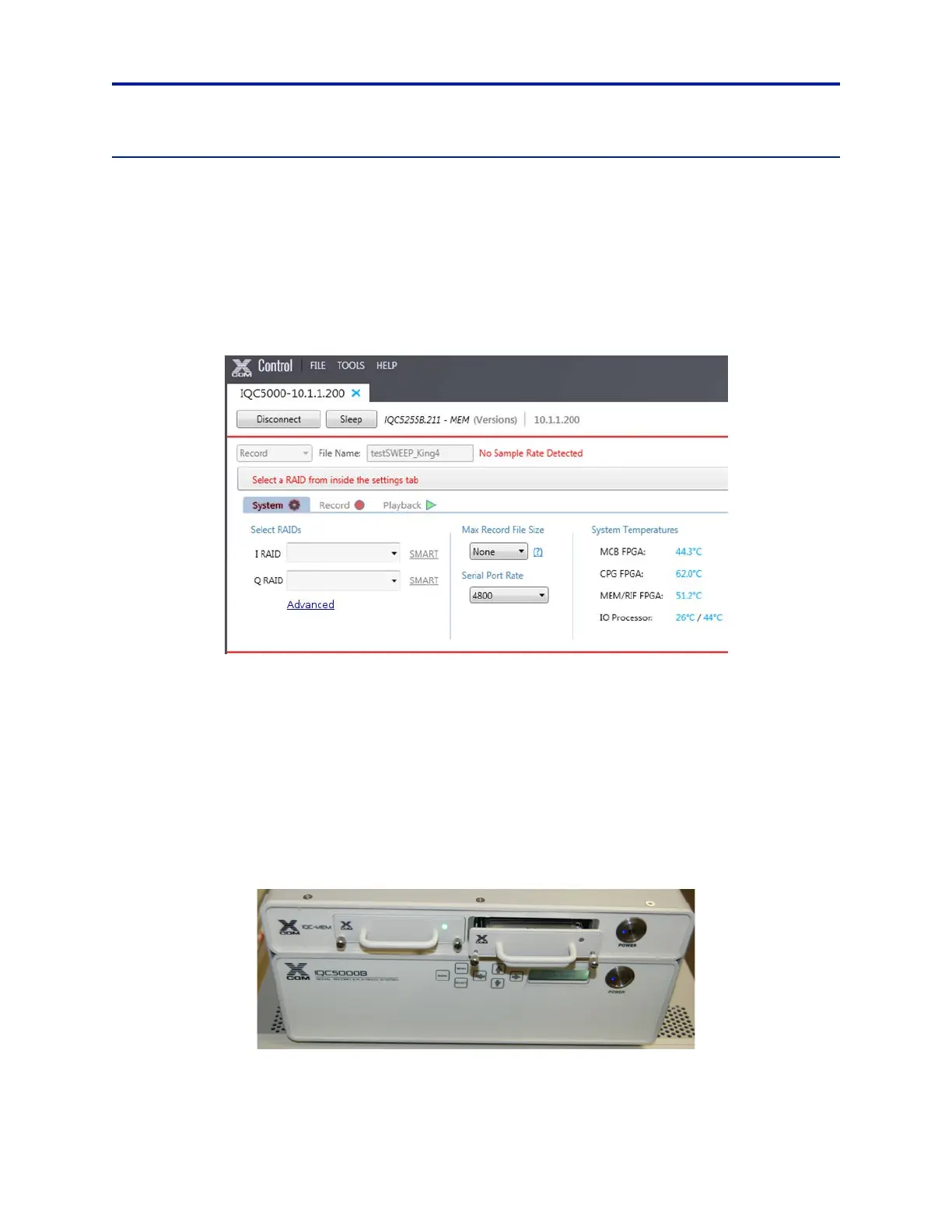
4. Under Select RAIDs, click Advanced. See Figure 69.
Figure 69 IQC Control – Dual RAID System Tab
5. If the system has previously been used in Single RAID mode, select the down arrow next to the existing RAID, on
the right side of the window. Select Disassemble to disassemble the RAID.
The drives that were once in the RAID shoul
d now show in the Available Media section.
Assemble I RAID
6. Disconnect Secondary memory modules:
a. If using internal ME2 memory with IQC-MEM, Unseat the ME2 memory
module on the right-hand side
of the unit. Pull the module out about 1-2 cm so it is no longer powered by the MEM chassis. See
Figure 70.
b. If using external storage units with IQC-MEM(RIF), disconnect ext
ernal storage unit #2.
Figure 70 Unseated ME2 Module



 To Next Page