Sanitization
80
9. Power down the IQC5000B and IQC5000B-MEM.
10. Select Exit to complete the sanitization procedure.
When finished, the IQC5000B and the IQC5000B-MEM are fully clear
e
d of any and all user data, information, and
configuration settings. Furthermore, the IQC5000B will power on in a Fail Safe mode and will require that
production firmware be reinstalled in order to restore system functionality.
Restoring Functionality on the IQC5000B & IQC5000B-MEM
To reinstall the IQC5000B firmware and restore functionality to the IQC5000B & IQC5000B-MEM.
1. Power on the IQC5000B and IQC5000B-MEM.
2. Start IQC Control.
3. Select T
ools > Run IQC Installer. The
software will exit and launch the firmware installer/restore process.
4. Enter the IP address of the IQC5000B unit to be restored, or select the de
vice from the list of previously con-
nected devices.
5. Allow the installer to run.
6. When the IQC Firmware Update dialog bo
x ap
pears, enter the IP address of the IQC5000B and select Connect.
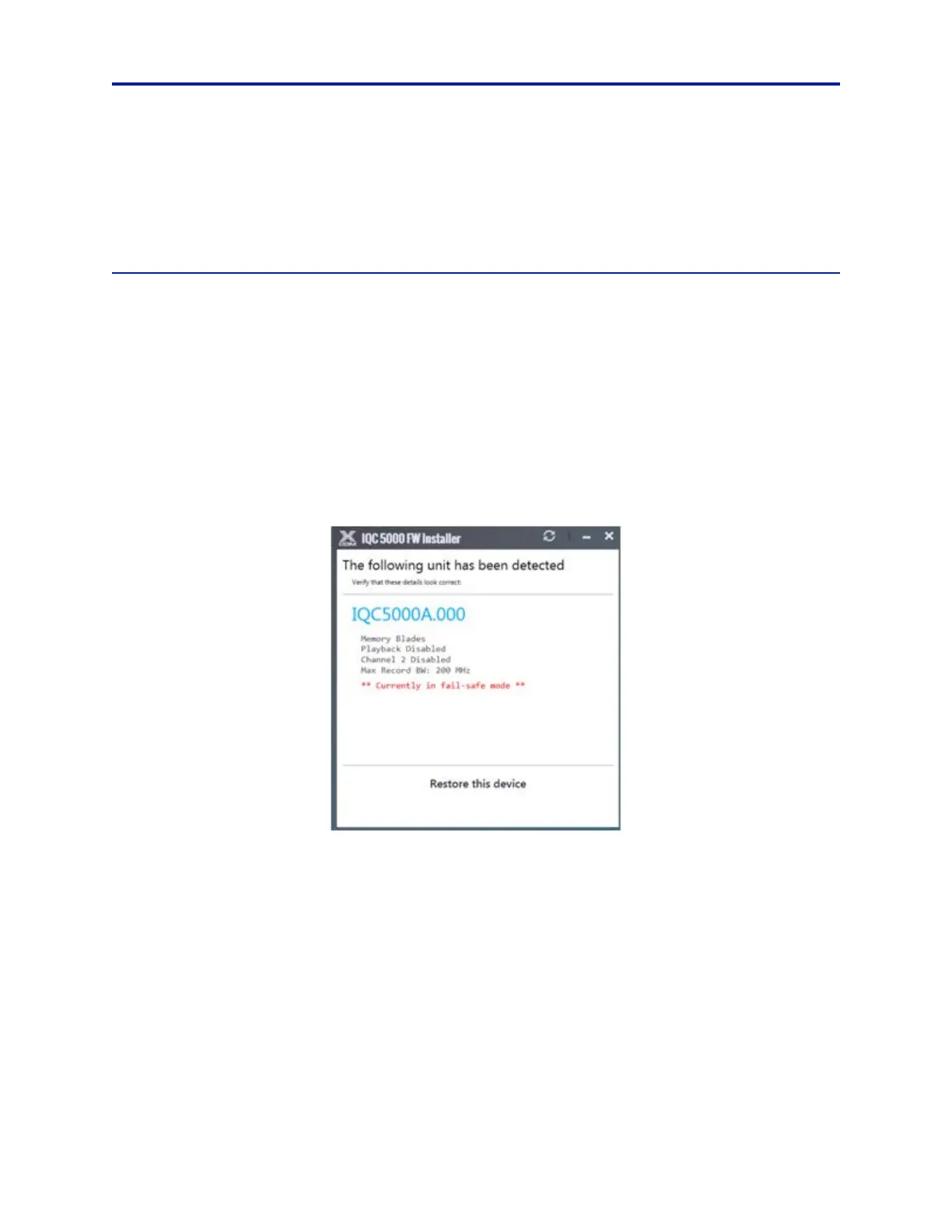
7. IQC control will detect the unit is in Fail Safe Mode. Select Re
store this device. See Figure 65.
Figure 65 Restore from Fail Safe Mode
8. In the Device Restore dialog, the last back-up configuration file is pre-selected for the restoration process. If
another configuration is desired, click the browse button and select the desired file.
9. Click Re
ady - Restore Device. See Fi
gure 66 on page 81.



 To Next Page