IQC 5000B Operation Manual
45
Connecting to the IQC5000
Establishing Connection
Press the Connect button to connect to the IQC5000.
Figure 34 IQC5000 Connection
Establishing the connection triggers a quick and simple automated process that runs through a series of verification
procedures in order to ensure optimal device connectivity and operation. Connections to any previously used
remote devices are also established as part of this routine.
Once the device is connected, the Connect toggle button will cha
n
ge to Disconnect, and the connection status at the
bottom-left of the tab shows the IQC5000 is connected and in IDLE mode.
Figure 35 Connection Status
If a connection is made immediately (without failure), the user interface will become active.
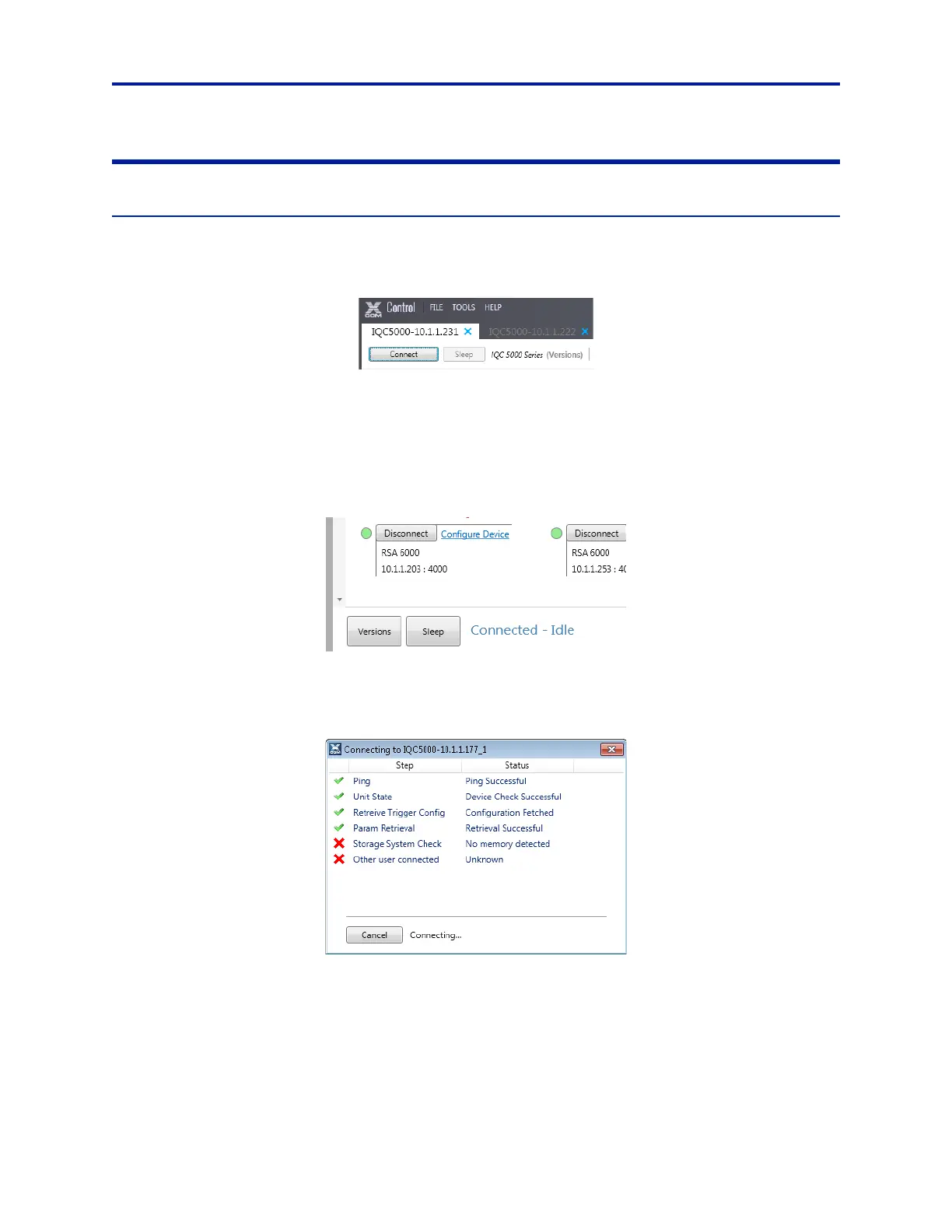
Figure 36 Connection Monitor Dialog
In the event of a failure, or if a subsystem is still booting, a connection monitoring window will be shown that allows
either the monitoring or the canceling of the connection routine. Once the connection attempt is successful, the
window will close and the main interface will become enabled.
The connection steps are:
1. Ping/Port Fetch – Ensure network
pr
esence and retrieve the device’s port number
2. Unit State – Ensure that the device’s control processor has boote
d properly
3. Retrieve Trigger Config – Trigger Parameters are retrieved to populat
e UI fields
4. Param Retrieval – Start/Stop Methods are retrieved to populate UI fields



 To Next Page