Using IQC5000 with IQC Control
50
5. Click Add.
A widget will appear in the Remote Devices section representing the
newly added remote device.
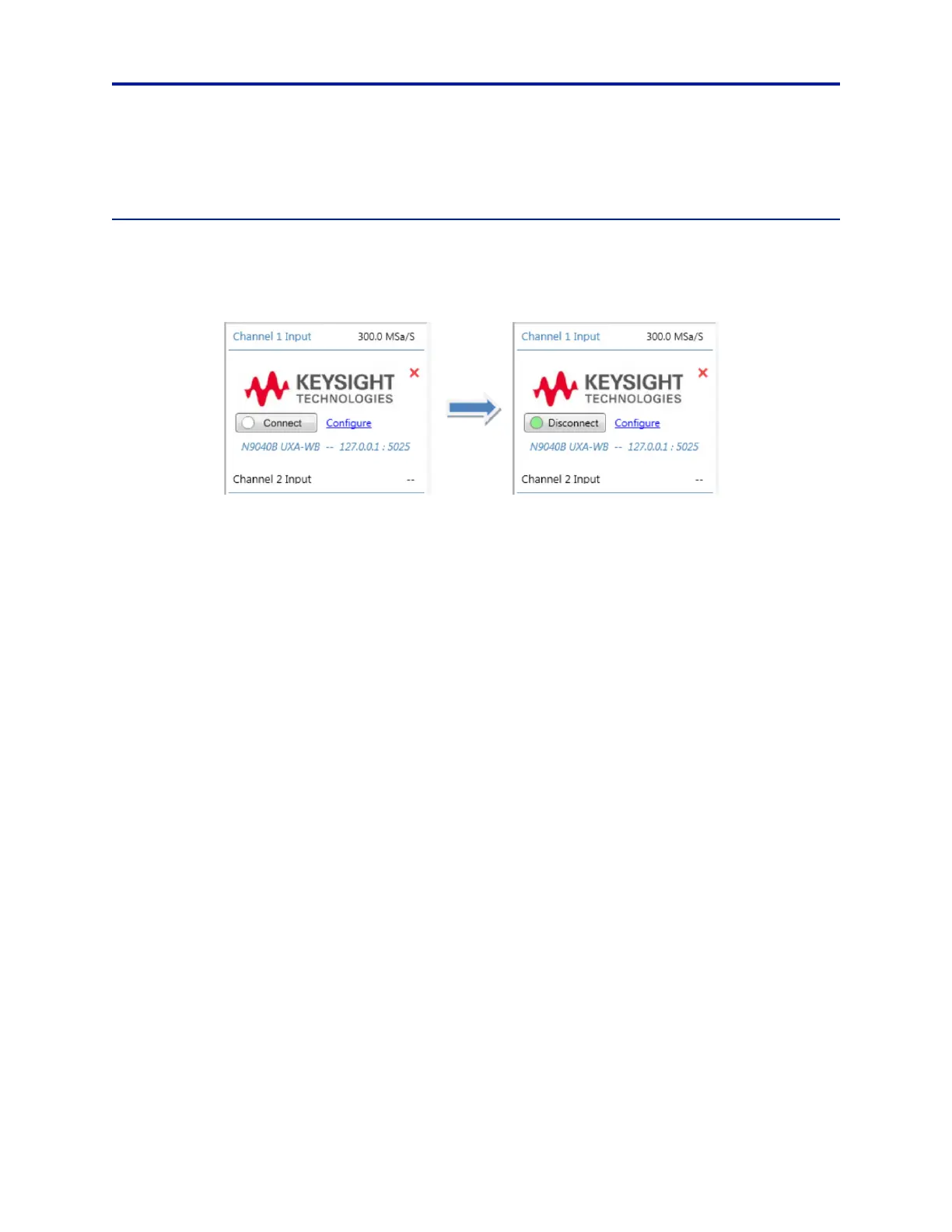
Connecting/Disconnecting to a Remote Device
Press Connect within the device’s widget to connect to the device. When a device is connected, the indicator next
to the Connect/Disconnect toggle button will be green.
Figure 40 Connecting to Remote Device
Press Disconnect to disconnect from the device.
Note: For Rohde and Schwarz spectrum analyzers: DigICo
nf must be configured before a successful con-
nection is made. The default configuration uses the FSW IP address – for any other custom setup, select Con-
figure Device > DigIConf and enter the IP address/port number of the workstation running DigIConf (use the
loopback address of 127.0.0.1 and port 5026 when running DigIConf locally).



 To Next Page