Troubleshooting
72
Rohde and Schwarz
DigIConf Will Not Start or Freezes Immediately After Starting
If the Rohde and Schwarz EX-IQ USB cable
is moved between control workstations, this may cause the EX-IQ drivers
to fail. This may also happen during prolonged use of the EX-IQ. When this happens, DigIConf will typically fail to
start correctly. To fix this:
1. Restart the Computer Workstation.
2. Make sure that the USB cable is
plug
ged into a USB 2.0 port on the Computer Workstation instead of a USB 3.0
port. Issues connecting to the EX-IQ have been noted when using USB 3.0.
3. Unplug and re-insert the USB cable.
IQC Control Cannot Connect to FSV/FSW
,
Failure Connecting to EX-IQ
Check that the firewall on the FSV/FSW is configured to allow DigIConf
traffic from the Computer Workstation to the
FSV/FSW, as outlined in "Configure Windows Firewall on the FS
V/FSW to Allow DigIConf Traffic" on page 18.
Failure to connect to the Tektronix RSA SCPI Socket Server
If an initial attempt to connect to the SCPI socket server on the RSA fails:
1. Verify SCPI socket serve
r is running on the SA.
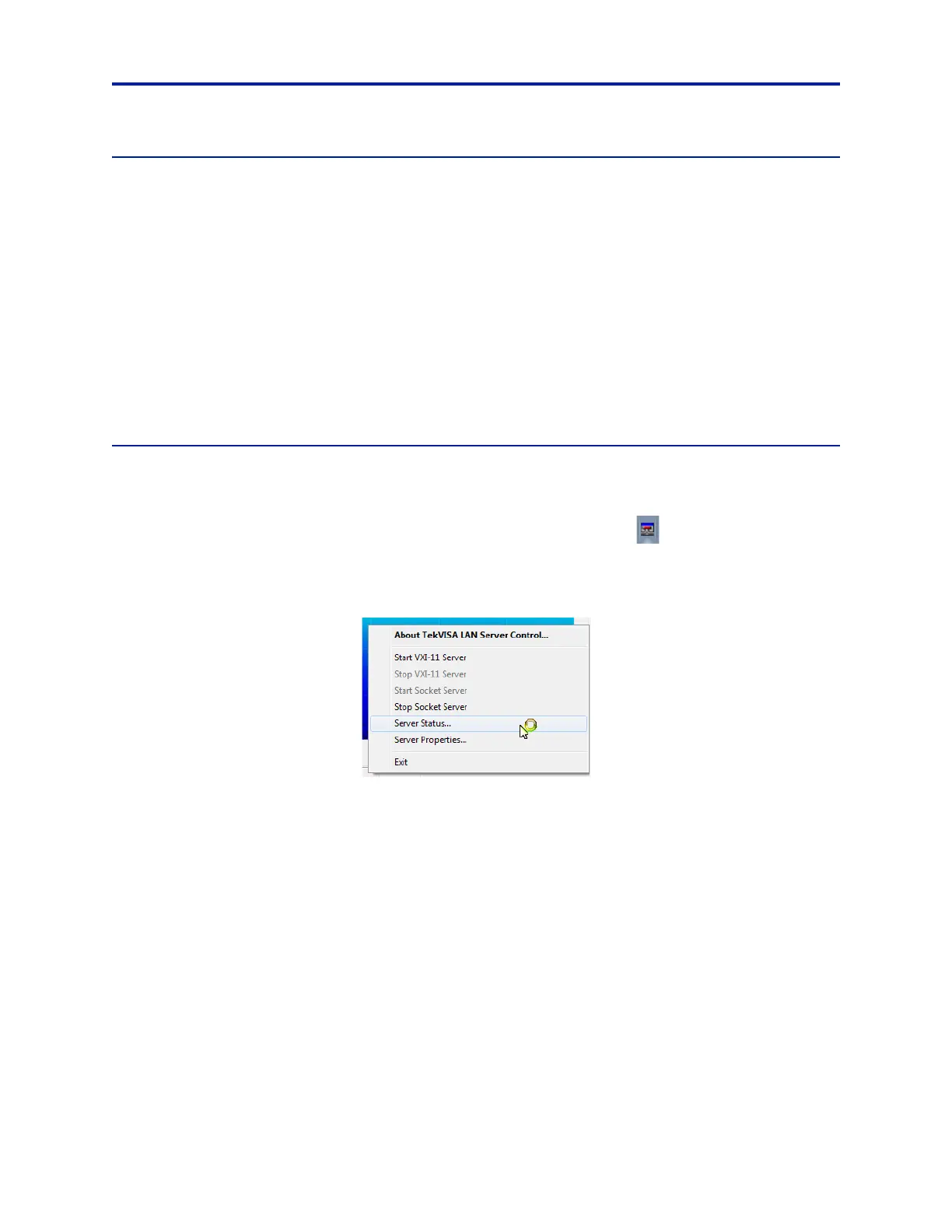
a. Right-click on the TekVISA LAN Server Control icon in the system t
ray:
b. Select Server Status from the menu that appears.
Figure 61 TekVISA Selection Dialog
c. Verify Server is running displays in the lower-left corner of the window, and the button in the upper-
right corner displays Stop Socket Server.



 To Next Page