IQC 5000B Operation Manual
73
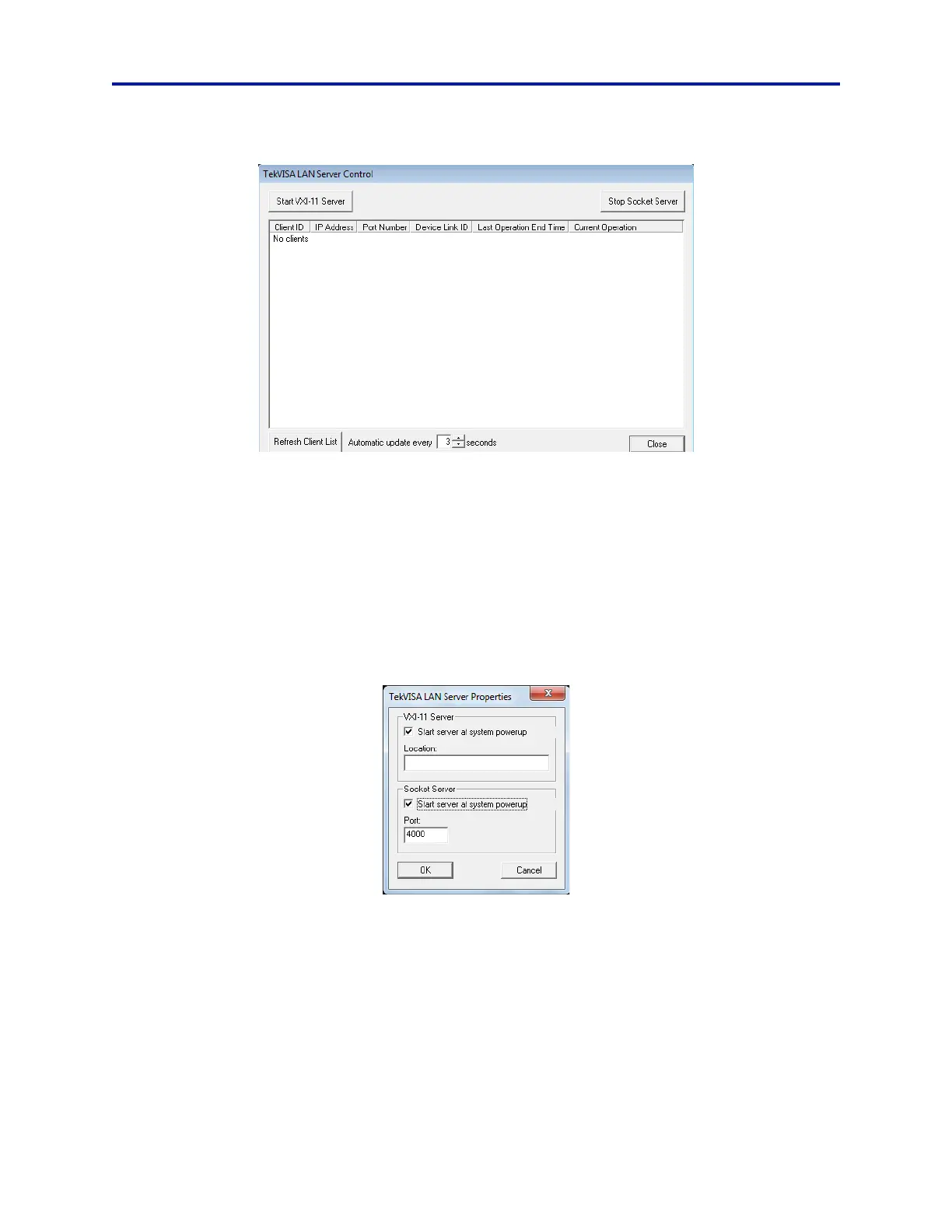
Figure 62 TekVISA Server Window
d. If the SCPI socket server is not running, the button in the upper-right corner should display Start Socket
Server – press this button if this is the case.
2. If the SCPI socket server is already running, a restart of the
SCPI socket server may be necessary to initiate com-
munication.
a. From the same window, toggle the button in the upper-right corne
r
to stop, then start the SCPI socket
server.
3. To start the socket server during power-on of the RSA:
a. Right-click the TekVISA LAN Server Control icon in the system tra
y. Then click Server Properties.
b. Next, under the Socket Server section, click
the check box Start server at system powerup:
Figure 63 TekVISA LAN Server Properties



 To Next Page