Firmware Configuration Updates
86
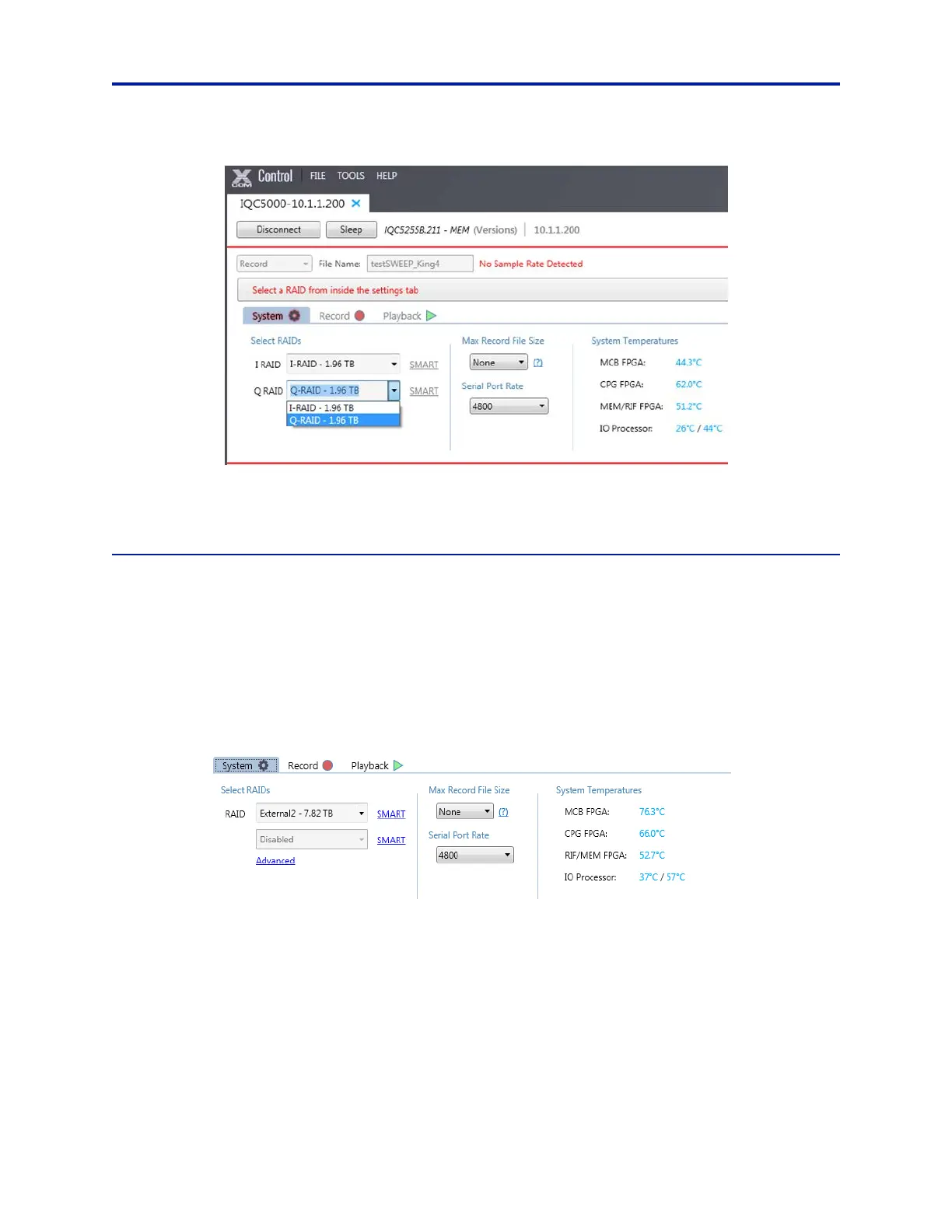
Figure 72 Select I and Q RAIDs
20. The IQC5000 system is now configured for dual RAID operation. Refer to Chapter 3 "Operating Instructions" on
page 26 to begin using the IQC5000.
Single RAID Formatting
Note: This section applies to Single RAID mode only.
1. After the firmware is installed and the IQC-MEM(RIF) and IQC5000 hav
e been power cycled, connect to the sys-
tem in IQC Control.
2. (RIF Only) Select Wake Up to wake the RIF.
3. Select the System tab on IQC Control.
4. Under Select RAIDs, click Advanced. See Figure 73.
Figure 73 IQC Control – Single RAID System Tab
5. If the system has previously been used in Dual RAID mode, select the down arrow next to each existing RAID, on
the right side of the window. Select Disassemble to disassemble the RAIDs.
The drives that were once in the RAID shoul
d now show in the Available Media section.
6. Select all of the drives in Available Media. See Figure 74.
Select the first drive, hold down Shift, and click on the last driv
e.



 To Next Page