IQC 5000B Operation Manual
87
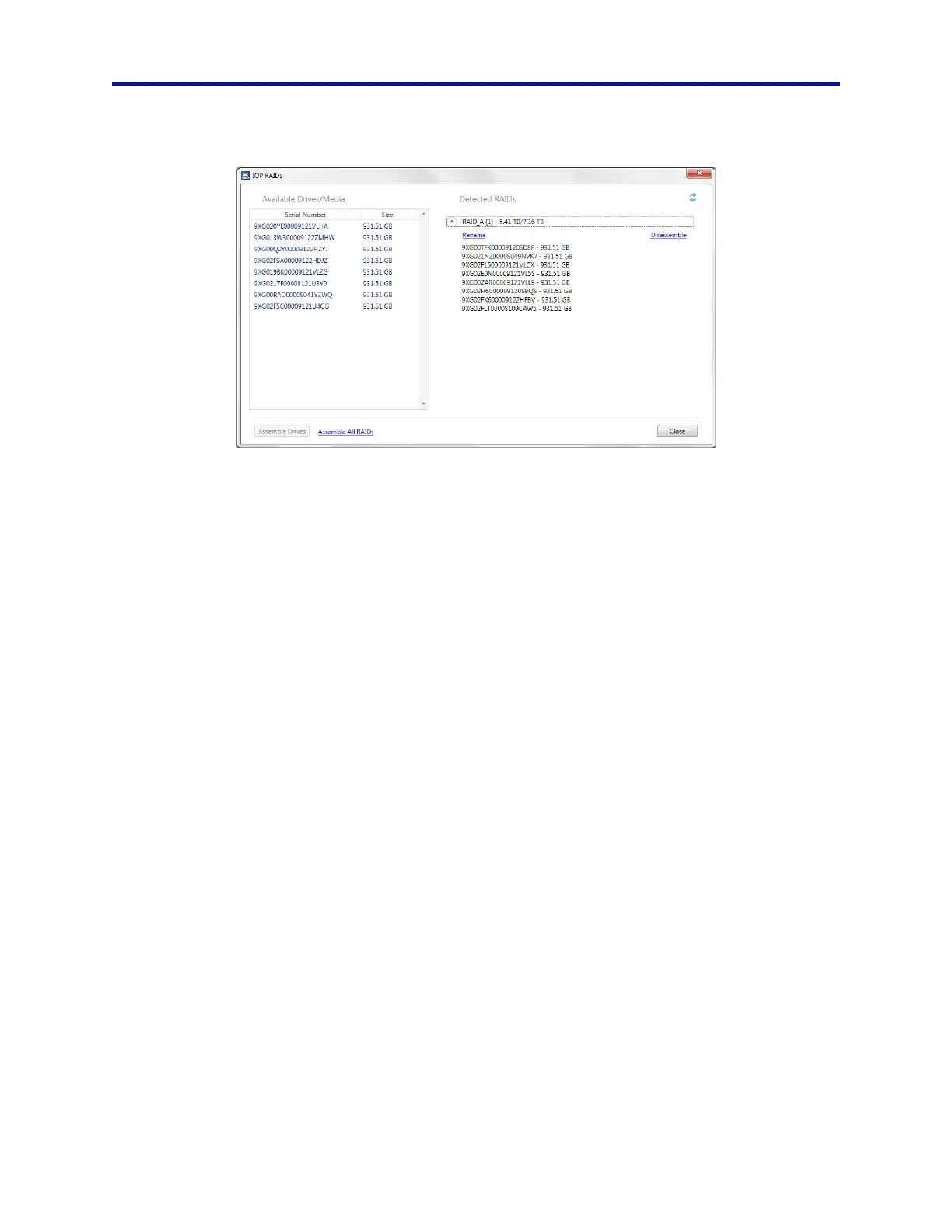
Figure 74 IOP RAIDs Dialog Box
7. Select Create new RAID with Selected Media.
8. Click Yes at the warning to commence formatting.
This step will take about 2 minutes to complete.
9. When the formatting process has finished, name the newly creat
e
d RAID, as desired.
Use the pull-down arrow to bring up the dialog “Enter Volume Name”.
10
. Close the IOP RAIDs Dialog Box.
11. Under Select RAIDs in the Syst
e
m tab, select the RAID named in step 9. See Figure 73.
12. The IQC5000 system is now configured for Single RAID operation.
Refer to Chapter 3 "Operating Instructions" on
page 26 to begin using the IQC5000.



 To Next Page