IQC 5000B Operation Manual
29
Steps to Record
The high-level steps to record with the IQC5000 are:
1. Set up the hardware - follow steps in "Hardware Setup – Record" on page 8.
2. Set up the network - follow steps in "Network Setup" on page 15.
3. Set up the spectrum analyzer - f
ollo
w steps in Spectrum Analyzer setup for your spectrum analyzer type.
4. Identify signal of interest on spectrum analyzer.
5. Set up the desired record method - follow one of the choices below:
User Interface - follow steps in "Recording with IQC Control" on page 53.
Command Server/API – see the IQC5000 API Programming Manual.
6. Modify center frequency, input power settings, and acquisition bandwid
th.
7. Record.
Record Equations
The following equations are calculated by the IQC Control UI and API, and are listed here for reference:
Calculate Remaining
Record Time Available
To calculate the remaining length of time available for a recording (in seconds),
take the remaining storage in bytes
and divide by the data rate in bytes/second for the corresponding spectrum analyzer acquisition bandwidth. See
"Acquisition Bandwidth" on page 30.
Remaining Record Time (s) =
Storage Remaining (bytes) ÷ Data Rate for Acq BW (bytes/second)
Calculate Recording File Length
of T
ime
The same formula applies for calculat
ing the length in time of a recording:
Recording File Length of Time (s) =
File Length (bytes) ÷ Data Rate for Acq BW (bytes/second)
Record Start/Stop Methods
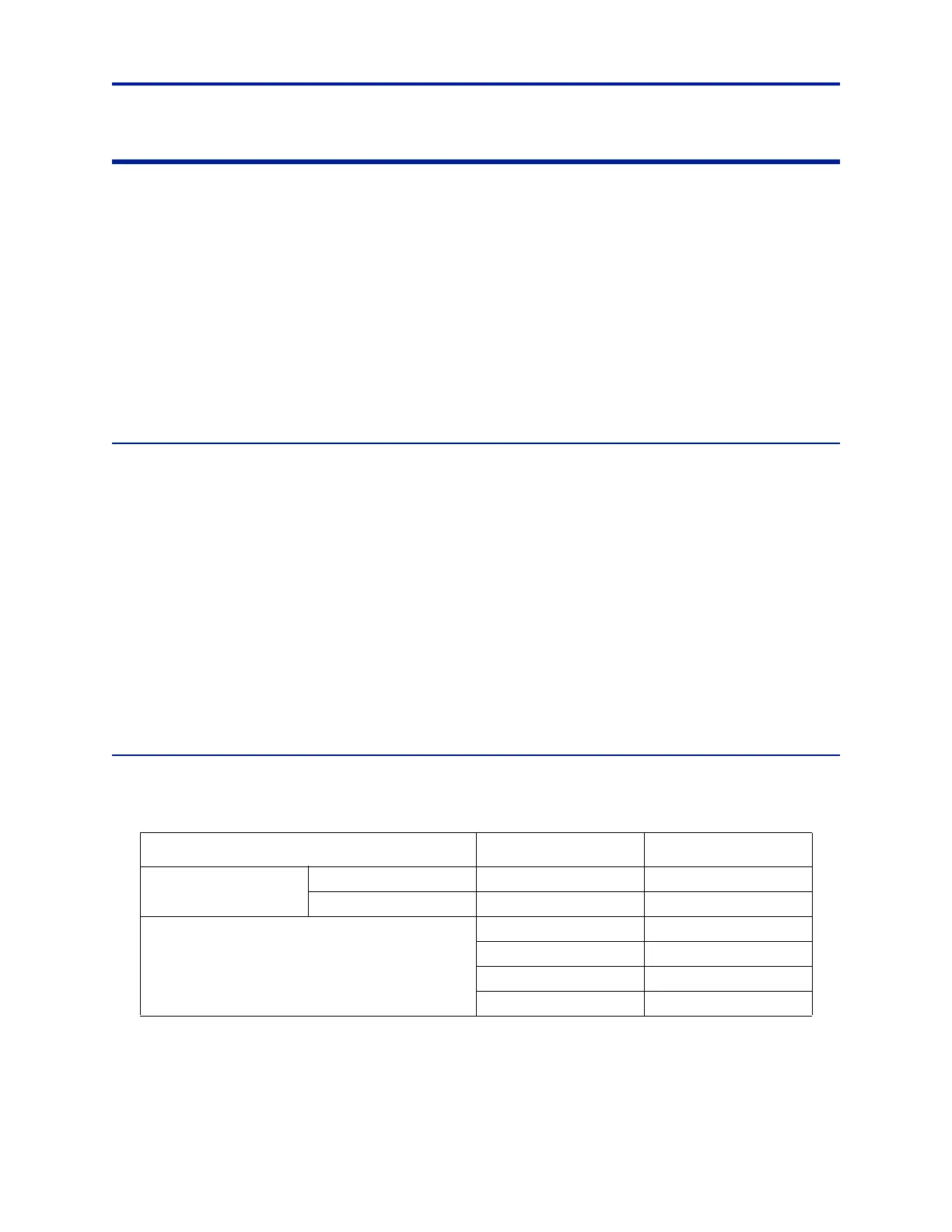
Using the IQC Control software UI or API, the following recording start/stop methods are available.
Table 11 -
Record Type Start Stop
Basic
Manual Immediate (Manual) Immediate (Manual)
Duration Immediate (Manual) Duration
Advanced – any combination of
s
tart/stop methods is
possible
Immediate (Manual) Immediate (Manual)
Time of Day Time of Day
Trigger Trigger
Duration
Record Start and Stop Methods



 To Next Page