IQC 5000B Operation Manual
83
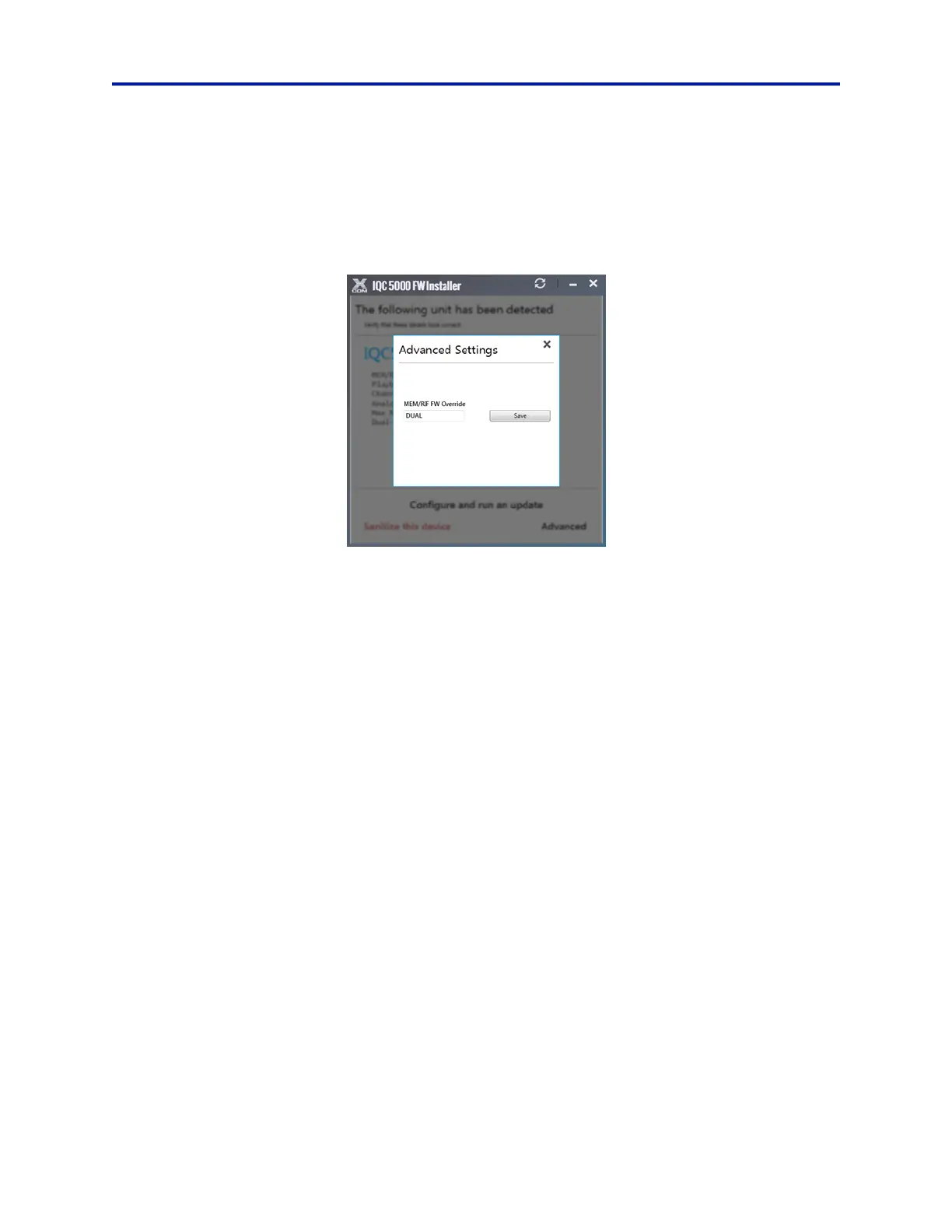
5. In the MEM/RIF FW Override field, enter one of the following codes. See Figure 68.
SINGLE - enter this code to switch from Dual RAID mode to Single RAID mode.
DUAL - enter this code to switch from Single RAID mode to Dual RAID mode.
Note: The codes must be entered in all caps, with no spaces or extra char
acters.
Figure 68 Advanced Settings Selection Dialog
6. Click Save.
7. Select Co
nfigure and run an update on the Firmware Installer Dialog Box. See Figure 67 on page 82.
8. After the firmware installation process has finished, click OK to
close the firmware installation.
9. Power off the IQC5000:
a. If IQC-MEM is being used, the IQC-ME
M modu
le should be powered off first.
b. Power off the IQC5000.
10. If IQC-MEM is being used with external storage units:
a. Power on the external storage units and allow it to boot for 30 seconds.
b.
Power on the IQC-MEM module and allow it to boot for 30 seconds.
11. Power on the IQC5000.
12. Click Finish to close the installer.
13. Proceed with one of the following procedures:
"Dual RAID Formatting" on page 84.
"Single RAID Formatting" on page 86.



 To Next Page