User Menus Part D VC-6000
TM
Compact monitor
© VC-6000
TM
Compact monitor Dec 09 C100585.002 Communication Vers. 03 - 15 -
4.6 Editing the password
To make certain that no unauthorized changes can be made with the User-
Terminal you should edit the default password after receiving the instrument.
On delivery the password is: 1000.
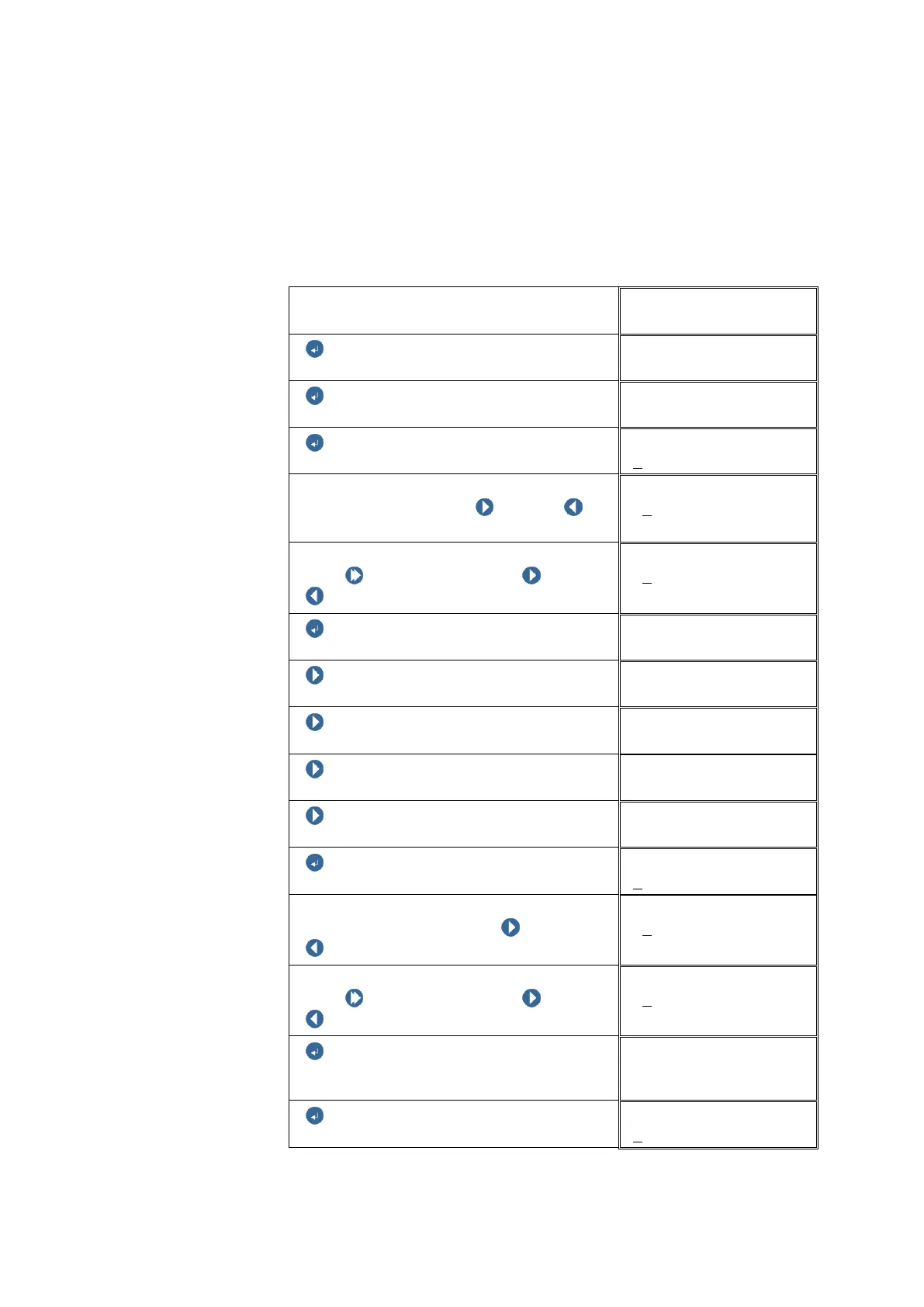
Example: The Super user password is to be edited to 9000
Start DISPLAY
CV_112
ENTER BUTTON
ENTER BUTTON
USER MENU
ENTER BUTTON
Login
Entry of password number:
Select digit position with NEXT or
PREVIOUS
Login
+0
000
Change the digit value:
Push SHIFT and hold, then NEXT /
PREVIOUS, to change the digit.
Login
+1
000
ENTER BUTTON
USER MENU
NEXT
USER MENU
NEXT
USER MENU
NEXT
USER MENU
NEXT
USER MENU
ENTER BUTTON
Edit password
Enter the password number:
Select the digit position with NEXT or
PREVIOUS
Edit password
+0
000
Change the digit value:
Push SHIFT and hold, then NEXT /
PREVIOUS, to change the digit.
Edit password
+9
000
ENTER BUTTON
Edit password
Confirm password
ENTER BUTTON
Edit password



 To Next Page