VC-6000
TM
Compact monitor Part D User Menus
- 16 - C100585.002 Communication Vers. 03 © VC-6000
TM
Compact monitor Dec 09
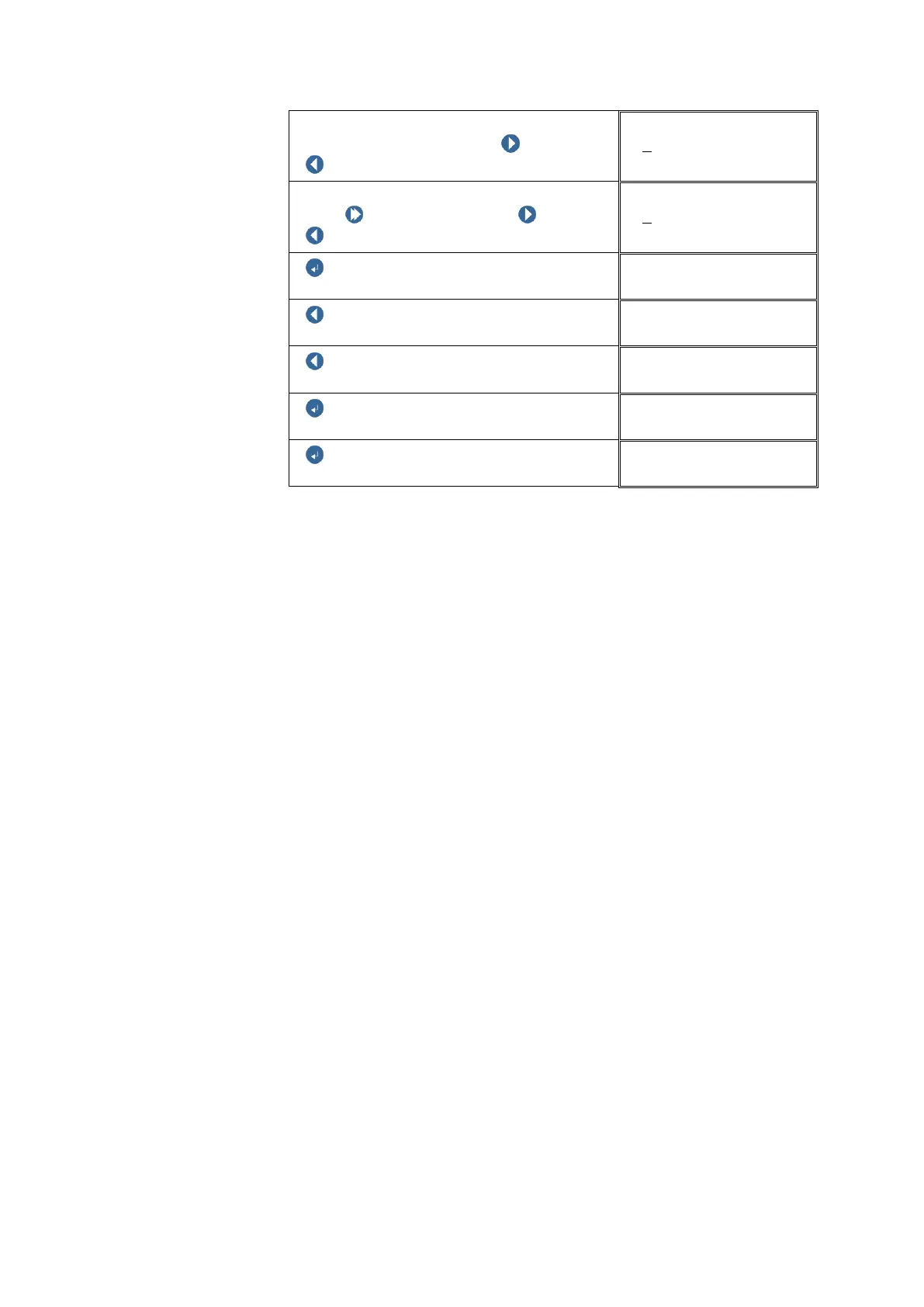
Enter the password number:
Select the digit position with NEXT or
PREVIOUS
Edit password
+0
000
Change the digit value:
Push SHIFT and hold, then NEXT /
PREVIOUS, to change the digit value.
Edit password
+9
000
ENTER BUTTON
USER MENU
PREVIOUS
USER MENU
PREVIOUS
USER MENU
ENTER BUTTON
Logoff
ENTER BUTTON
CV_112
It is important to confirm the change in the password, i.e. repeat the entry of
the new password!
If you enter a different password when repeating the password entry, the
new number will be accepted as the password and the instrument will expect
you to repeat this new password entry once more. The new password entry
will be confirmed only after the same password has been entered twice in
succession.
For the changed password to take effect it is important that it must be saved!
(see example) „Logoff – with Save“
If you exit the Block „USER MENU“ without saving, the changed password
will be ignored and the old password will remain in effect.



 To Next Page