Setting of limit setpoints and time delays Part D VC-6000
TM
Compact monitor
© VC-6000
TM
Compact monitor Dec 09 C100585.002 Communication Vers. 03 - 29 -
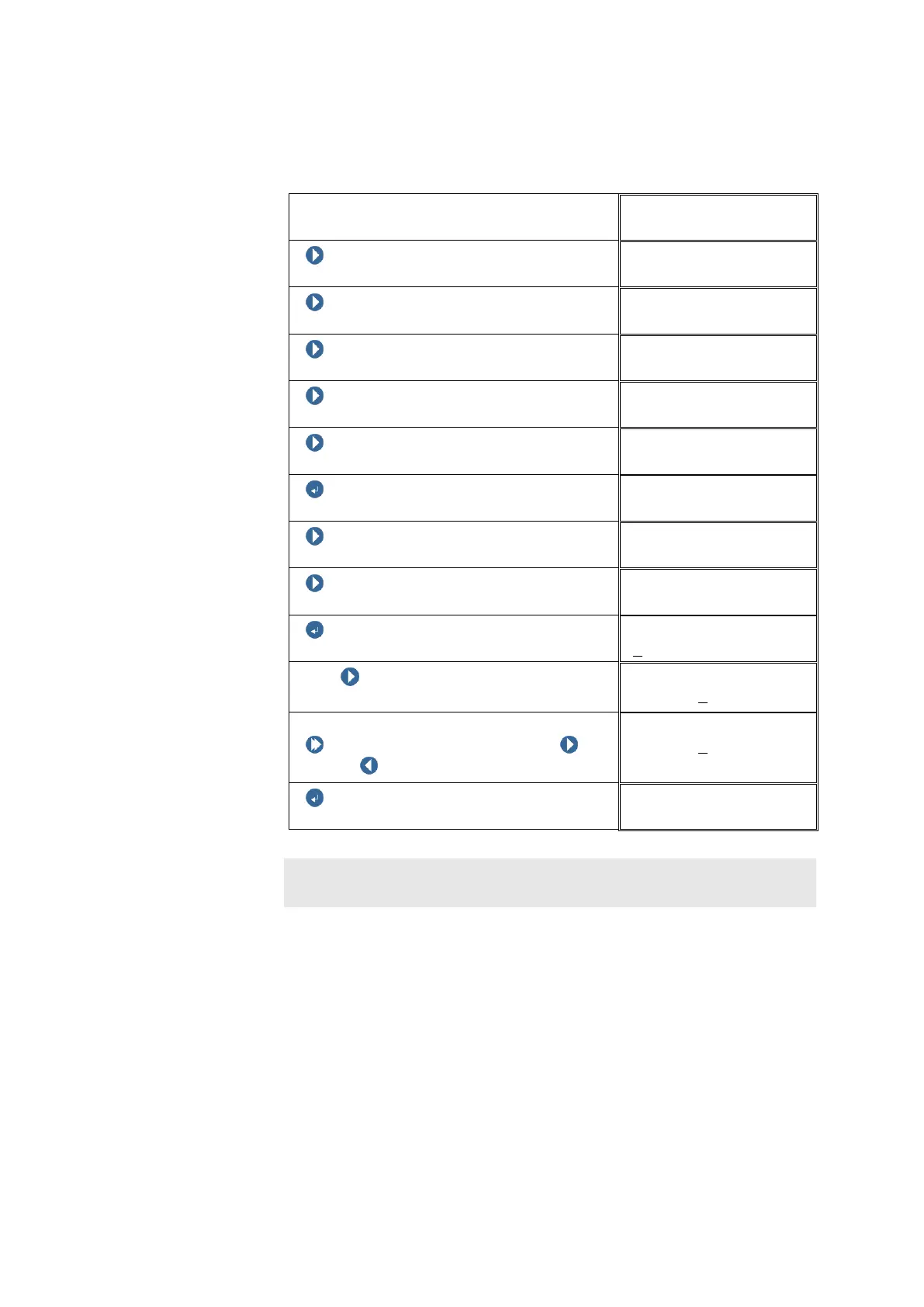
10.3 Entering the limit setpoints
Example: The limit setpoint is to be changed from 2.00 g to 2.50 g.
Block level
NEXT
NEXT
NEXT
NEXT
NEXT (until the Monitor block appears)
ENTER BUTTON
MONITOR(ABS)01
NEXT
MONITOR(ABS)01
NEXT
MONITOR(ABS)01
ENTER BUTTON
Limit setpoint
With NEXT select the digit position to
be changed.
Limit setpoint
+00002.0
0g
Changing the digit:
Push and hold SHIFT, then push
NEXT / PREVIOUS to change the digit
Limit setpoint
+00002.5
0g
ENTER BUTTON
Note:
All changes are effective only after [Logoff & save].



 To Next Page