Logbook Part D VC-6000
TM
Compact monitor
© VC-6000
TM
Compact monitor Dec 09 C100585.002 Communication Vers. 03 - 37 -
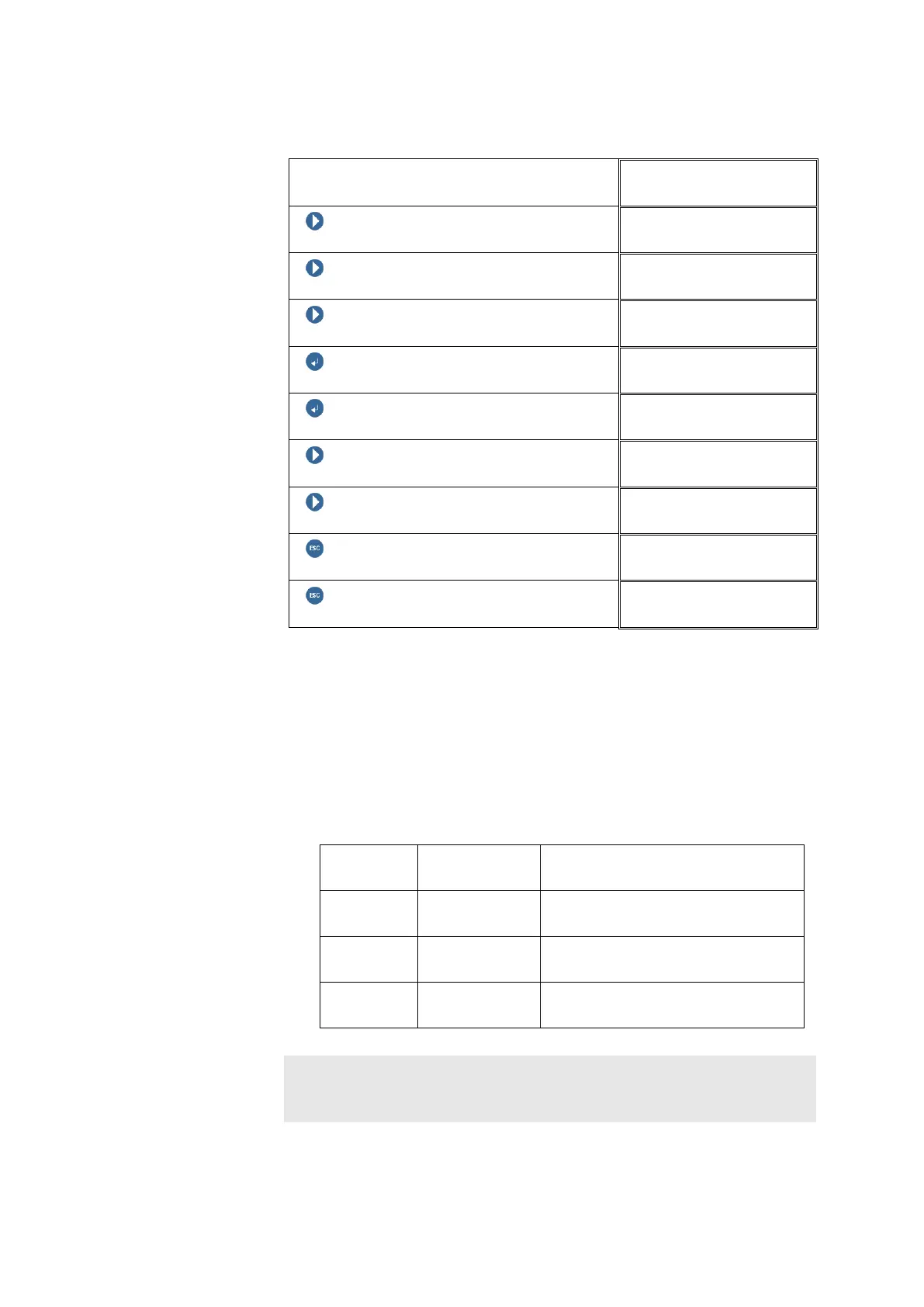
Example:
Block level
NEXT
NEXT
NEXT
ENTER BUTTON
LOGBOOK
ENTER BUTTON
Show entries
NEXT
Login 01
NEXT
Sensor NOK 01
ESCAPE
Show entries
ESCAPE
LOGBOOK 01
11.3 Which parameters are in the Logbook block?
♦ <Show entries>
Logbook entries can only be shown under this parameter.
♦ <Filtered entries>
With the parameter <Filtered entries> the entry type to be displayed can
be restricted.
Filtered
entries
All entries All entry types will be displayed.
System Only entries associated with the
System will be displayed.
Access Only entries associated with
Access will be displayed.
Monitoring Only entries associated with
Monitoring will be displayed.
Note:
If no entries of the selected type are available in the logbook, entries of
another category can also be displayed.



 To Next Page