For example, 180 degrees produces the same motion blur, no matter which frame rate you
use. When using shutter speed, however, the shutter is given an absolute value determined
independently of the frame rate, so the results differ if you change the frame rate.
Flicker Free Based On
Use this setting to change the mains power frequency your camera uses to calculate flicker free
shutter settings.
When shooting under lights, your shutter can affect the visibility of flicker. Your Blackmagic
Micro Studio Camera 4K G2 automatically calculates a flicker free shutter value for your
current frame rate and suggests up to three shutter values. Shutter values are affected by the
frequency of the local mains power supply used to drive those lights. In most PAL countries, this
frequency is 50Hz, while NTSC countries typically use 60Hz power. Choose ‘50Hz’ or ‘60Hz’ to
set the right frequency for your region.
Characteristics of various light sources may still cause flicker even when using flicker free
shutter values. We recommend performing a test shoot when not using continuous lights.
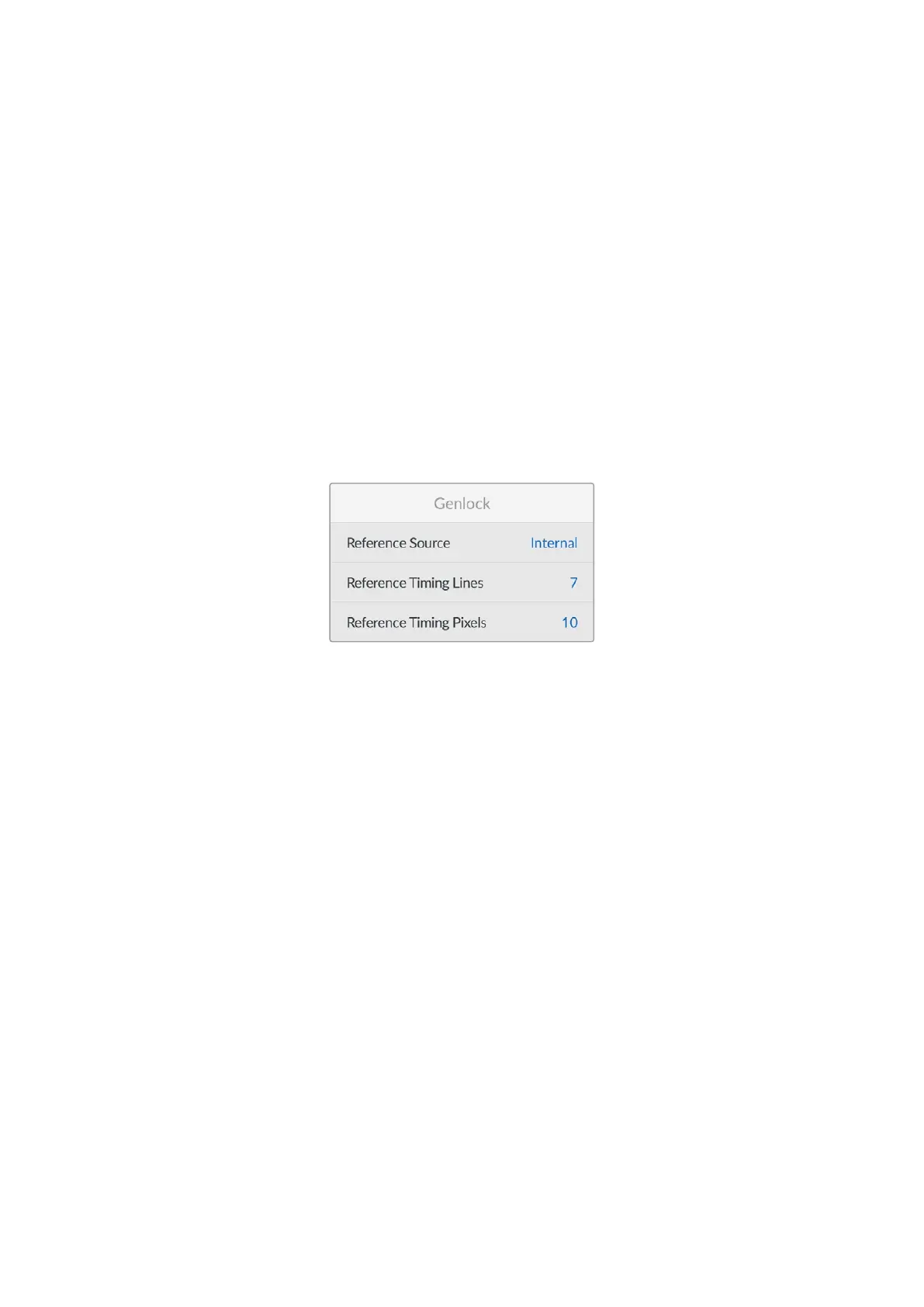
Genlock
Reference Source
This setting is used to select the reference source. Your Blackmagic Micro Studio Camera
4K G2 can lock to an internal or external reference source, or to the reference signal in the
program input from an ATEM switcher. If you are using your camera with an ATEM Switcher’s
camera control function, you should always set your reference source to ‘program’ unless the
switcher itself and all connected cameras are set to an external reference.
Reference Timing
These settings allow you to manually adjust the reference timing on a line or pixel basis.
Zoom Demand
These settings are used to configure the optional Blackmagic Zoom Demand. These settings
are only active when you have Blackmagic Zoom Demand attached to your camera.
For information on attaching and using Blackmagic Zoom Demand, refer to the ‘Blackmagic
Zoom and Focus Demand’ section.
55Setup Menu


 To Next Page
 Loading...
