Your camera’s dial and function button parameter options include:
Speed Dial
Zoom Speed Iris Adjustment Focus Adjustment
Zoom Buttons 1 - 4
Record Quick Zoom Auto Focus Frame Guides
Status Text Color Bars Call Auto Iris
Auto White Balance OIS Still Zoom Point A
Zoom Point B Zoom Point C Zoom Point D Focus Point A
Focus Point B Focus Point C Focus Point D Zoom and Focus Point A
Zoom and
Focus Point B
Zoom and
Focus Point C
Zoom and
Focus Point D
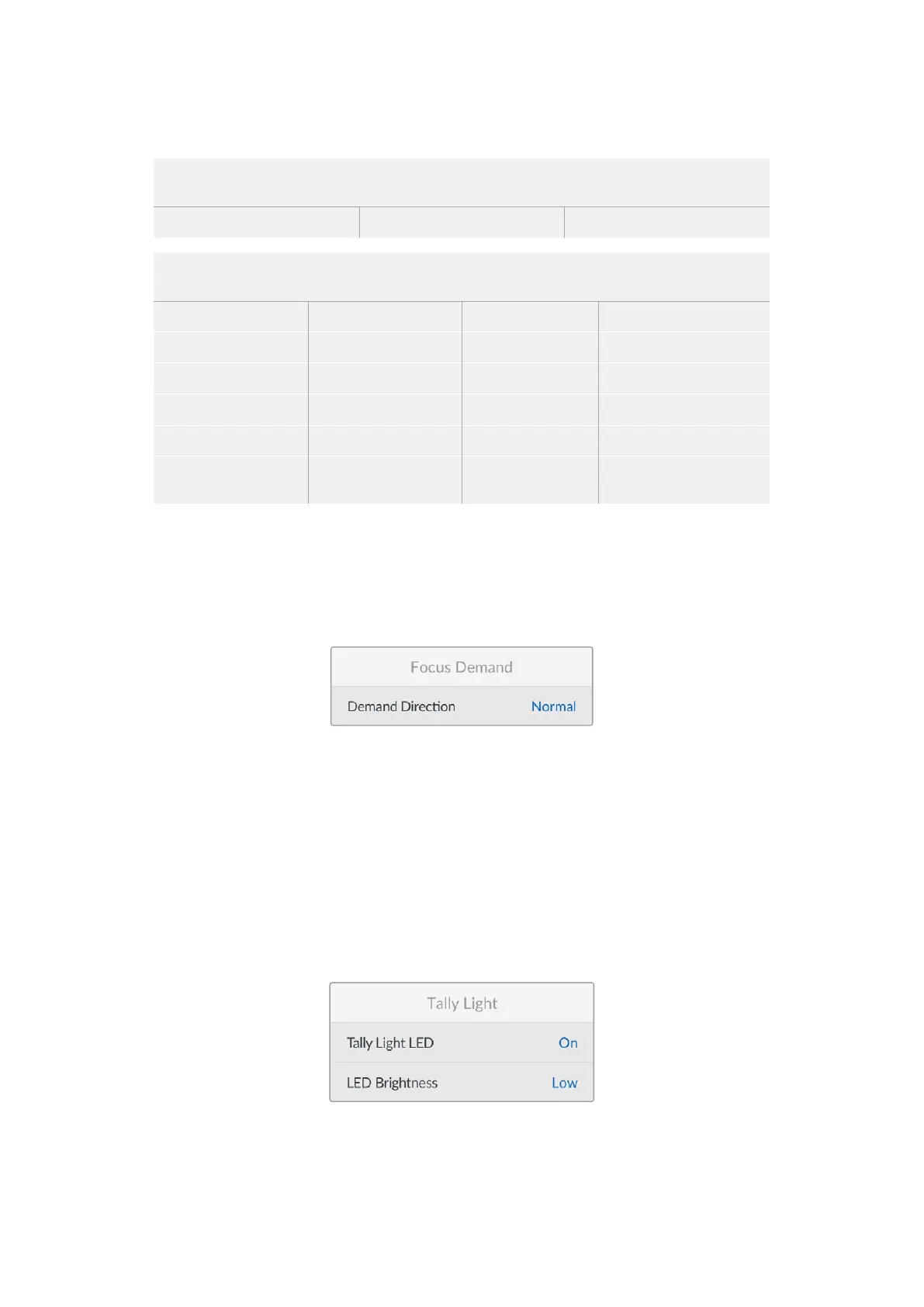
Focus Demand
These settings are used to configure the optional Blackmagic Focus Demand. These settings
are only active when you have Blackmagic Focus Demand attached to your camera.
For information on attaching and using Blackmagic Zoom Demand, refer to the ‘Blackmagic
Zoom and Focus Demand’ section.
Demand Direction
You can change the direction of the focus wheel on focus demand by selection either ‘normal’
or ‘reverse’.
Normal
Turn the focus wheel clockwise to focus on subjects closer to the lens and
counterclockwise for subjects further away.
Reverse
Turn the focus wheel counterclockwise to focus on subjects closer to the lens and
clockwise for subjects further away.
Tally Light
57Setup Menu


 To Next Page
 Loading...
