Tally Light LED
In some shooting environments, for example a dimly lit location or an intimate theater
performance, you may want to disable the tally light on your camera. To disable the tally light,
simply set ‘tally light LED’ to ‘off’.
LED Brightness
To set the brightness of the tally light LED, select ‘low,’ ‘medium,’ or ‘high’ from the menu and
press ‘set’.
Network
These settings allow you to configure options such as choosing between connecting to a
network using DHCP or a static IP address. You can connect your camera to a network using a
USB-C to Ethernet adapter.
Protocol
Blackmagic Micro Studio Camera 4K G2 is shipped set to DHCP, so once connected, your
network server will automatically assign an IP address and no other network settings will need
to be adjusted. If you need to set a manual address, you can connect via a static IP.
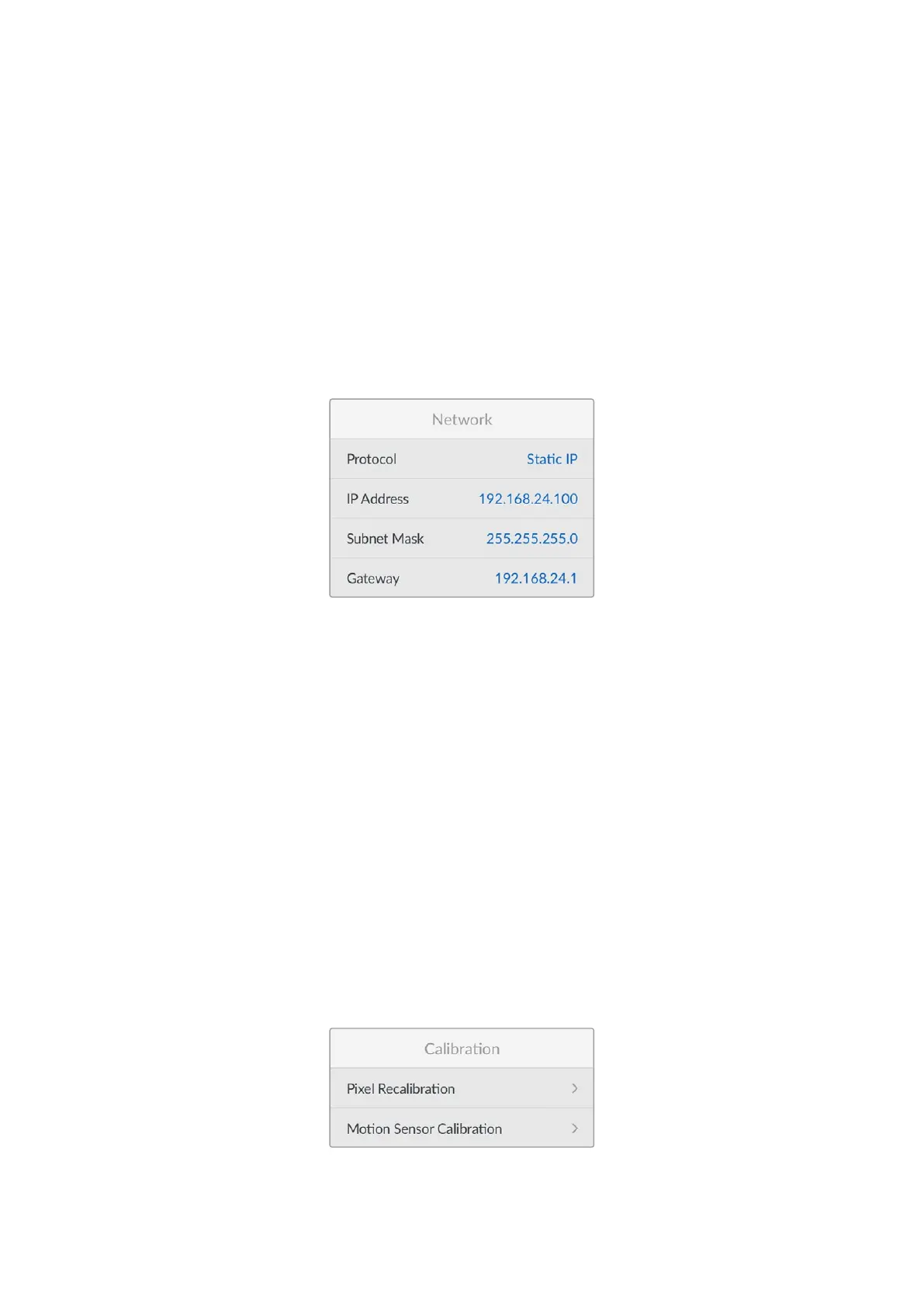
With ‘protocol’ selected press the ‘set’ button to access the menu, select ‘Static IP’ and
press ‘set’.
IP Address, Subnet Mask and Gateway
Once Static IP is selected, you can enter your network details manually.
To change the IP address:
1 Use the arrow buttons to highlight ‘IP address’ and press the ‘set’ button.
2 Using the arrow buttons, adjust the IP address, press ‘update’ to confirm before adjusting
the next set of values.
When you have finished entering your IP address, you can repeat these steps to adjust the
Subnet Mask and Gateway. Once finished, press the ‘menu’ button to exit and return to the
home screen.
Calibration
58Setup Menu


 To Next Page
 Loading...
