Upgrading The Computer
Upgrading the Hard Disk Drive/SSD 6 - 13
6
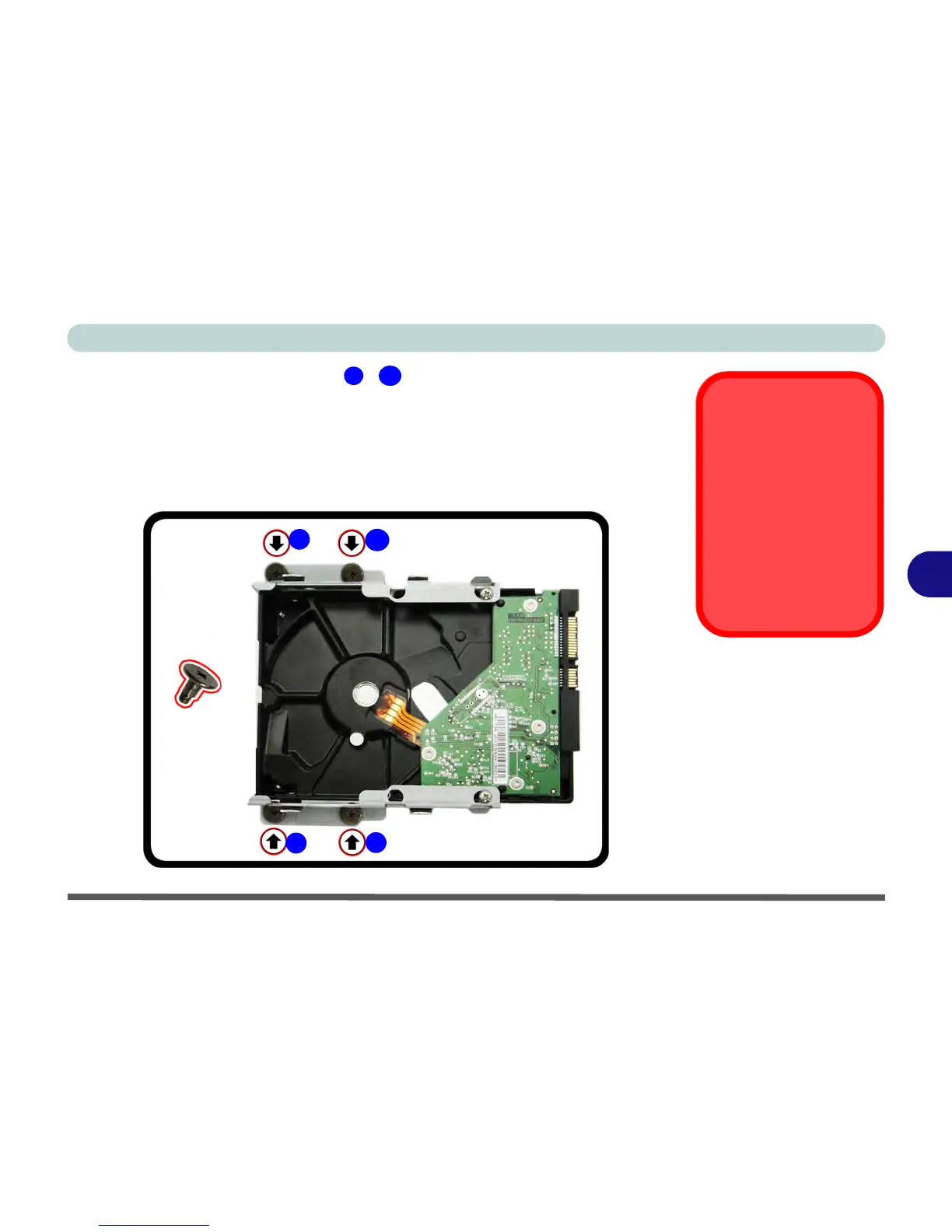
7. It is important to set the screws - (for screwing the HDD assembly to
the case) in place in the HDD assembly before sliding the assembly into the
case.
8. Once the screws are set in place slide the whole assembly including the screws
into place as per Figure 6 - 8 on page 6 - 10.
9. Make sure the HDD is connected to the slot and then tighten the four screws and
replace the rear component cover and screws.



 To Next Page