EasyManua.ls Logo

Blue Sonic Multimedia PC - Audio Features

Blue Sonic Multimedia PC
304 pages
Print Icon
To Next Page IconTo Next Page
To Previous Page IconTo Previous Page
Loading...
Audio Features D - 13
Windows 7
Windows 7
Audio Features
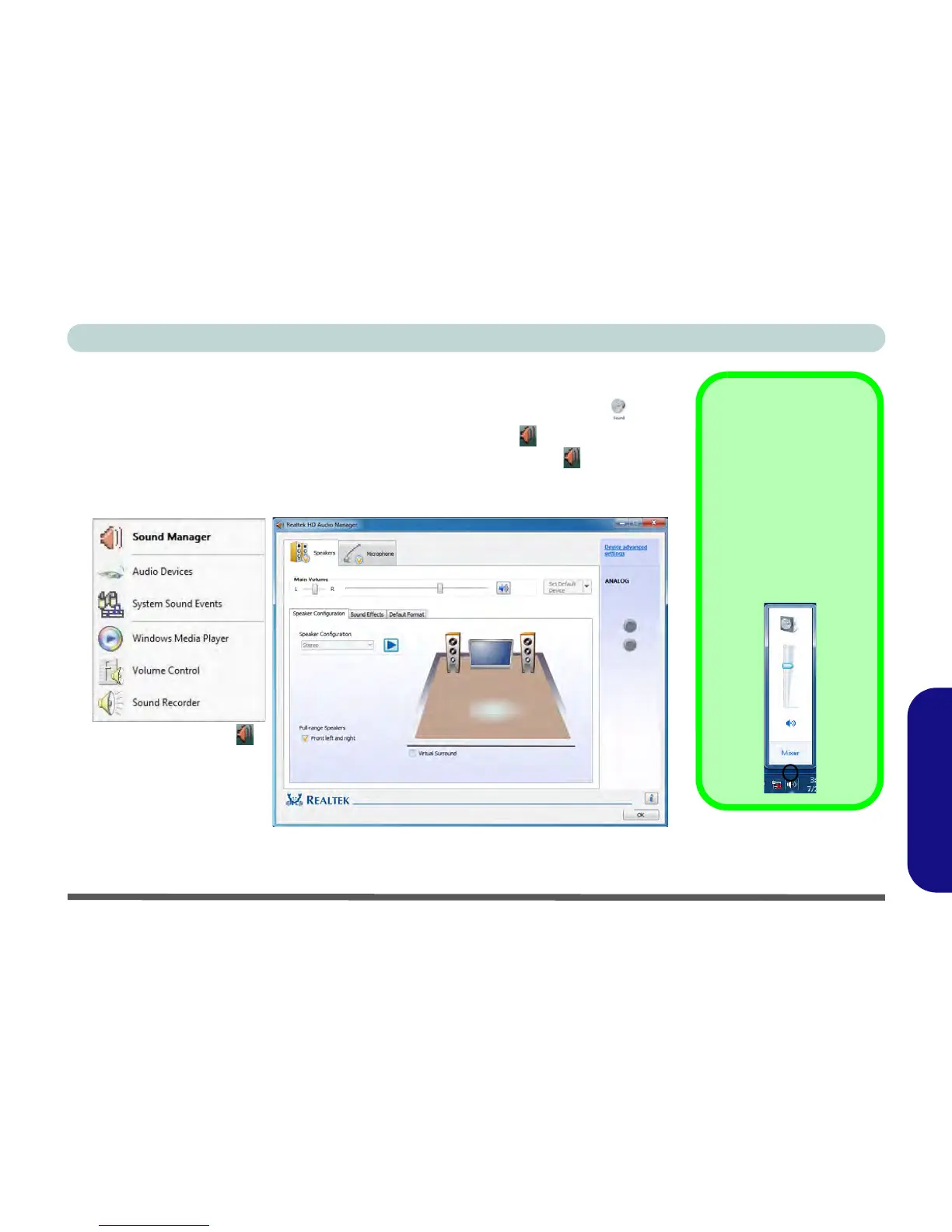
You can configure the audio options on your computer from the Sound control
panel in Windows, or from the Realtek HD Audio Manager icon in the notifica-
tion area/control panel (right-click the taskbar notification area icon to bring up an
audio menu). The volume may also be adjusted by means of the volume icon in the
taskbar or the On Screen Display Indicators (see Table D - 3, on page D - 4).

Volume Adjustment
The sound volume level
is set using the volume
control within Windows
(and the volume func-
tion keys on the comput-
er). Click/tap the volume
icon in the notification
area to check the set-
ting.
Figure D - 10
Realtek Audio
Manager
Right-click the icon
to access the menu
above.
Note that many keyboards have built-in controls to allow you to adjust the audio vol-
ume.

Table of Contents