Modules & Options
Wireless LAN Module (Windows 8) 7 - 11
7
WLAN Configuration in Windows 8
You can configure a wireless connection using one of the following options, how-
ever make sure the Wireless LAN module is turned on (and not in Airplane Mode)
before configuration begins.
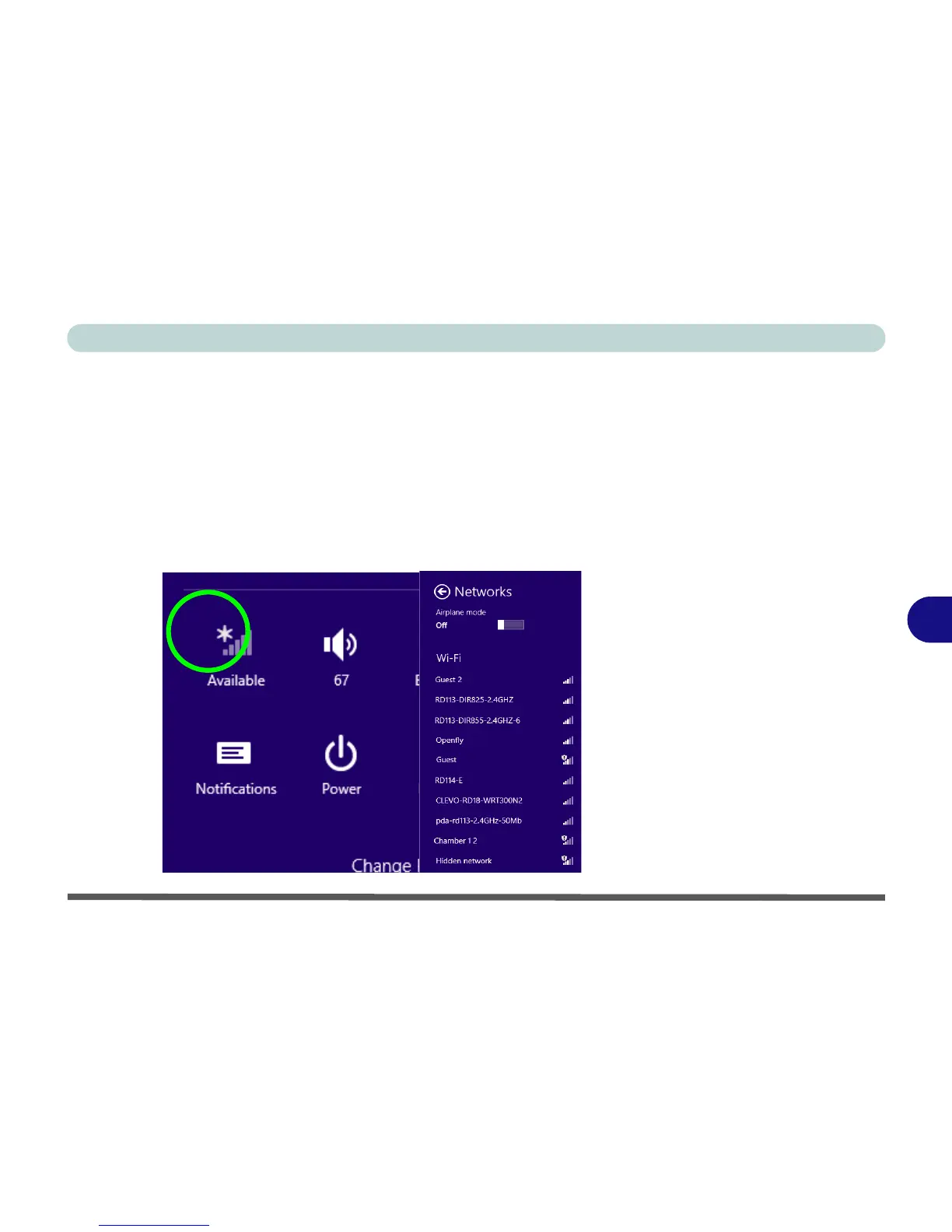
Charms Bar
1. Go to the Charms Bar.
2. Select Settings and then click/tap the WiFi icon (it should read Available under
the icon and Airplane mode should be Off).
3. A list of available access points will appear.



 To Next Page