Bluetooth & WLAN Combo Module (Windows 7) D - 59
Windows 7
Windows 7
Standard Bluetooth Configuration in Windows 7
Setup your Bluetooth Device so the Computer Can Find it
1. Turn your Bluetooth device (e.g. PDA, mobile phone etc.) on.
2. Make the device discoverable (to do this check your device documentation).
To Turn the Bluetooth Module On
1. Press the
On Screen Display
button to power on the Bluetooth module.
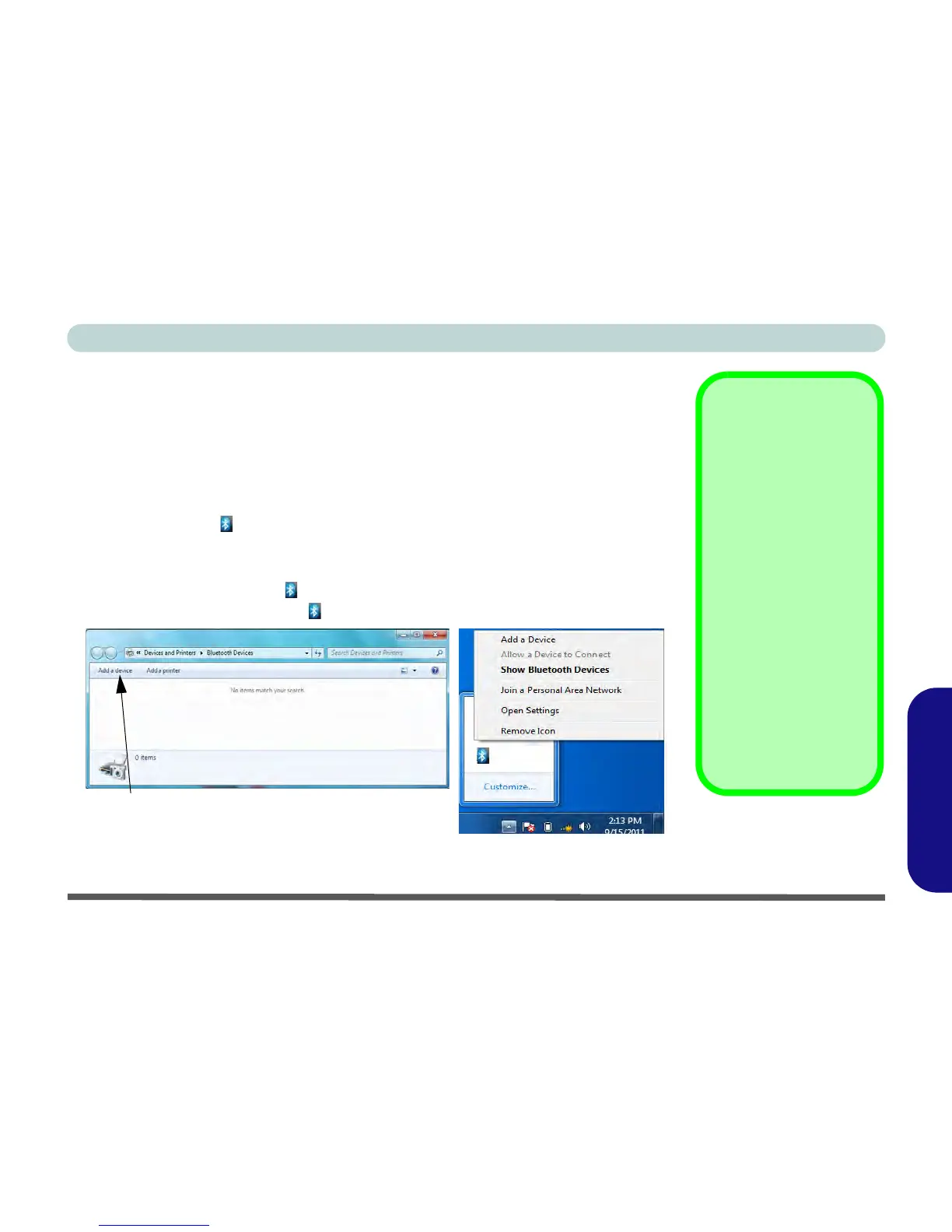
2. A Bluetooth icon will appear in the taskbar.
3. You can then do any of the following to access the Bluetooth Devices control
panel.
• Double-click/tap the taskbar icon to access the Bluetooth Devices control panel.
• Click/tap/Right-click the taskbar icon and choose an option from the menu.
Figure D - 33 - Bluetooth Devices & Click Icon Menu
Add a Device
Click/tap
Start
, and click/tap
Control Panel
and then
click/tap
Devices and Print-
ers (Hardware and Sound)
.
Click/tap
Add a device
to
search for any available
Bluetooth devices.
Bluetooth Module &
Resuming From Sleep
Mode
The Bluetooth module’s de-
fault state will be off after re-
suming from the
Sleep
power-saving state. Use the
On Screen Display
button
to power on the Bluetooth
module after the computer
resumes from Sleep.



 To Next Page