EasyManua.ls Logo

Blue Sonic Multimedia PC - Intel Graphics & Media Control Panel; Figure 1

Blue Sonic Multimedia PC
304 pages
Print Icon
To Next Page IconTo Next Page
To Previous Page IconTo Previous Page
Loading...
Intel Video Driver Controls
B - 2 Intel® Graphics & Media Control Panel
B
Intel® Graphics & Media Control Panel
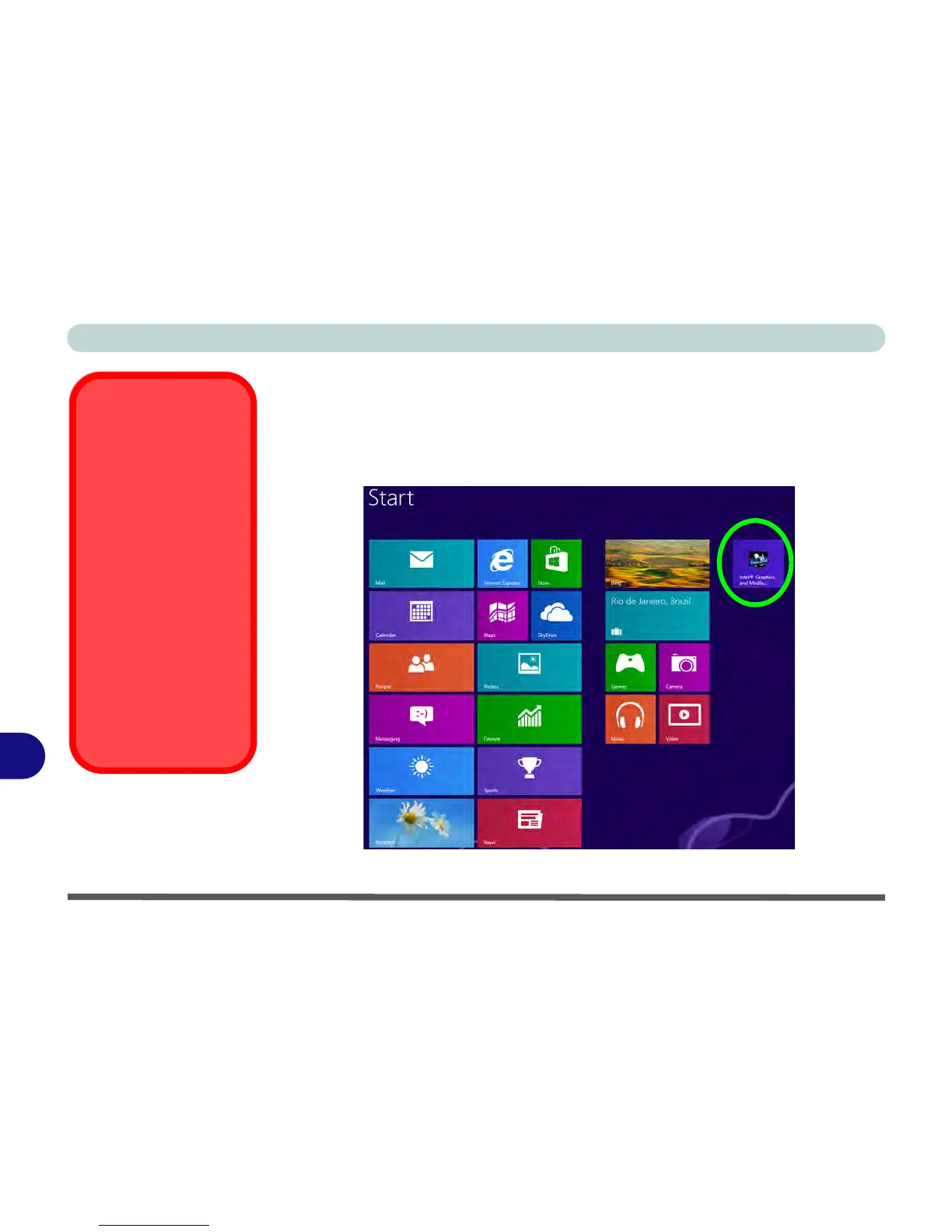
Advanced video configuration options are provided by the Intel® Graphics and
Media Control Panel. To access the control panel see below and overleaf:
1. Click/tap the Intel® Graphics and Media Control Panel icon in the Start screen.
(see over)

HDMI-In Port
This computer features
an HDMI (High-Defini-
tion Multimedia Inter-
face) input port that
allows you to display ex-
ternal sources such as
Blu-ray players, DVDs,
set top boxes and
games consoles etc. on
your computer screen.
Note that this is an
HDMI Input port and
cannot be used as an
HDMI Output port to dis-
play the computer’s
screen on external dis-
plays (see page 1 - 12).
Figure B - 1
Start Screen
Intel
® G&M Control
Panel

Table of Contents