Interface (Ports & Jacks)
Interface (Ports & Jacks) A - 3
A
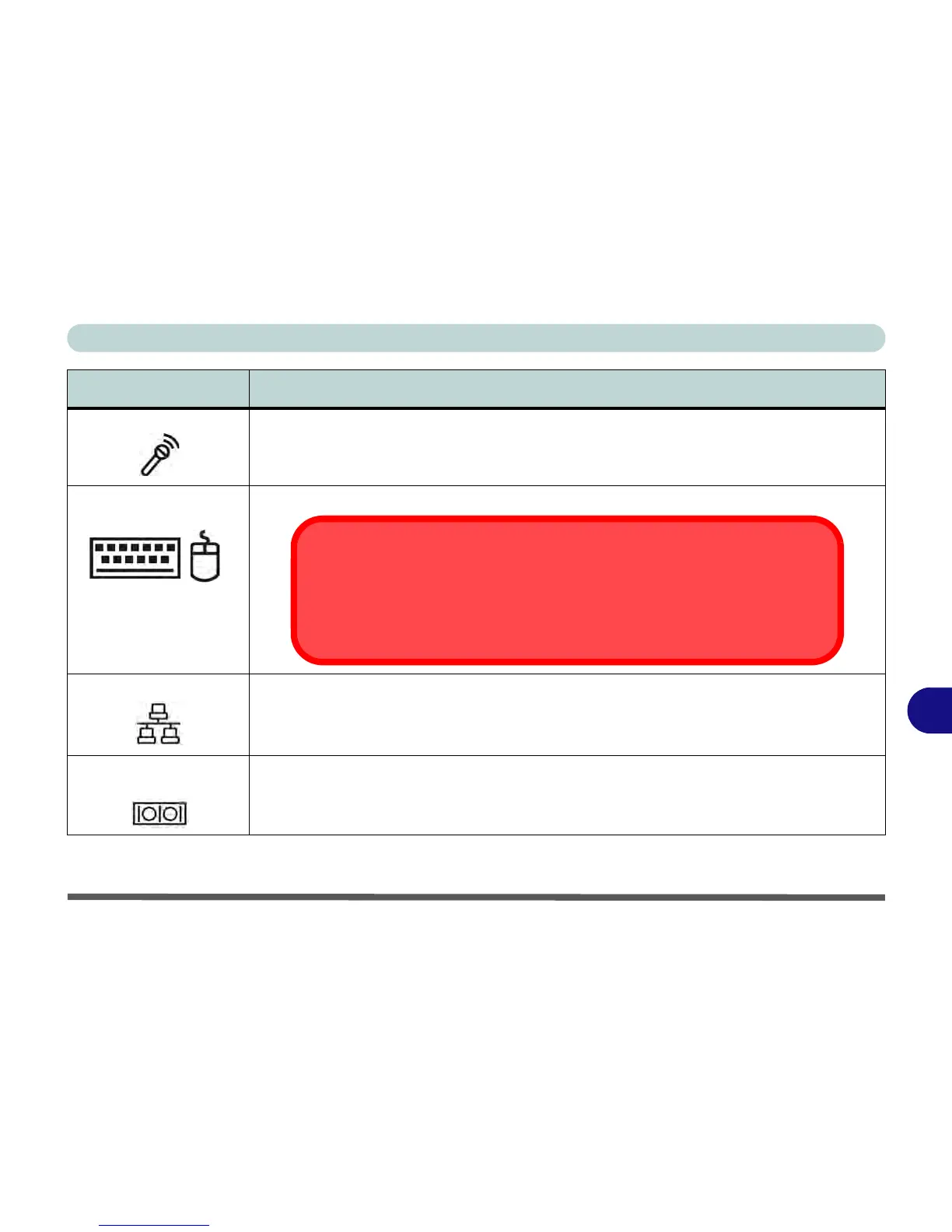
Microphone-In Jack Plug an external microphone in to this jack to record on your computer.
PS/2 Type Keyboard &
Mouse Ports
Connect an external PS/2 type mouse or keyboard to these ports.
RJ-45 LAN Jack This port supports LAN (Network) functions.
Note: Broadband (e.g. ADSL) modems usually connect to the LAN port.
RS-232 COM/Serial
Ports
The RS-232 COM/serial is a communication interface for data transfer, through which information
transfers in or out one bit at a time. These ports can be used to connect the computer to devices
such as terminals and peripherals.
Item Description
Port Warning
The computer can only accept one keyboard at a time. Don’t try to install a USB and
a PS/2 keyboard at the same time. Doing so may cause resource conflicts and
make the system unstable.



 To Next Page