Trusted Platform (Security) Module (Windows 7) D - 73
Windows 7
Windows 7
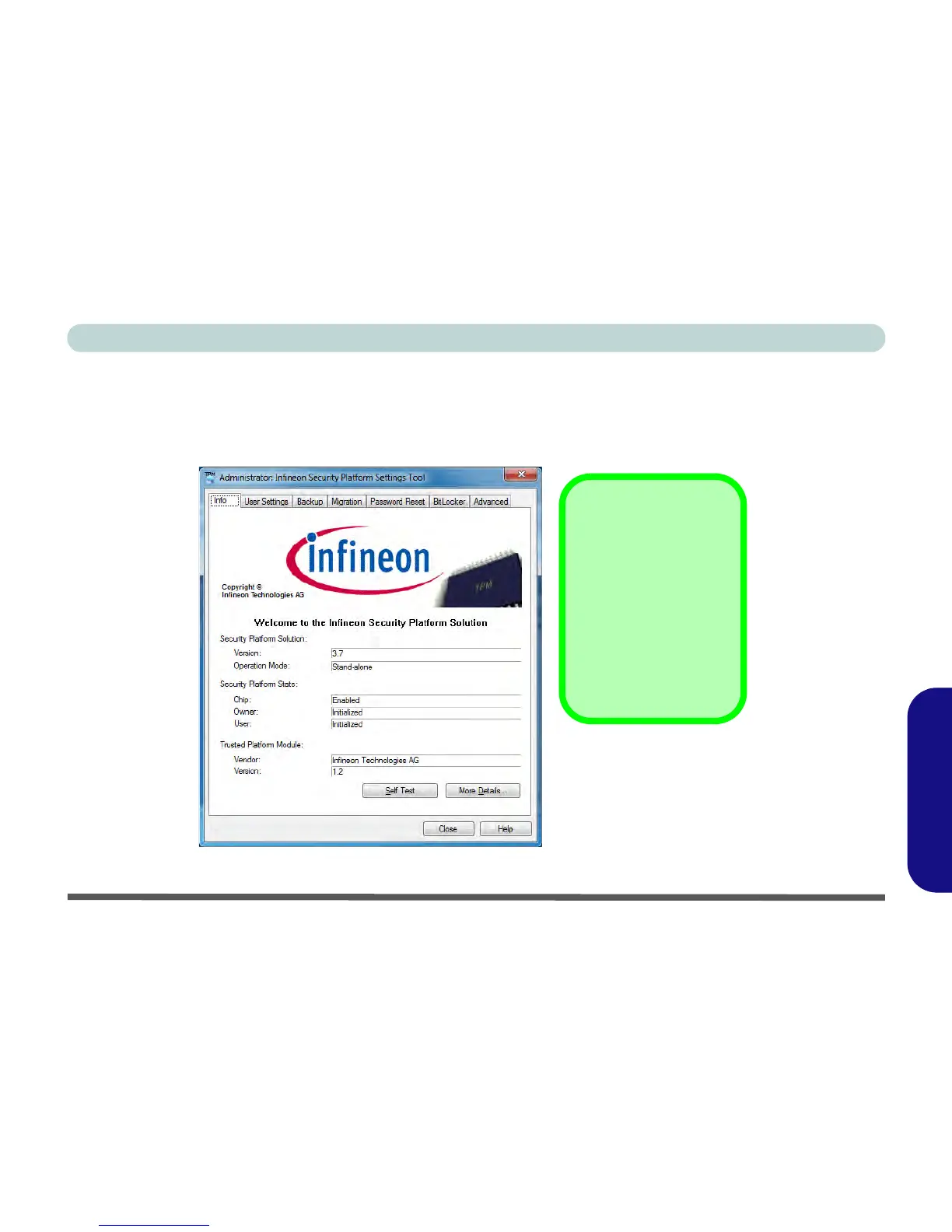
Infineon Security Platform Settings Tool
The Infineon Security Platform Settings Tool allows you to manage and check the TPM state, manage your pass-
word information, and to backup and restore the TPM data. As TPM is usually administered within large enter-
prises and organizations, your system administrator will need to assist you in managing the information here.
Figure D - 47 - Infineon Security Platform Settings Tool



 To Next Page