Modules & Options
7 - 20 Intel® Wireless Display Application
7
Intel® WiDi Application Configuration
1. Double-click/tap the Intel(R) Wireless Display icon on the desktop.
2. Click/tap I agree to the terms of this license (button).
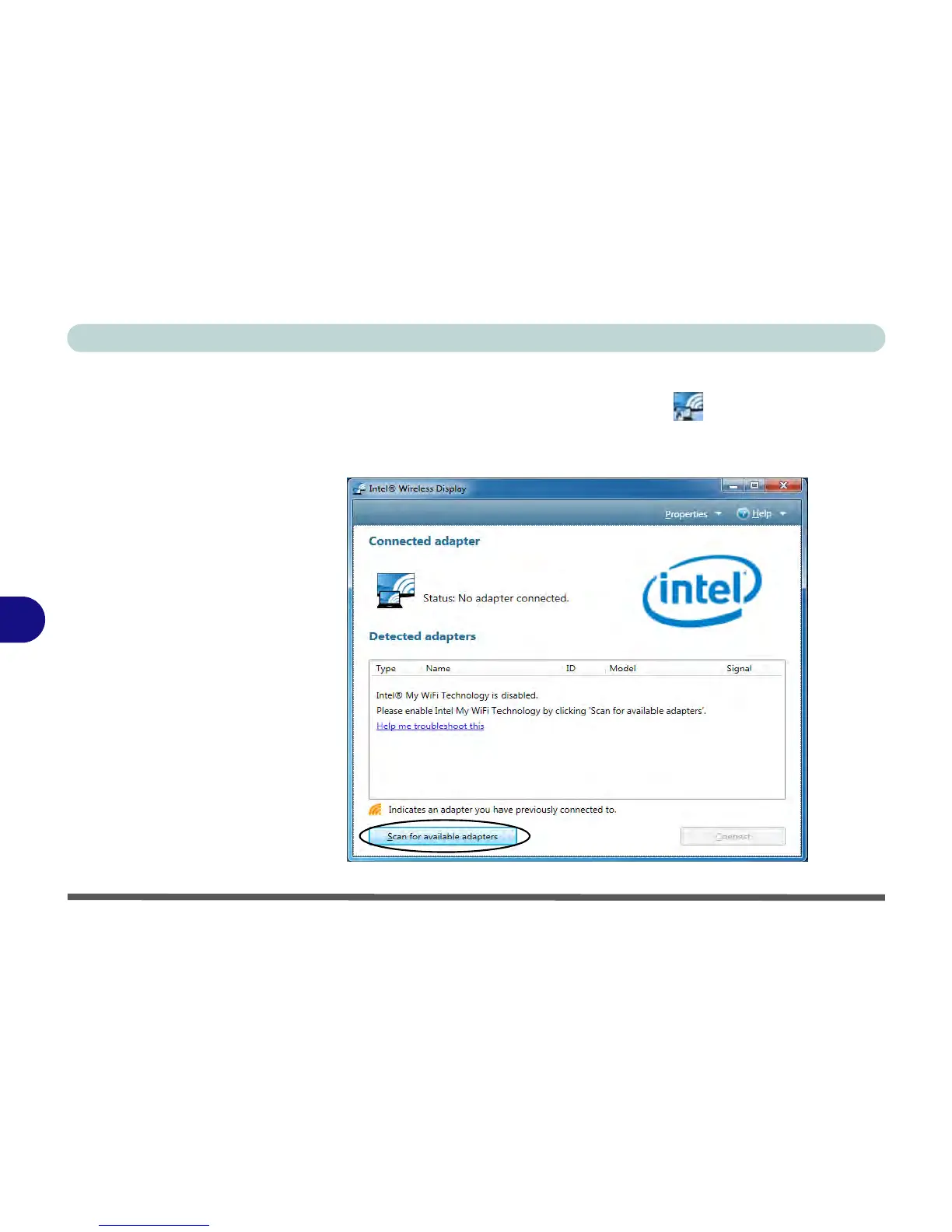
3. The application will scan for any connected compatible adapters (or you can click/
tap the Scan for available adapters button to enable Intel My WiFi Technology).



 To Next Page