Modules & Options
Intel® Wireless Display Application 7 - 21
7
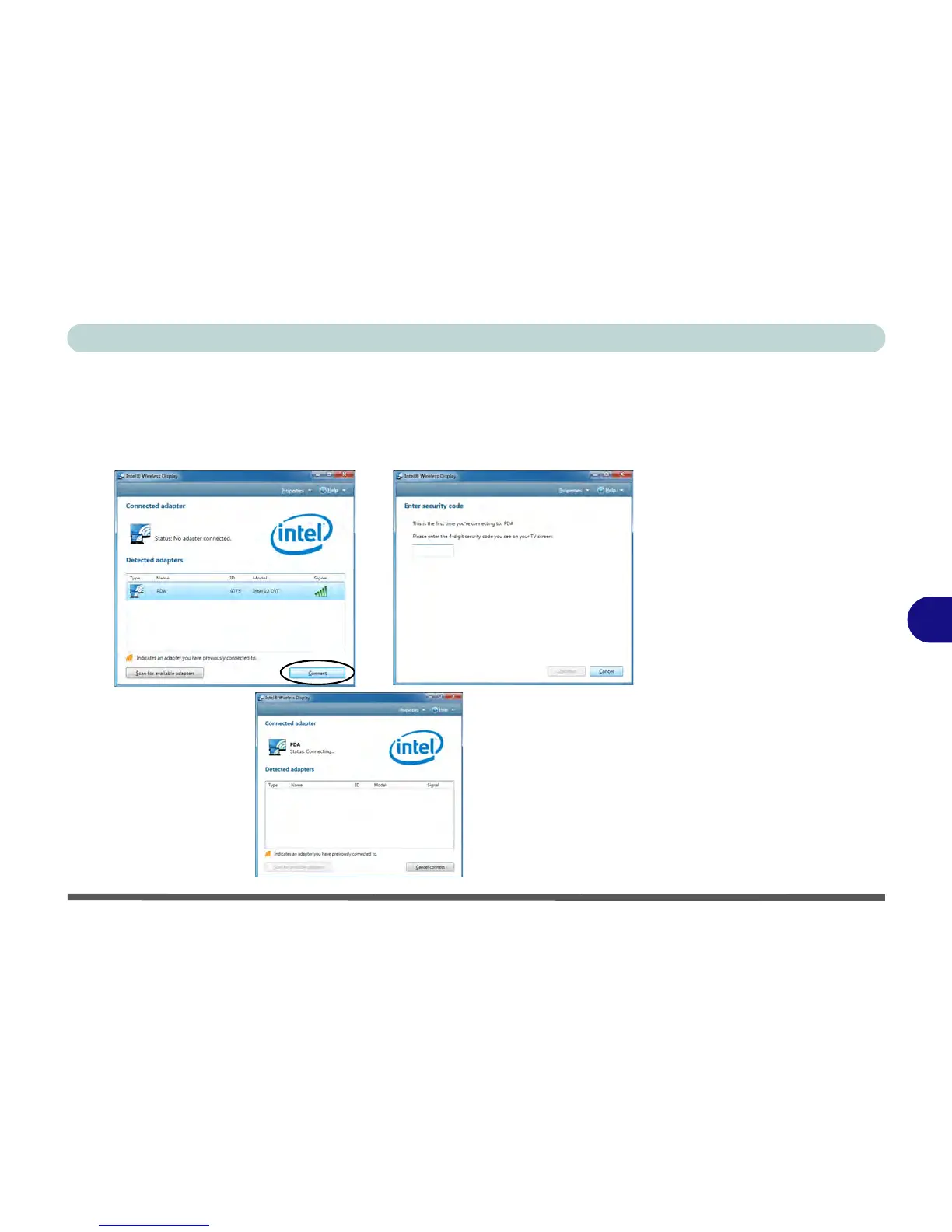
4. Click/tap to select any detected adapters, and click/tap Connect.
5. The system will then prompt you to enter the 4-digit security code which will be
displayed on the external TV Screen (or press the connect button on the wireless
speaker adapter).
6. Enter the code for the video adapter and click/tap Continue.



 To Next Page