Interface (Ports & Jacks)
A - 4 Interface (Ports & Jacks)
A
Security Lock Slot To prevent possible theft, a Kensington-type lock can be attached to this slot. Locks can be
purchased at any computer store.
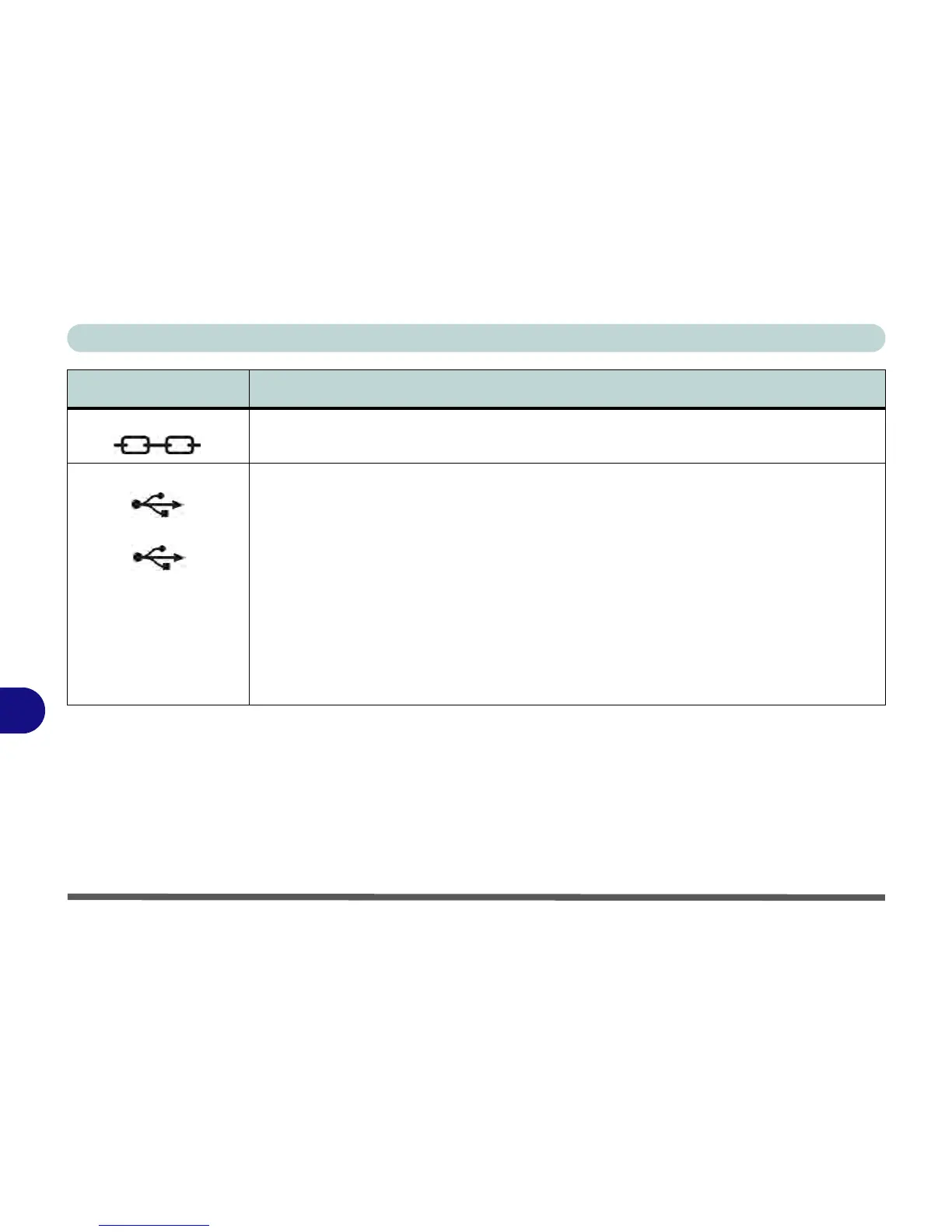
USB 2.0/1.1 Ports
USB 3.0 Port
These USB (Universal Serial Bus) 2.0 compatible ports (USB 2.0 is fully USB 1.1 compliant) are
for low-speed peripherals such as keyboards, mice or scanners, and for high-speed peripherals
such as external HDDs, digital video cameras or high-speed scanners etc. Devices can be
plugged into the computer, and unplugged from the computer, without the need to turn the system
off (if the power rating of your USB device is 500mA or above, make sure you use the power
supply which comes with the device).
The USB 3.0 port is denoted by its blue color; USB 2.0 ports are colored black. USB 3.0 will
transfer data much faster than USB 2.0, and is backwards-compatible with USB 2.0.
Note that the USB 3.0 ports require a driver for Windows 7 (see “USB 3.0 (Win 7 Only)” on
page D - 20) installation (Windows 8 does not require a driver installation) and do not support
wake on USB.
Item Description



 To Next Page