Upgrading The Computer
6 - 10 Upgrading the Hard Disk Drive/SSD
6
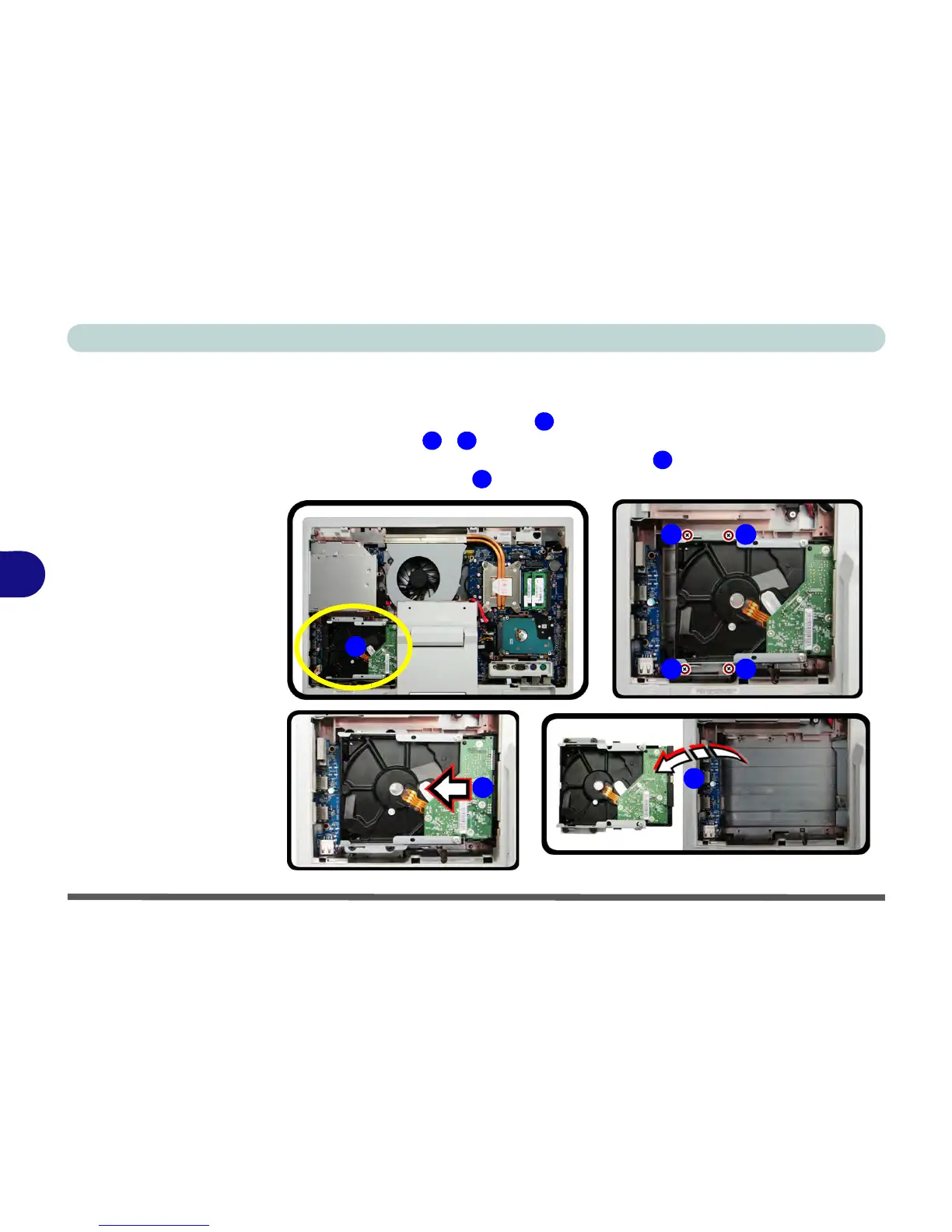
Removing the 3.5" (88.9mm) HDD
1. Remove the battery and rear cover (see pages 6 - 3 & 6 - 5).
2. The hard disk is located at point .
3. Remove screws - from the hard disk bracket.
4. Slide the HDD assembly in the direction of arrow .
5. Life the HDD assembly out of the computer.



 To Next Page