D - 36 Wireless LAN Module (Windows 7)
Windows 7
Windows 7
Connecting to a Wireless Network in Windows 7
Make sure the Wireless LAN module is turned on.
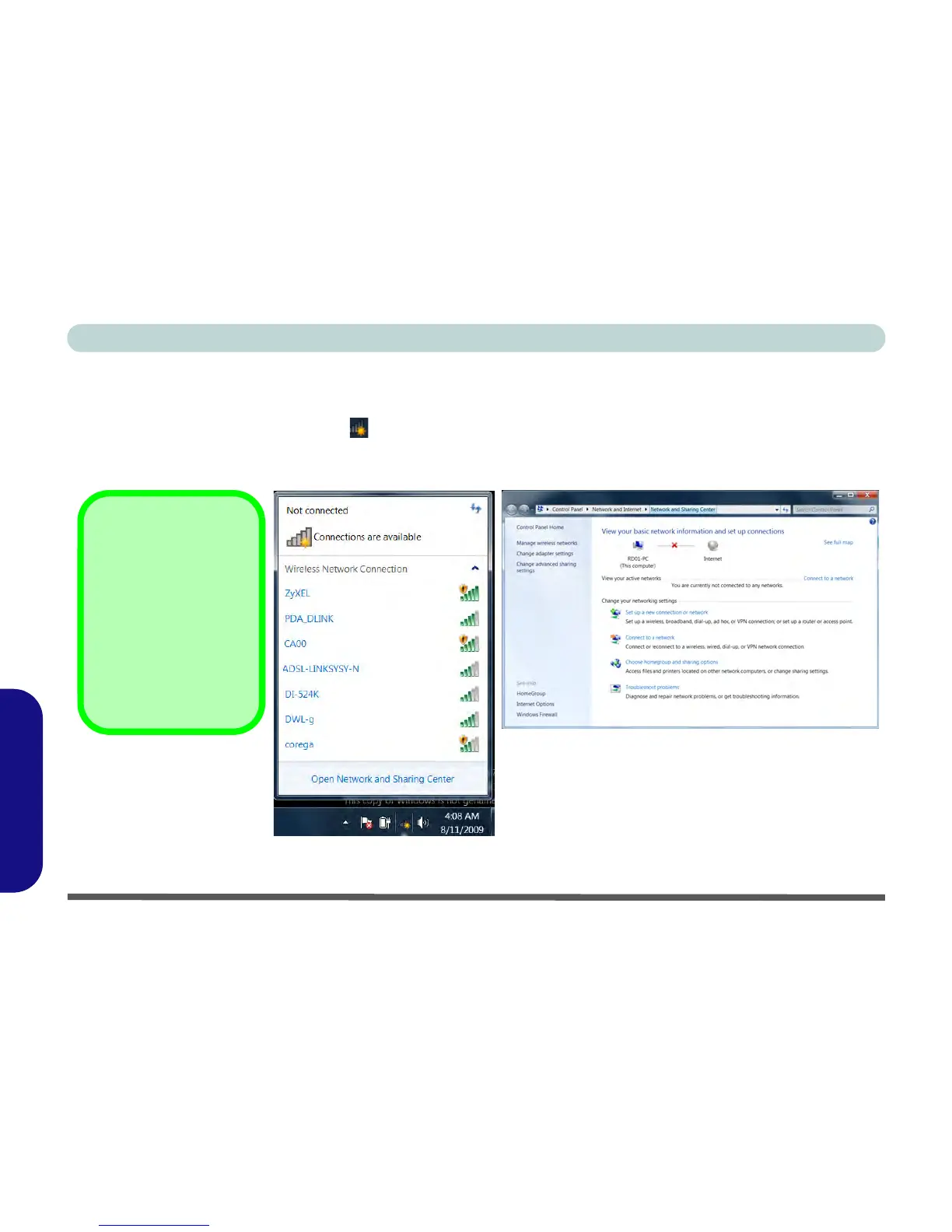
1. Click/tap the taskbar wireless icon , and then double-click/tap an access point to connect to or click/tap to
Open Network and Sharing Center if you do not see a network you want to connect to in the taskbar menu (a
list of options will appear allowing setting changes, and creating a new network).
Figure D - 18 - Click/tap Taskbar Icon Menu & Network and Sharing Center



 To Next Page