Wireless LAN Module (Windows 7) D - 37
Windows 7
Windows 7
2. You may need to enter a security key for any access point to which you are trying to connect.
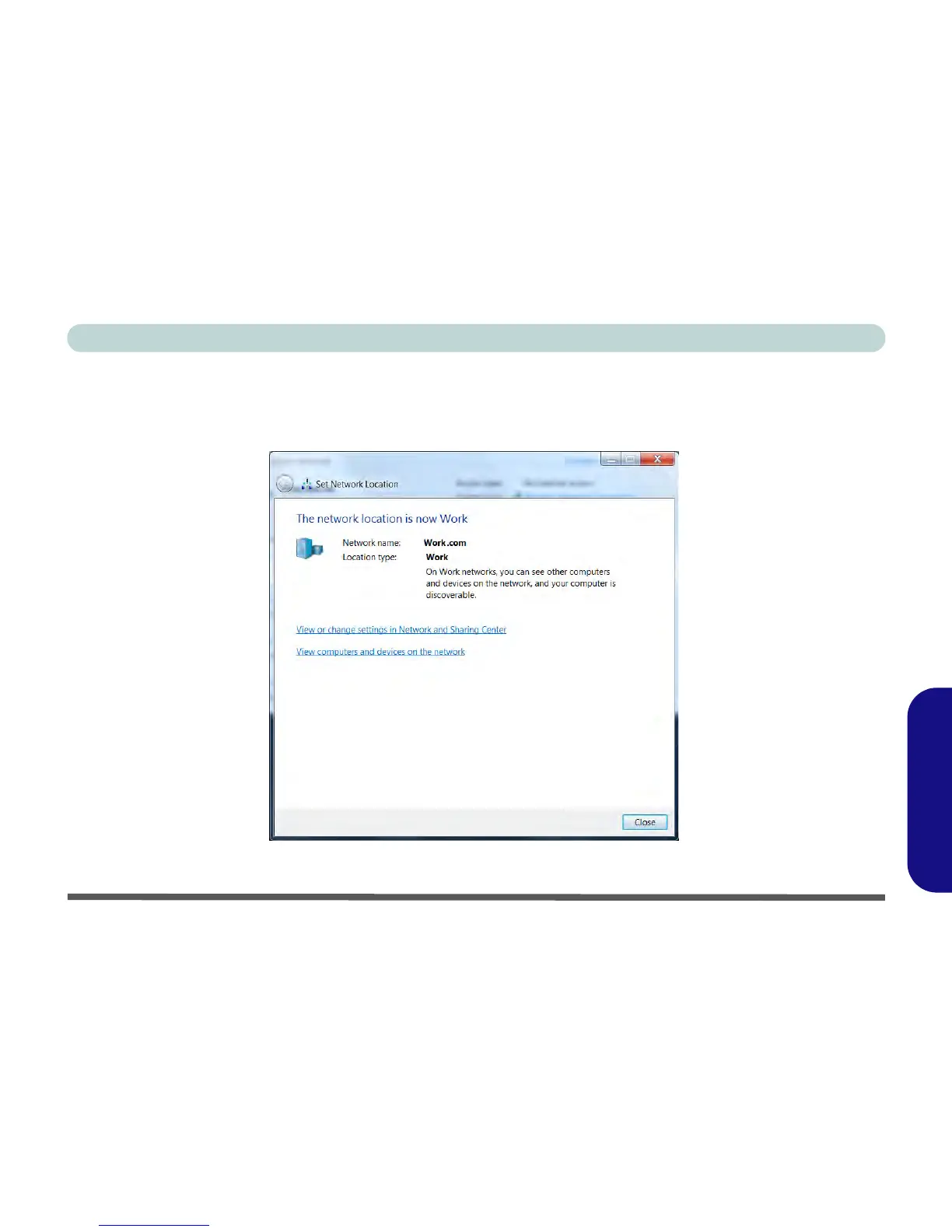
3. Click/tap to select a network location (e.g. Home, Work or Public).
4. Click/tap “View or change settings in Network and Sharing Center” to access further options for the
connection.
Figure D - 19 - Network Location Set



 To Next Page