D - 8 Configuring an External Display in Windows 7
Windows 7
Windows 7
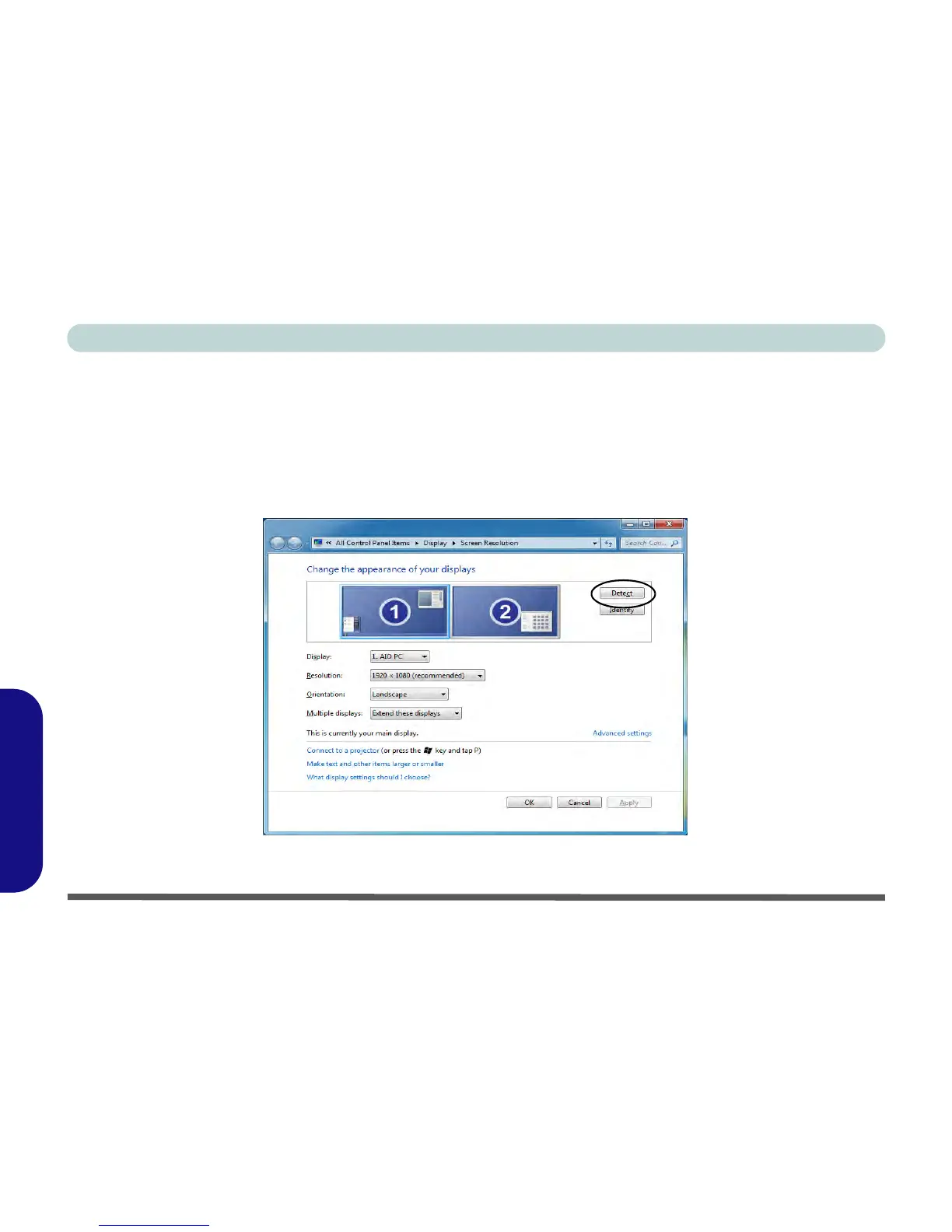
Configuring an External Display in Windows 7
You can also use the Screen Resolution control panel in Windows 7 to configure an external display.
1. Attach your display to the HDMI-Out port and turn it on.
2. Go to the Screen resolution control panel (see “Video Features” on page D - 6).
3. Click/tap the Detect button.
4. The computer will then detect any attached displays.
Figure D - 5 - Screen Resolution Multiple Displays (Win 7)



 To Next Page