Power Management
3 - 8 Configuring the Power Buttons
3
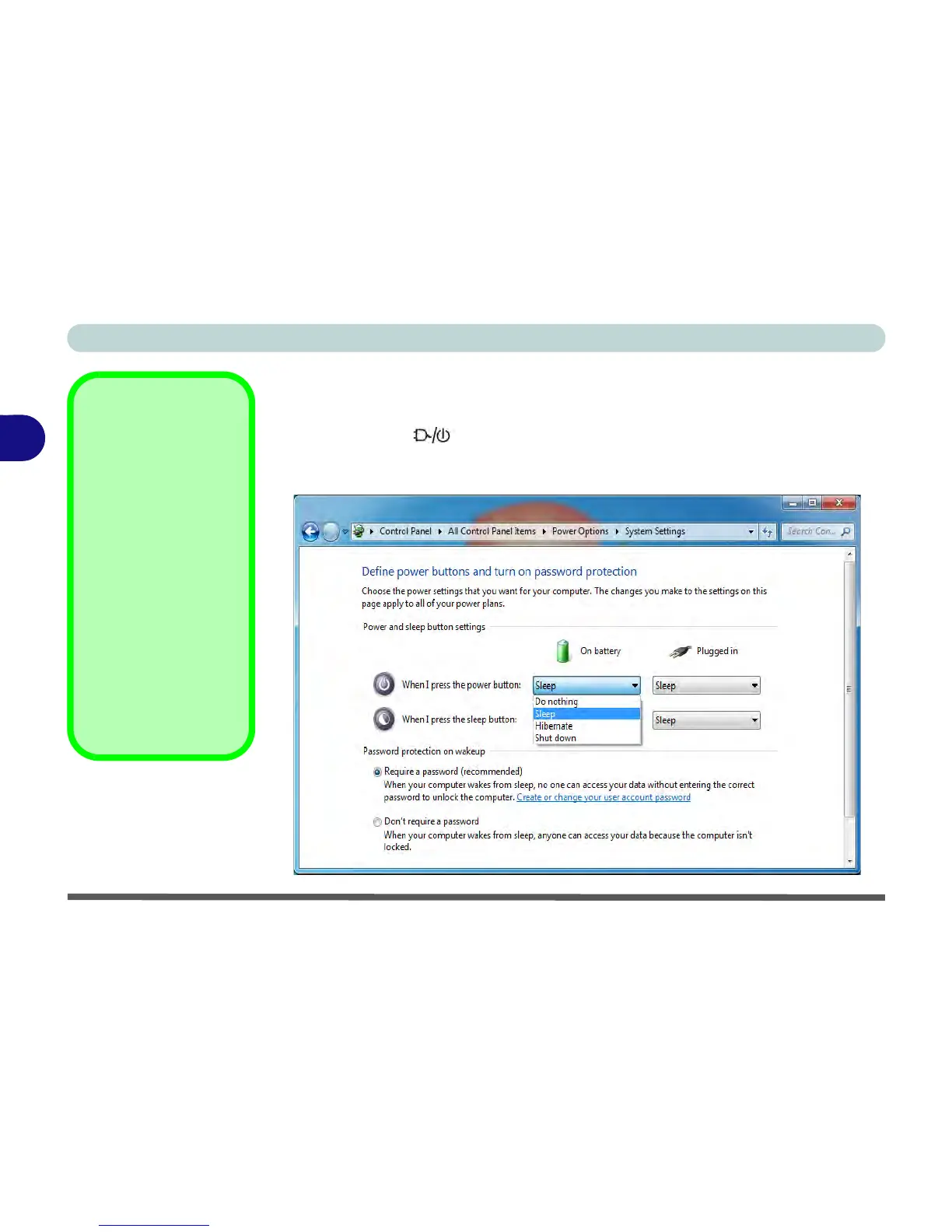
Configuring the Power Buttons
The power button may be set to send the computer in to either Sleep or Hibernate.
In Sleep, the LED will blink green. In Hibernate the LED will be orange. If
only the display is turned off, the LED will remain green. Click/tap Choose what
the power buttons do on the left menu in Power Options to bring up the menu.
Password
Protection
It is recommended that
you enable a password
on wake up in order to
protect your data.
However you can dis-
able this setting from the
Power Options menu
by clicking Require a
password on wakeup
in the left menu, and se-
lecting the options (click/
tap Change settings
that are currently un-
available).
Figure 3 - 5
Power Options
Define Power
Buttons



 To Next Page