1
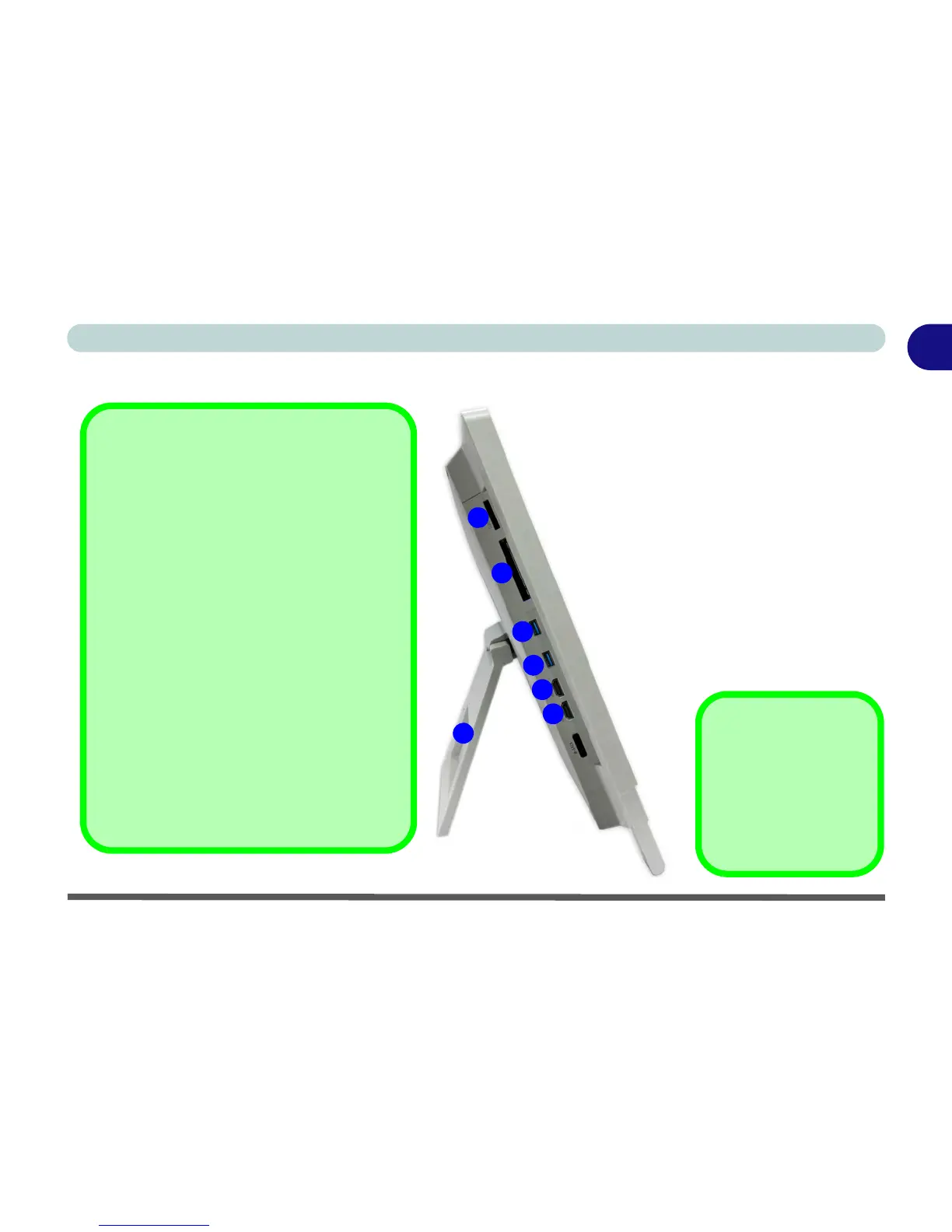
HDMI-In Port
Note that the HDMI-In Port supports video and
audio signals from attached HDMI devices.
Multi-in-1 Card Reader
The card reader allows you to use the most
popular digital storage card formats:
MMC (MultiMedia Card) / RSMMC
SD (Secure Digital) / Mini SD / SDHC / SDXC
Compatible
MS (Memory Stick) / MS Pro / MS Duo
USB 3.0 Port
The USB 3.0 port is denoted by its blue color;
USB 2.0 ports are colored black. Note that the
USB 3.0 ports require a driver for Windows 7
(see ““USB 3.0 (Win 7 Only)” on page D - 20)
installation (Windows 8 does not require a driv-
er installation) and do not support wake on
USB.
2
3
4
5
6
4



 To Next Page