Upgrading The Computer
6 - 6 Removing the Rear Component Cover
6
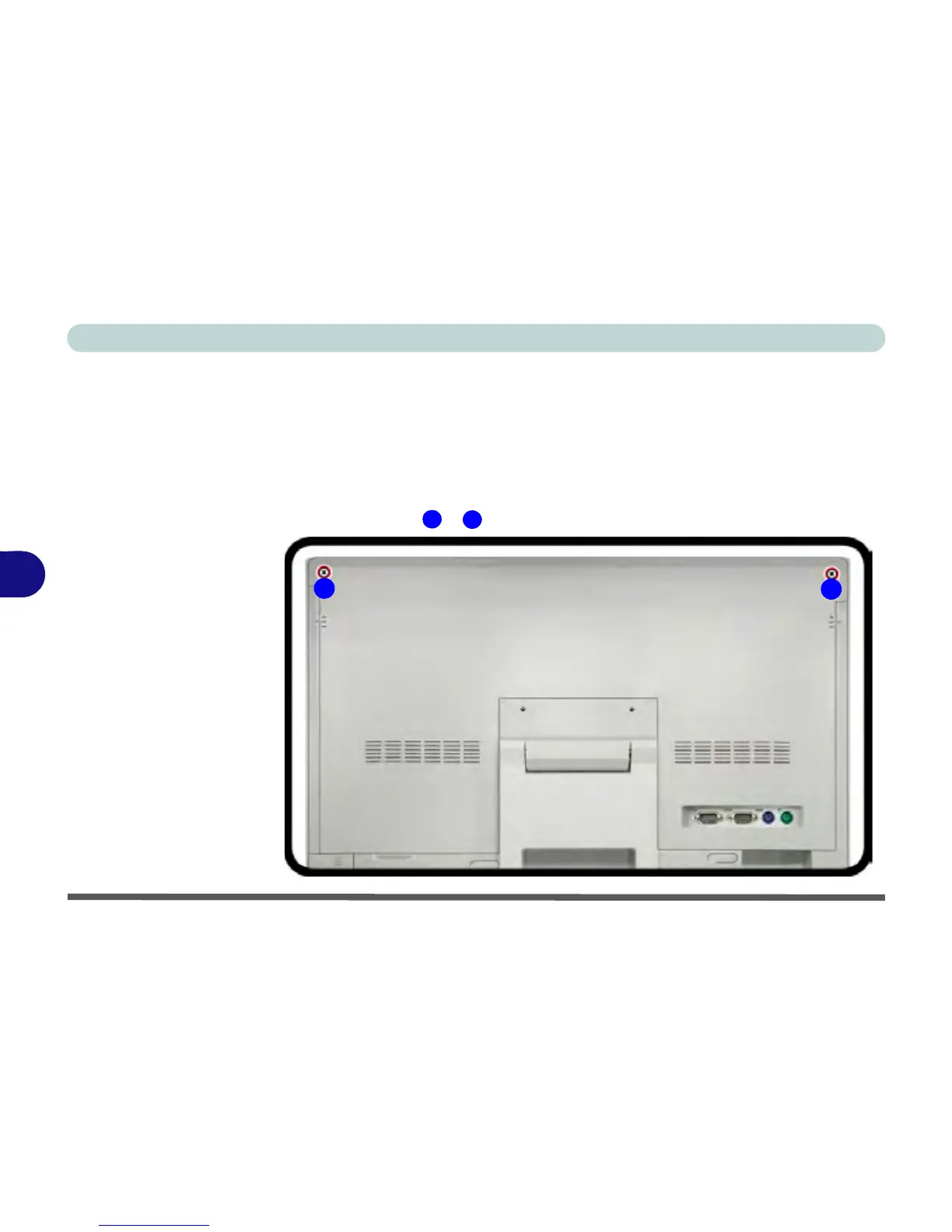
Removing the Rear Component Cover
Before undertaking any upgrade procedure it is necessary to remove the rear cover
component cover to access the components.
1. Turn off the computer and disconnect all cables and peripherals.
2. Carefully place the computer flat with the LCD facing down (make sure you cover
the LCD to avoid scratches) so that you may access the rear cover.
3. Remove screws & .



 To Next Page