HDMI-In Port 1 - 13
Quick Start Guide
1
Menu Button
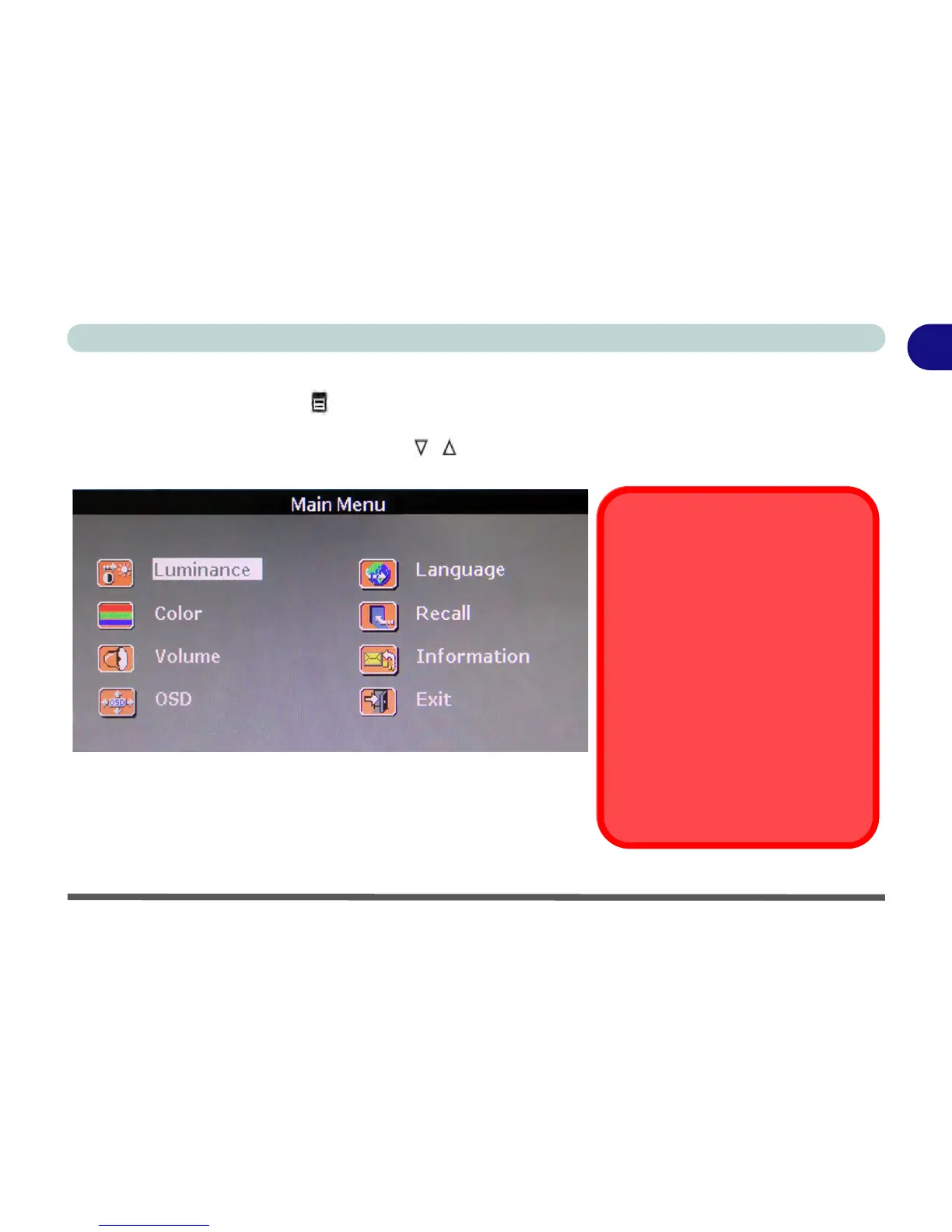
Press and hold the menu button when an HDMI device is connected to the HDMI-In port to bring up the on
screen menu. This menu allows you to adjust the Luminance, Color, Volume, On Screen Display and interface
Language. Use the decrease/increase buttons to move up and down the menus, use the menu button to
select an item and use the decrease/increase buttons to make adjustments.
Figure 1 - 8 - Main Menu (If HDMI Device is Connected)
HDMI Cable Removal in
Hibernate or Sleep Modes
Note that (as part of the power saving
feature) if the computer is in Sleep or
Hibernate modes, and the HDMI ca-
ble is removed from the HDMI-In port,
any settings adjusted in the Main
Menu will revert to the default settings
when the HDMI cable is plugged-in
again.
It is recommended that you shut the
computer down by choosing the Shut
Down (see page 1 - 5 or D - 2) com-
mand in Windows before removing
the HDMI cable.



 To Next Page