Wireless LAN Module (Windows 7) D - 39
Windows 7
Windows 7
Connecting to a Wireless Network Using Intel
® PROSet Wireless
(For Intel® WLAN Modules Only)
1. Make sure the Wireless LAN module is on.
2. Access the Intel®
WiFi Connection Utility from the Start menu (Start > All Programs > Intel PROSet
Wireless > WiFi Connection Utility).
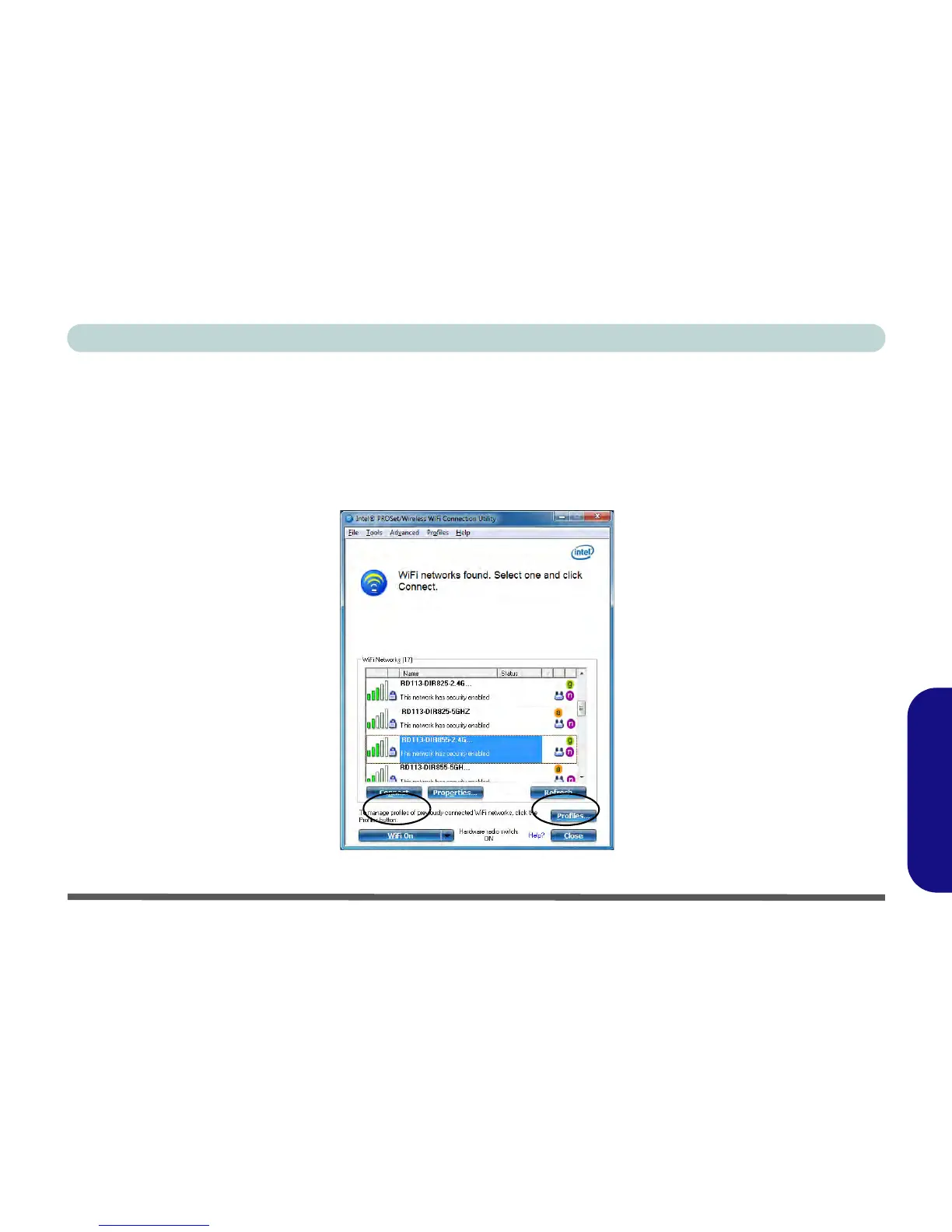
3. Click/tap to select a network from the found list WiFi network access points, or click/tap Refresh to update the
list.
Figure D - 21 - Intel® PROSet/Wireless WiFi Connection Utility (Connect)



 To Next Page