Trusted Platform (Security) Module (Windows 7) D - 71
Windows 7
Windows 7
Initializing TPM
1. Run the application from the Infineon Security Platform Solution > Manage Security Platform item in the
Start > Programs menu.
2. Click/tap User Settings (tab) and click/tap Yes, or right-click the icon in the notification area of the taskbar,
and select Security Platform Initialization (or click/tap the Security Platform State taskbar bubble).
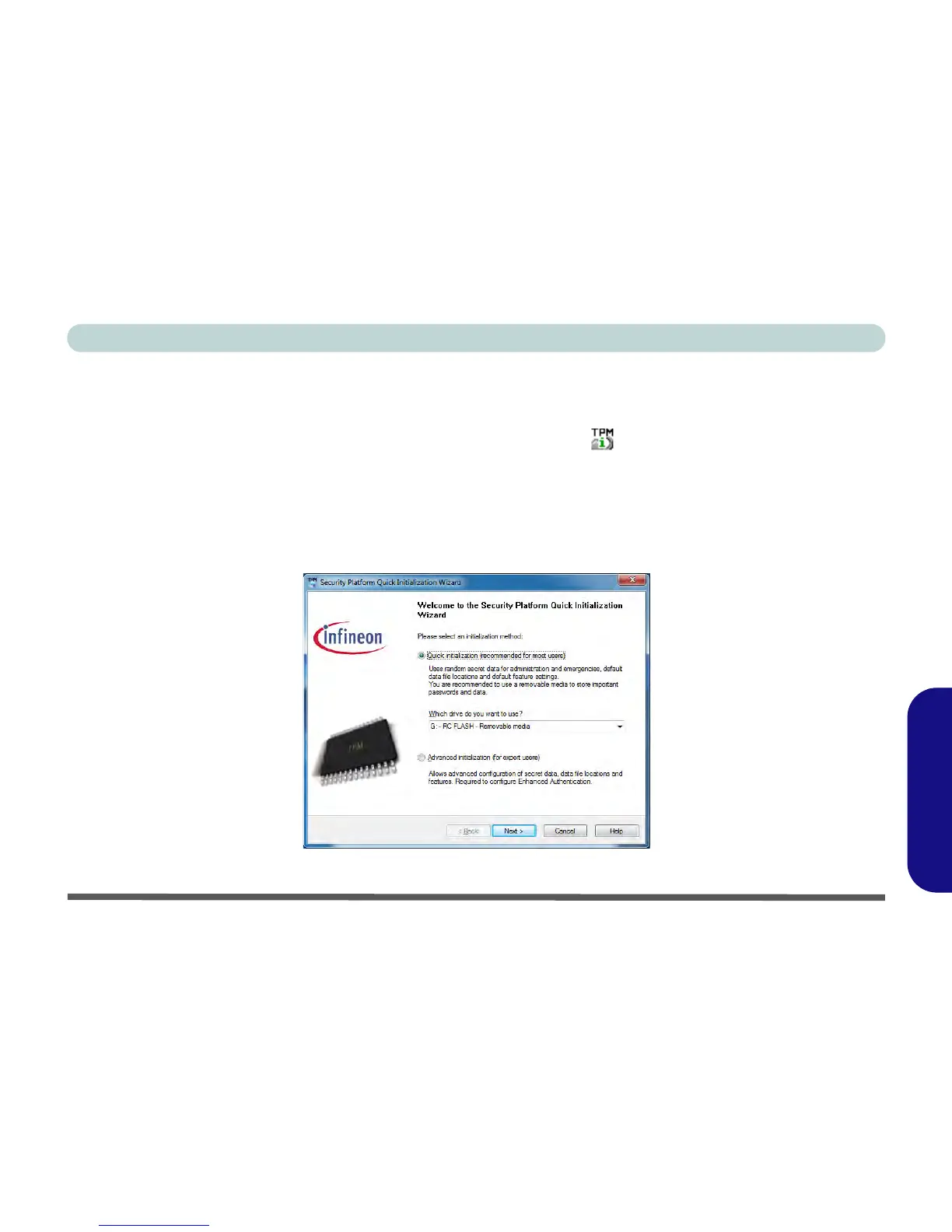
3. The Quick Initialization method will automatically be selected for you (if you need to use advanced settings
provided by your network administrator then select Advanced Initialization).
4. You will need to use a removable media (e.g. a USB Flash Drive) to store passwords and data (keep the media
in a safe place until required).
5. Select the drive you want to use from the drop-down menu and click/tap Next.
Figure D - 45 - Security Platform Quick Initialization Wizard



 To Next Page