D - 22 Driver Installation
Windows 7
Windows 7
Optional Drivers
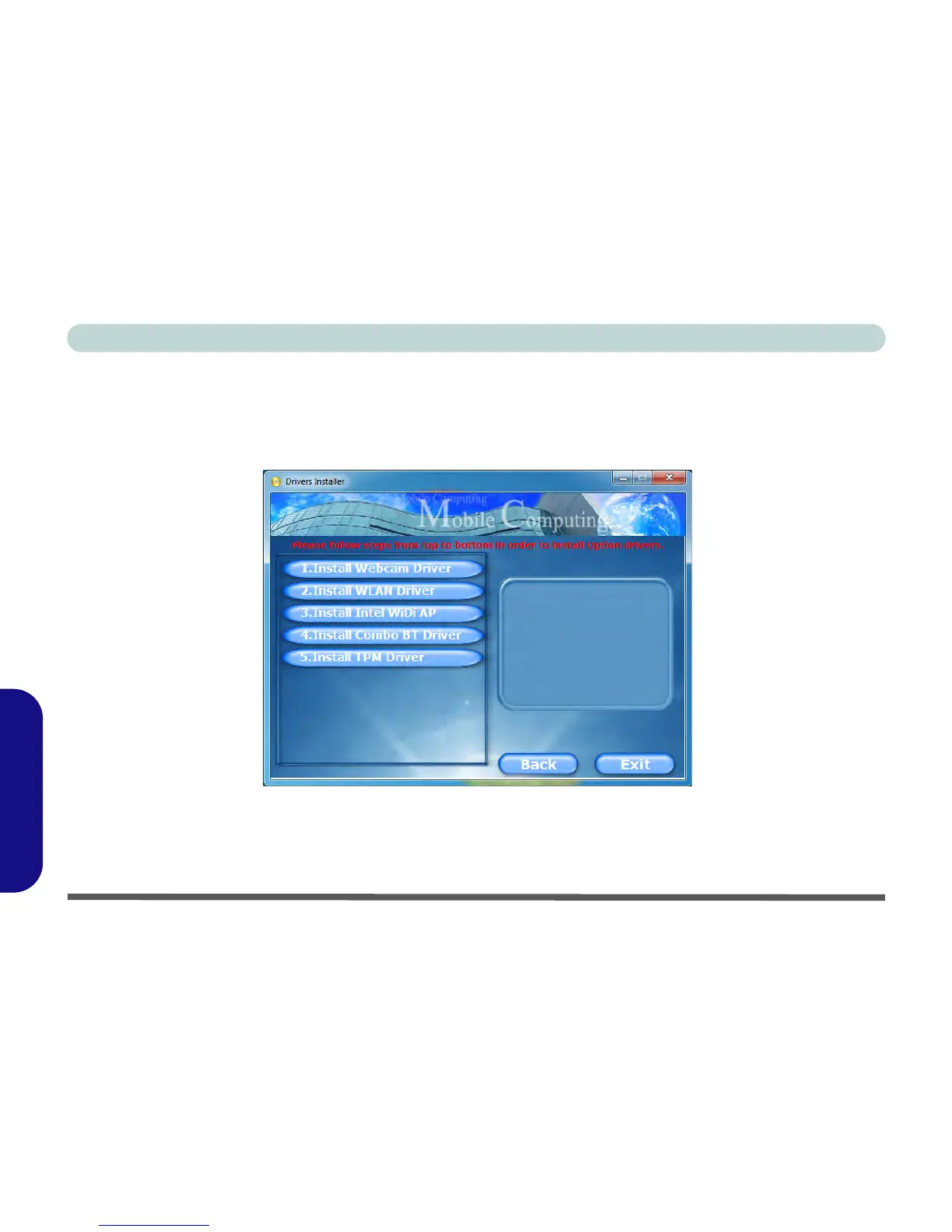
See the pages indicated in Table D - 4, on page D - 16 for the driver installation procedures for any modules
included in your purchase option. Insert the Device Drivers & Utilities + User’s Manual disc and click/tap Op-
tion Drivers (button) to access the optional driver menu.
Figure D - 14 - Optional Drivers



 To Next Page