D - 50 Wireless LAN Module (Windows 7)
Windows 7
Windows 7
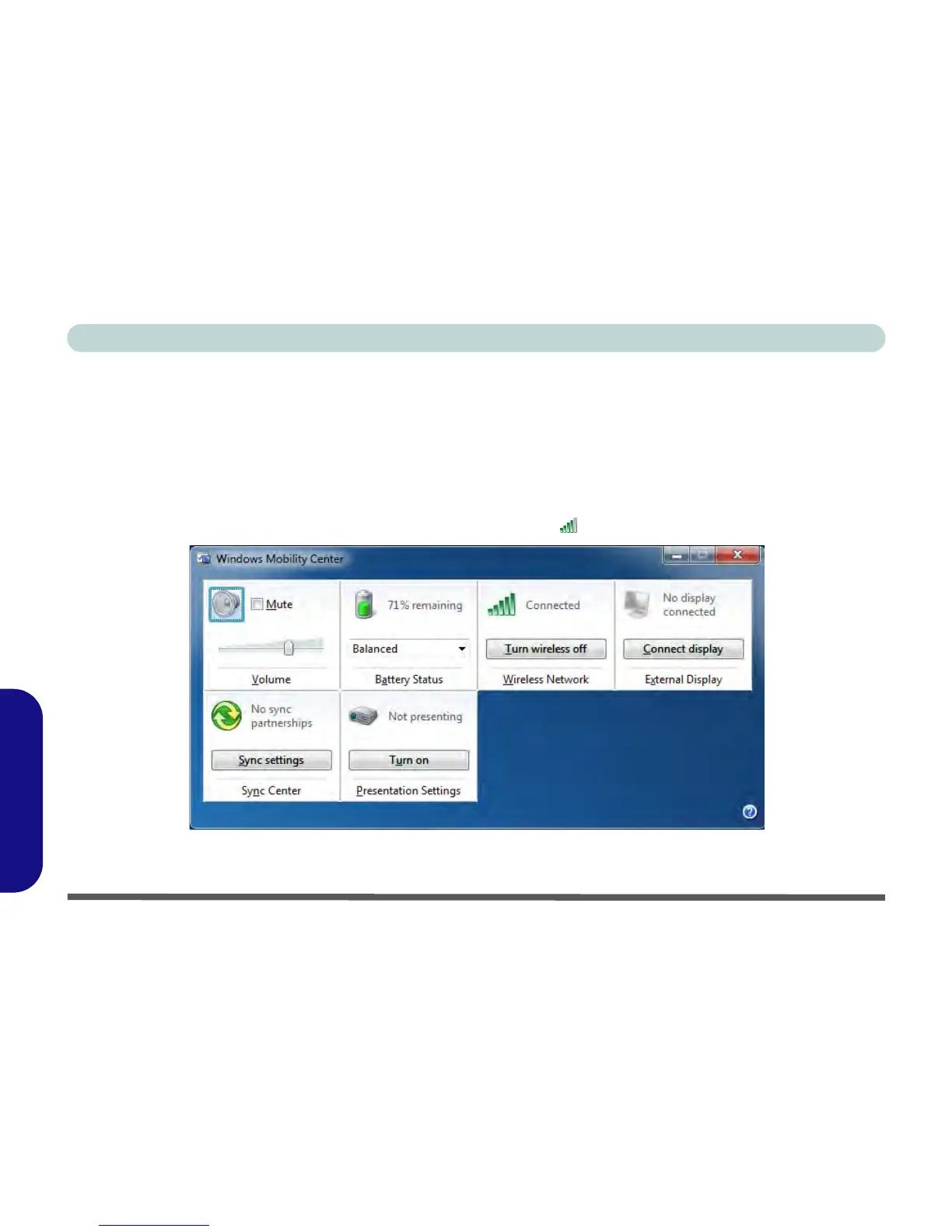
Windows Mobility Center
The Windows Mobility Center control panel provides an easy point of access for information on battery status,
power plans used and wireless device status etc.
To access the Windows Mobility Center:
1. Click/tap Start, and click/tap Control Panel (or point to Settings and click/tap Control Panel).
2. Double-click/tap Windows Mobility Center (Mobile PC).
3. Click/tap the button to Turn wireless off/on, or click/tap the icon to access the network menu.
Figure D - 29 - Windows Mobility Center



 To Next Page