D - 12 Power Options
Windows 7
Windows 7
Power Options
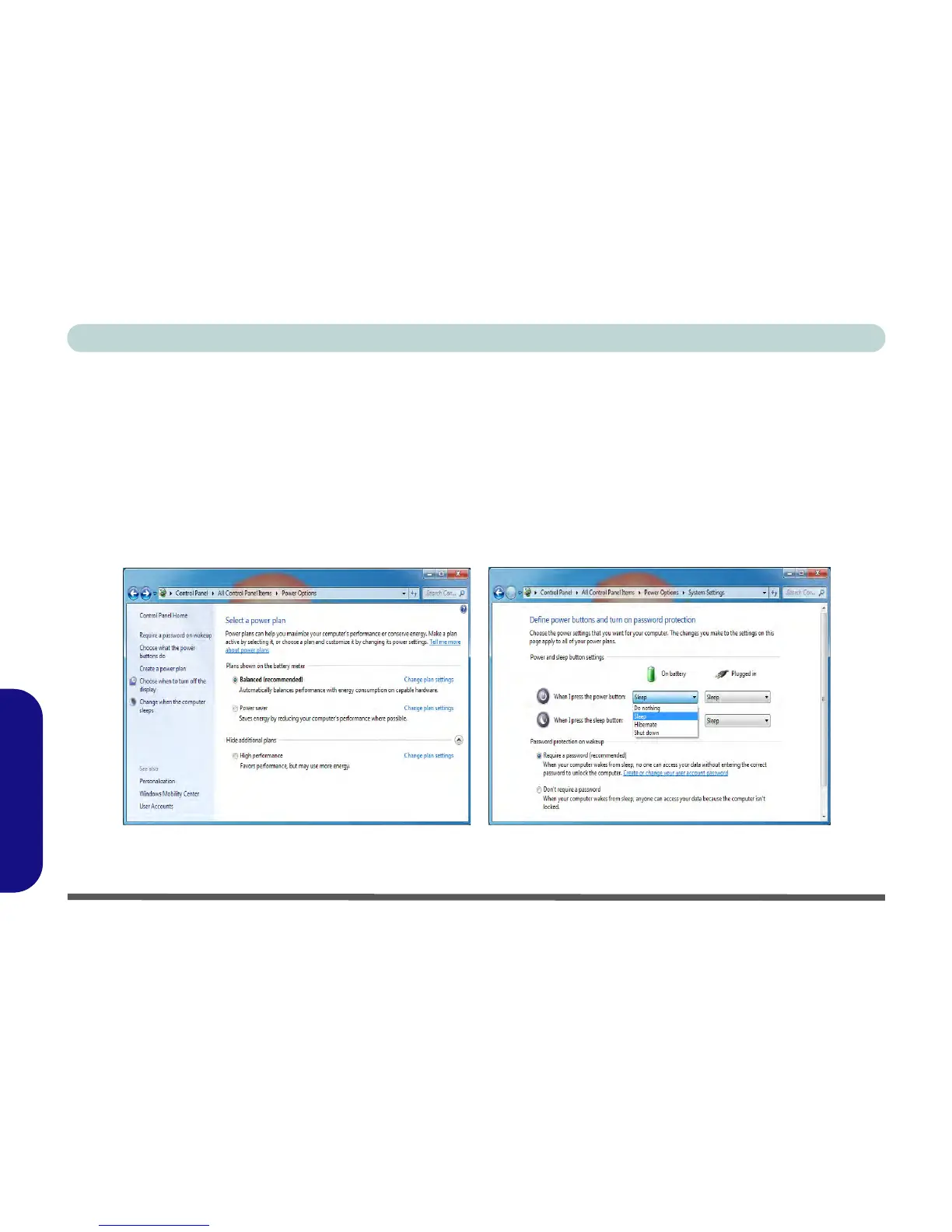
The Power Options (Hardware and Sound menu) control panel icon in Windows allows you to configure pow-
er management features for your computer. You can conserve power by means of power plans and configure
the options for the power button, sleep button, display and sleep mode from the left menu. Note that the power
saver plan may have an affect on computer performance.
Click to select one of the existing plans, or click/tap Create a power plan in the left menu and select the options
to create a new plan. Click/tap Change plan settings and click/tap Change advanced power settings to access
further configuration options.
Figure D - 9 - Power Options



 To Next Page