Features & Components
Optical (CD/DVD) Device 2 - 5
2
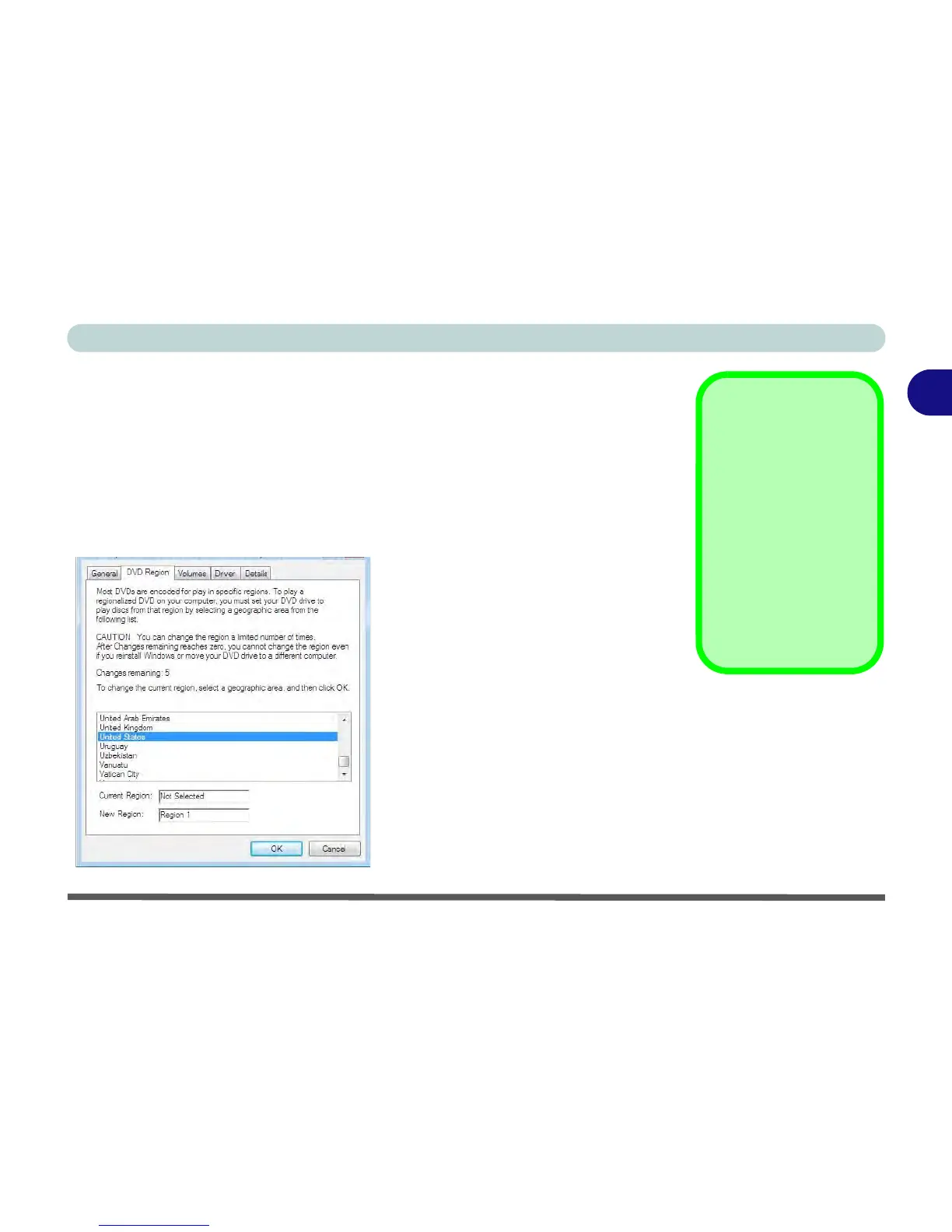
DVD Regional Codes
To change the DVD regional codes:
1. Go to the Control Panel
2. Double-click/tap Device Manager (Hardware and Sound), then click/tap the +
next to DVD/CD-ROM drives.
3. Double-click/tap on the DVD-ROM device to bring up the Properties dialog box,
and select the DVD Region (tab) to bring up the control panel to allow you to
adjust the regional code.
• Region 1 - USA & Canada
• Region 2 - Western Europe, Japan,
South Africa, Middle East & Egypt
• Region 3 - South-East Asia, Taiwan,
South Korea, The Philippines, Indo-
nesia, Hong Kong
• Region 4 - South & Central Amer-
ica, Mexico, Australia, New Zealand
• Region 5 - N Korea, Russia, Eastern
Europe, India & Most of Africa
• Region 6 - China



 To Next Page