Upgrading The Computer
6 - 18 Upgrading the System Memory (RAM)
6
Upgrading the System Memory (RAM)
The computer has two memory sockets for 204 pin Small Outline Dual In-line (SO-
DIMM) DDRIII (DDR3) type memory modules (see “Memory” on page C - 2 for
details of supported module types).
The total memory size is automatically detected by the POST routine once you turn
on your computer.
1. Remove the battery and rear cover (see pages 6 - 3 & 6 - 5).
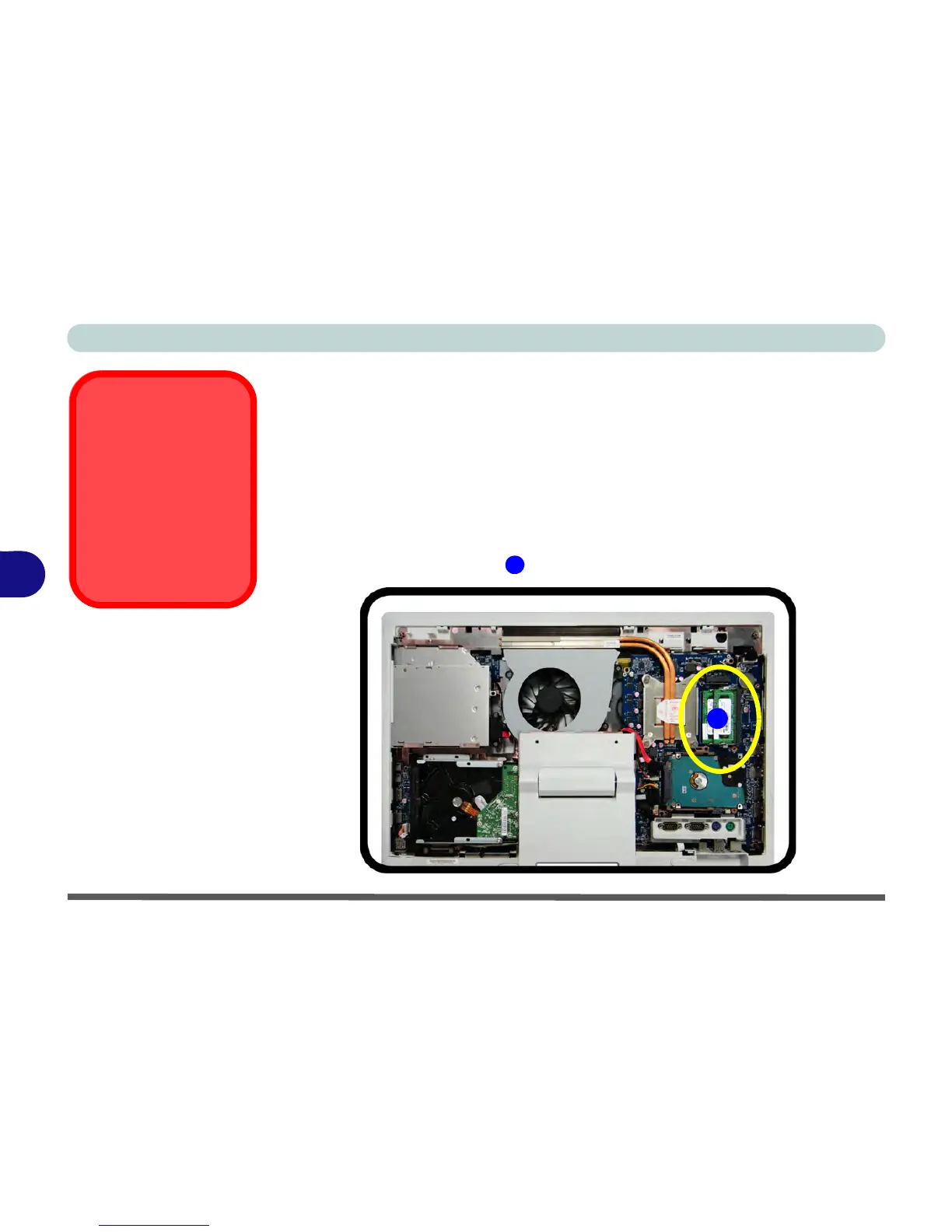
2. The RAM is located at point .



 To Next Page