Upgrading The Computer
Upgrading the Optical (CD/DVD) Device Drive 6 - 17
6
Upgrading the Optical (CD/DVD) Device Drive
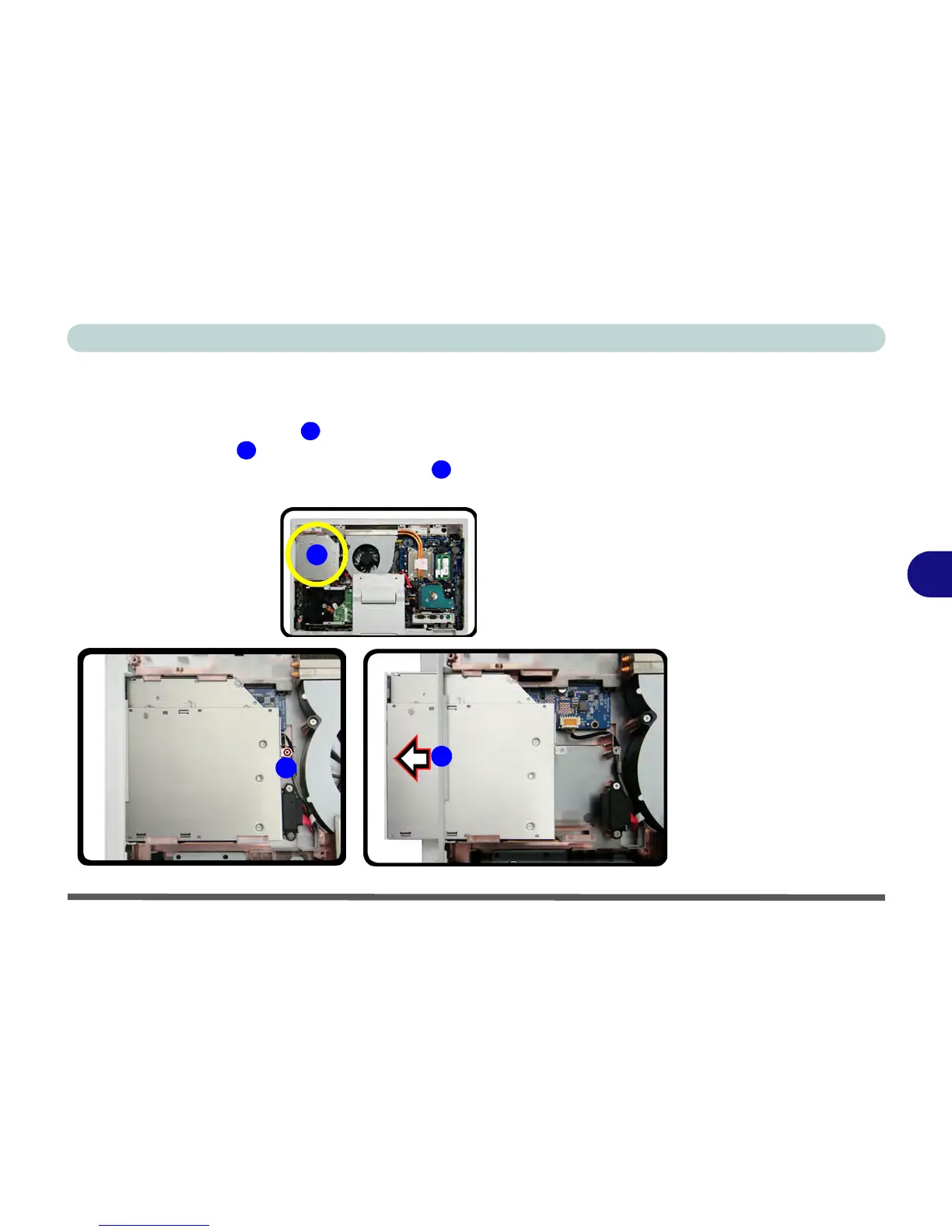
1. Remove the battery and rear cover (see pages 6 - 3 & 6 - 5).
2. The ODD is located at point .
3. Remove the screw , and use a screwdriver to carefully push out the optical
device out in the direction of the arrow at point .
4. Reverse the process to install any new optical device.



 To Next Page