Upgrading The Computer
6 - 16 Upgrading the Hard Disk Drive/SSD
6
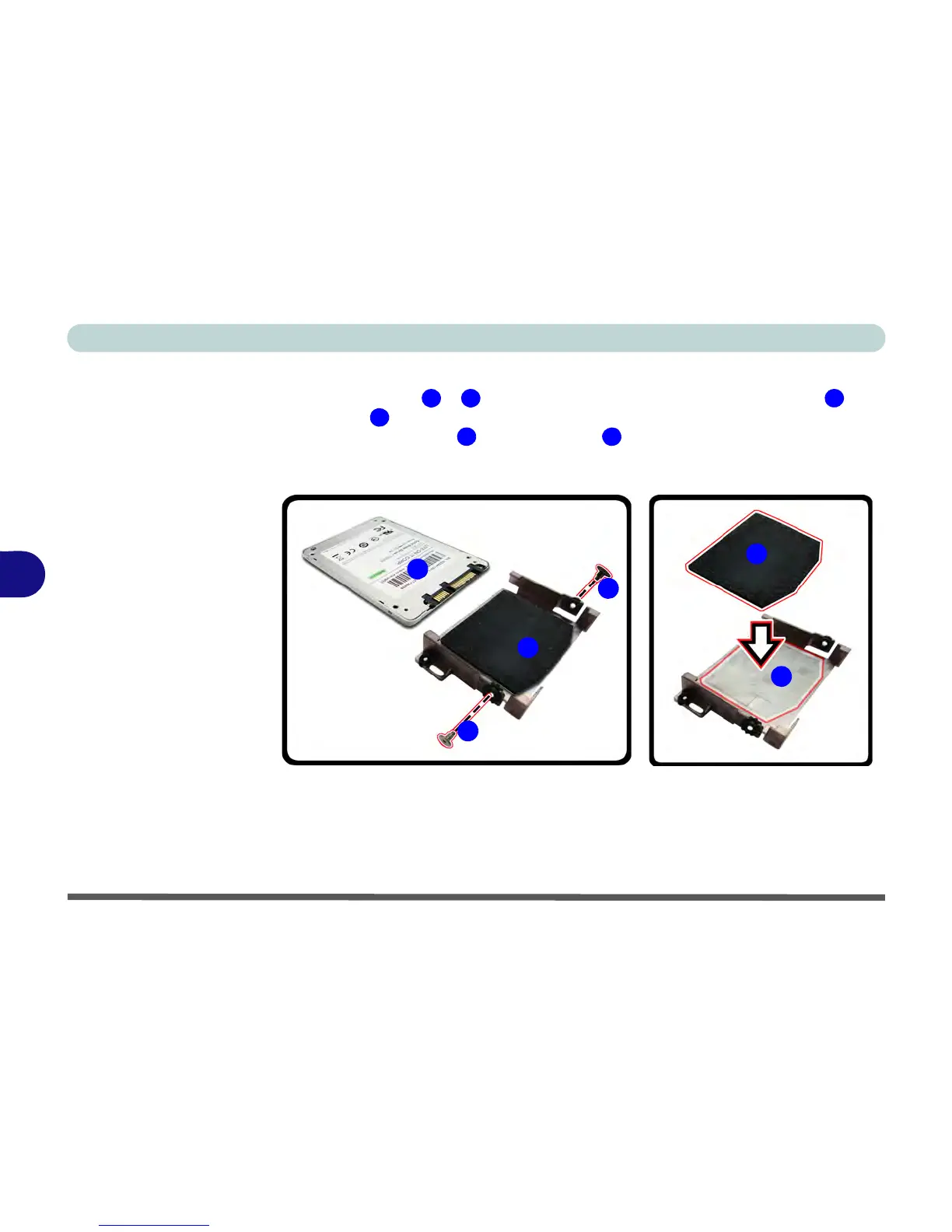
Removing the SSD from the Bracket.
1. Remove screws & and separate the bracket and sponge assembly from
the HDD .
2. Separate the bracket from the sponge .
3. Make sure you insert the sponge when installing a new HDD.
4. Reverse the process to install a new hard disk.



 To Next Page