1 - 24 Windows 8 Start Screen & Desktop
Quick Start Guide
1
Windows 8 Start Screen & Desktop
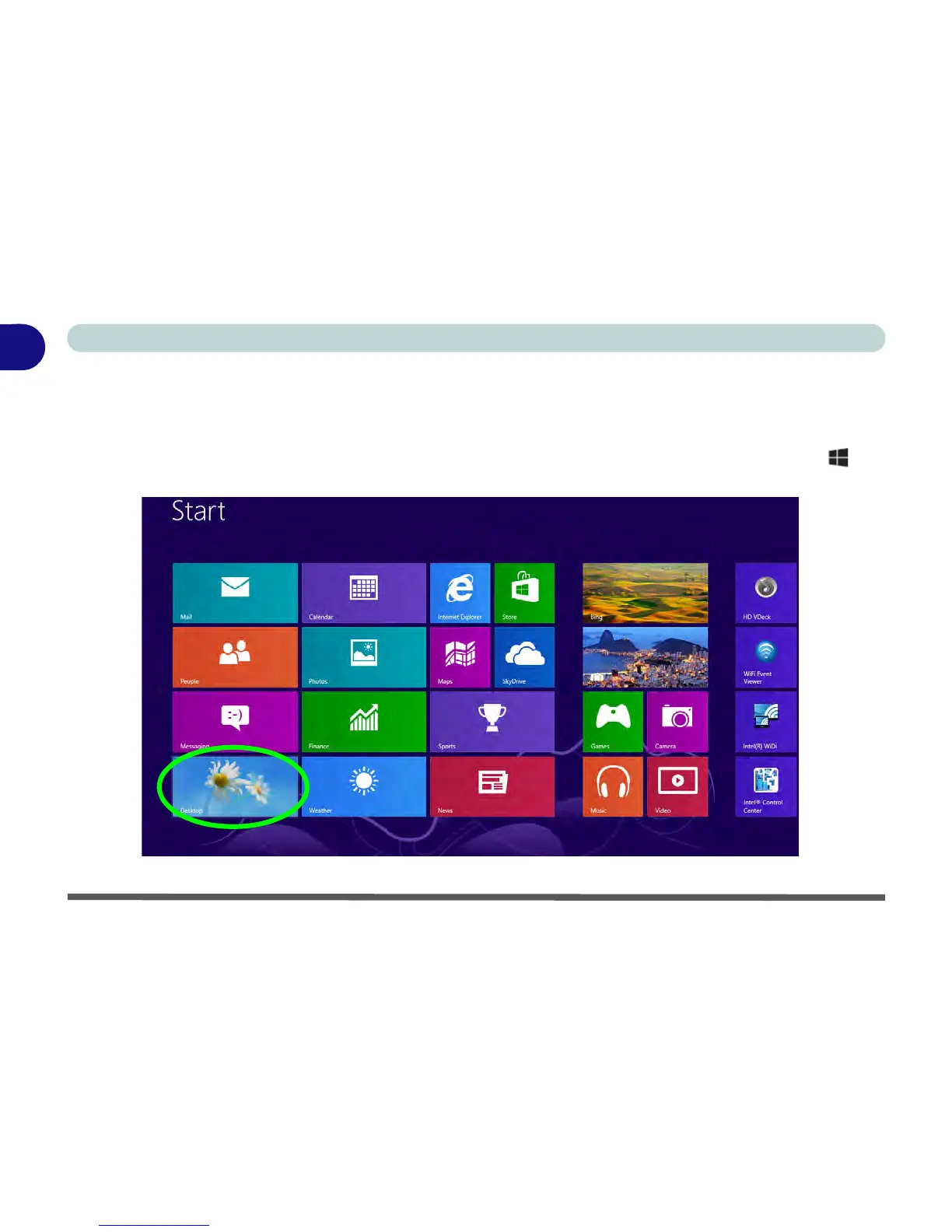
The Apps, control panels, utilities and programs within Windows 8 are accessed from the Metro user interface’s
Start screen and/or Windows Desktop. The Desktop (which runs as an app within the Start screen) can be ac-
cessed by clicking/tapping the Desktop item in the Start screen (or by using the Windows Logo Key + D
key combination).
Figure 1 - 17 - Windows Start Screen



 To Next Page