Tablet PC Input Options D - 81
Windows 7
Windows 7
Tablet PC Input Options
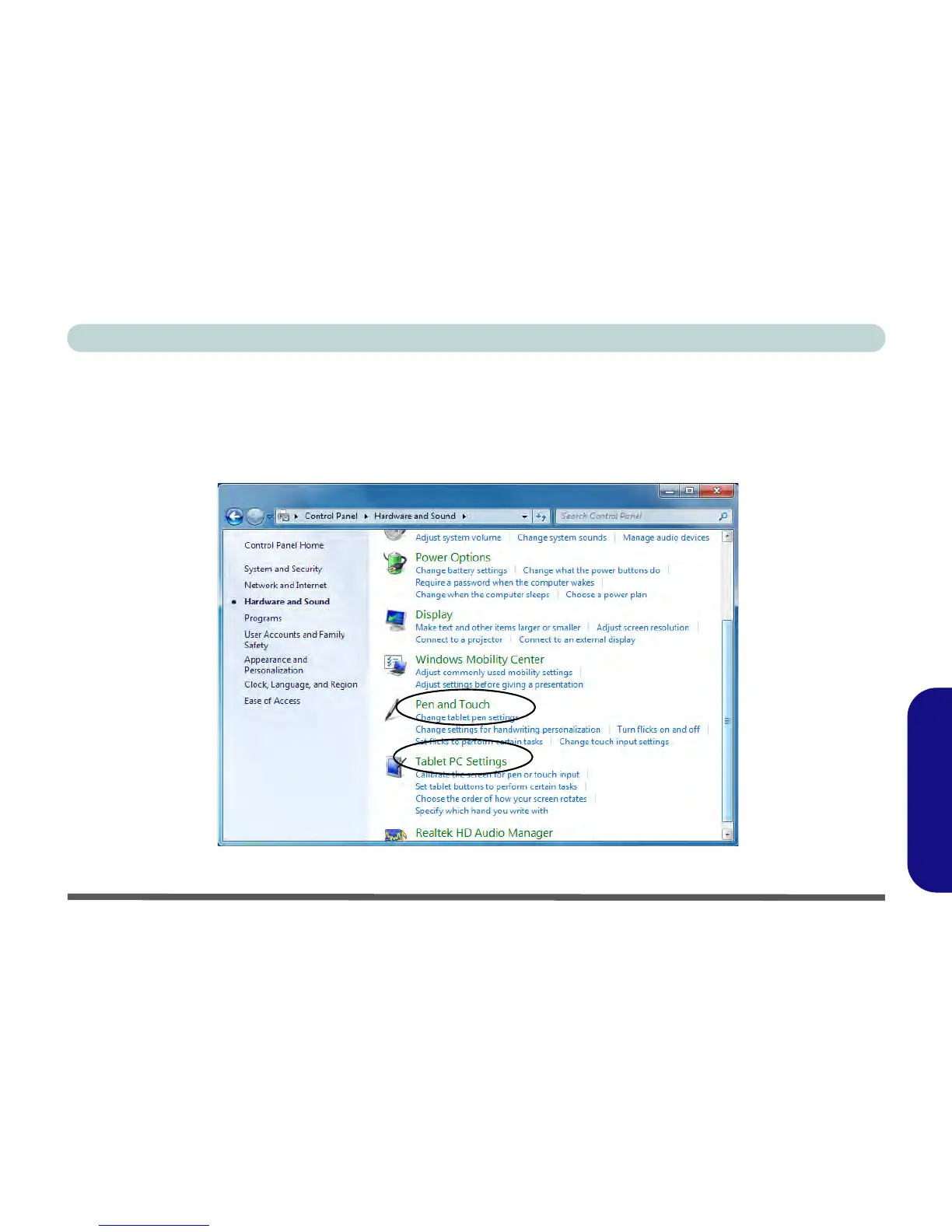
Tablet PC settings (for touch screen input) may be customized from the Tablet PC Settings in Windows 7.
1. To access the control panel click/tap Start, and then click/tap Control Panel.
2. The Tablet PC Settings and Pen and Touch control panel are in the Hardware and Sound category.
Figure D - 55 - Pen and Touch & Tablet PC Settings Control Panels



 To Next Page