D - 38 Wireless LAN Module (Windows 7)
Windows 7
Windows 7
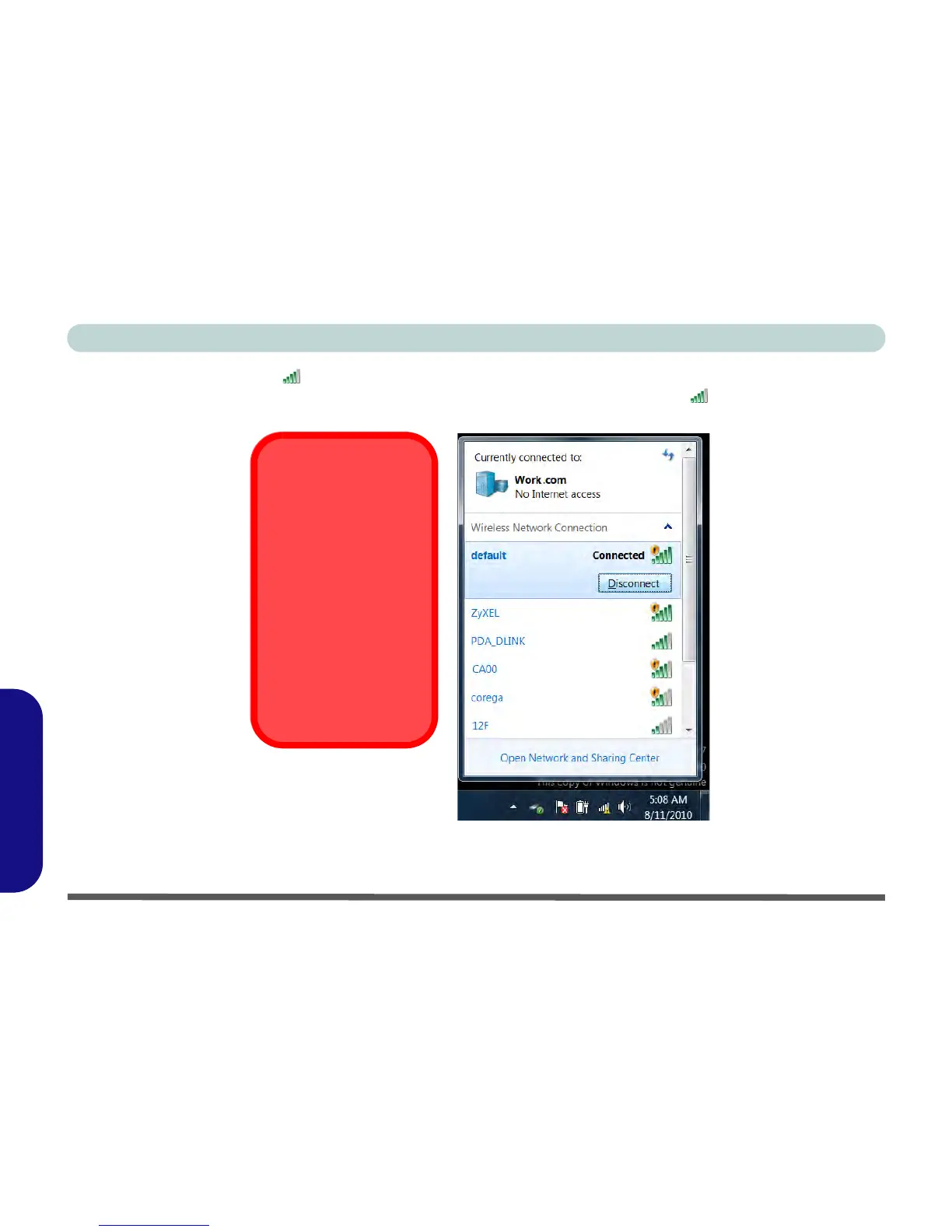
5. Click/tap the taskbar icon to see any currently connected networks.
6. To disconnect from the wireless network you can click/tap the taskbar wireless icon , click/tap the active
connection and then click/tap Disconnect (button).
Figure D - 20 - Click/tap Taskbar Icon Menu - Disconnect



 To Next Page